

AI Music Detector Online Free: 10 Tools Compared

The popular advice is simple. Paste a track into a free detector, read the percentage, and move on. That advice fails because these tools don't answer the same question. A playlist scanner estimates exposure across a catalog, a forensic demo inspects artifacts in one file, and a speech detector may tell you almost nothing about a vocal piece. Treating them as interchangeable versions of an AI music detector online free creates false confidence, especially when a consequential decision follows.
Scale explains part of the problem. A 2025 benchmark built on 30,000 full tracks totaling about 1,770 hours and 33 minutes compared 10,000 human-made recordings with 20,000 tracks generated and released by users of Suno and Udio. That design matters because performance can shift across generators, genres, formats, and recording conditions. A detector trained on familiar systems may degrade on a newer or unseen one.
So match the tool to the evidence you need. Preserve the original file before you test anything. Record the tool, date, and raw score, and treat any single result as triage evidence, not proof of authorship. The ten options below fall into distinct groups, and that distinction is more useful than any headline score. Choose by detection scope, evidence quality, privacy, and workflow. That is where a free check becomes useful.
1. Deezer AI Music Detector
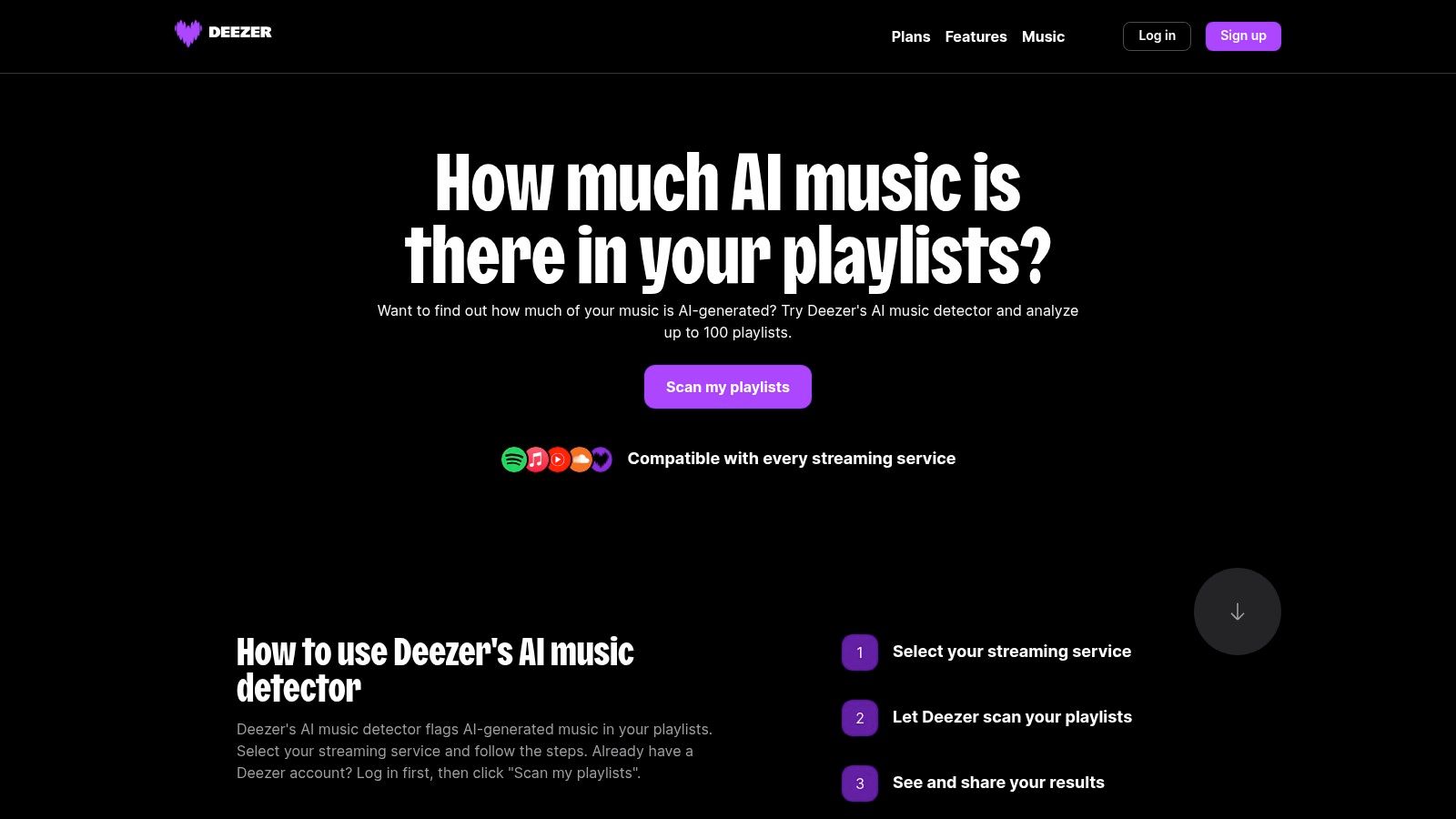
Start here if your question is about a playlist, not a file. The Deezer AI Music Detector scans playlists from major streaming services, including Spotify, Apple Music, and YouTube Music, and works across more than 20 services in 27 languages. It's based on the detector Deezer uses to identify AI music on its own platform, so the workflow is built for catalog-level screening.
Where It Fits Best
- Playlist exposure: Estimate how much of a collection appears AI-generated.
- Fast triage: Get a shareable, playlist-level result without uploading individual files.
- Listener checks: See whether recommendations have gradually filled a playlist with synthetic tracks.
That scope is also the limit. You won't get the detailed, file-level explanation you'd want for a dispute about one recording. For that next step, this guide to an AI song detector helps separate playlist estimates from single-track evidence.
Pros: Free, offered by a major streaming service, and quick across an entire playlist. Cons: Focused on playlists rather than detailed single-file analysis, with limited explanation compared with research-oriented forensic tools. Use it to decide where to look closer. Don't ask it to settle who made a specific track.
2. SubmitHub AI Song Checker
Curators face a different problem. They don't need a playlist percentage, they need a quick second opinion on one submitted track before pitching or playlisting. That's the job the SubmitHub AI Song Checker is built for. You upload a full track and receive a likelihood score, with result history retained on your account.
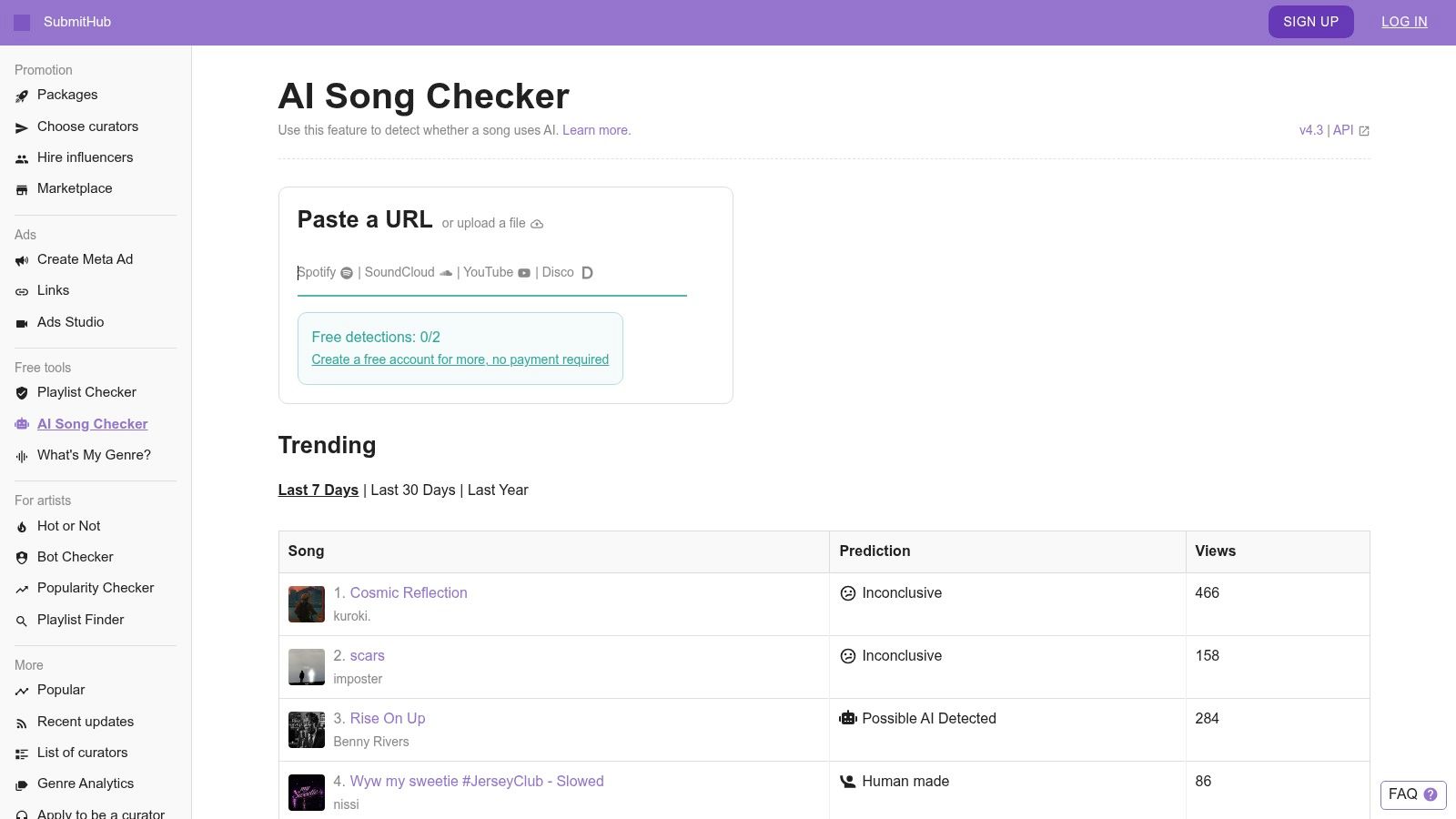
SubmitHub publishes information about its methodology and scoring, which is worth reading before you rely on the number. Pair it with practical guidance on how to spot AI music so human listening checks sit alongside the automated score.
Why so much caution for a music-specific tool? Benchmarks show how sharply results vary by architecture. On FakeMusicCaps, a MobileNet classifier reached 96.8% accuracy with an F1 score of 0.968, while a VGG-based system managed only 56.4% accuracy and an F1 score of 0.408. A polished interface doesn't remove that underlying uncertainty.
Pros: Easy to use, familiar to curators, and designed for music including hybrid tracks. Cons: It may produce false positives or false negatives, and it stores uploads to support result review, so read the privacy policy before sharing unreleased material. For artists and labels, that privacy point matters as much as the score.
3. Intrect ArtifactNet Demo
Most tools give you a number and stop. The Intrect ArtifactNet Demo tries to explain itself, and that changes how you can use it. This free, browser-based research demo accepts an uploaded track, looks for codec-level artifacts associated with AI-generated music, and returns a probability with a rationale.
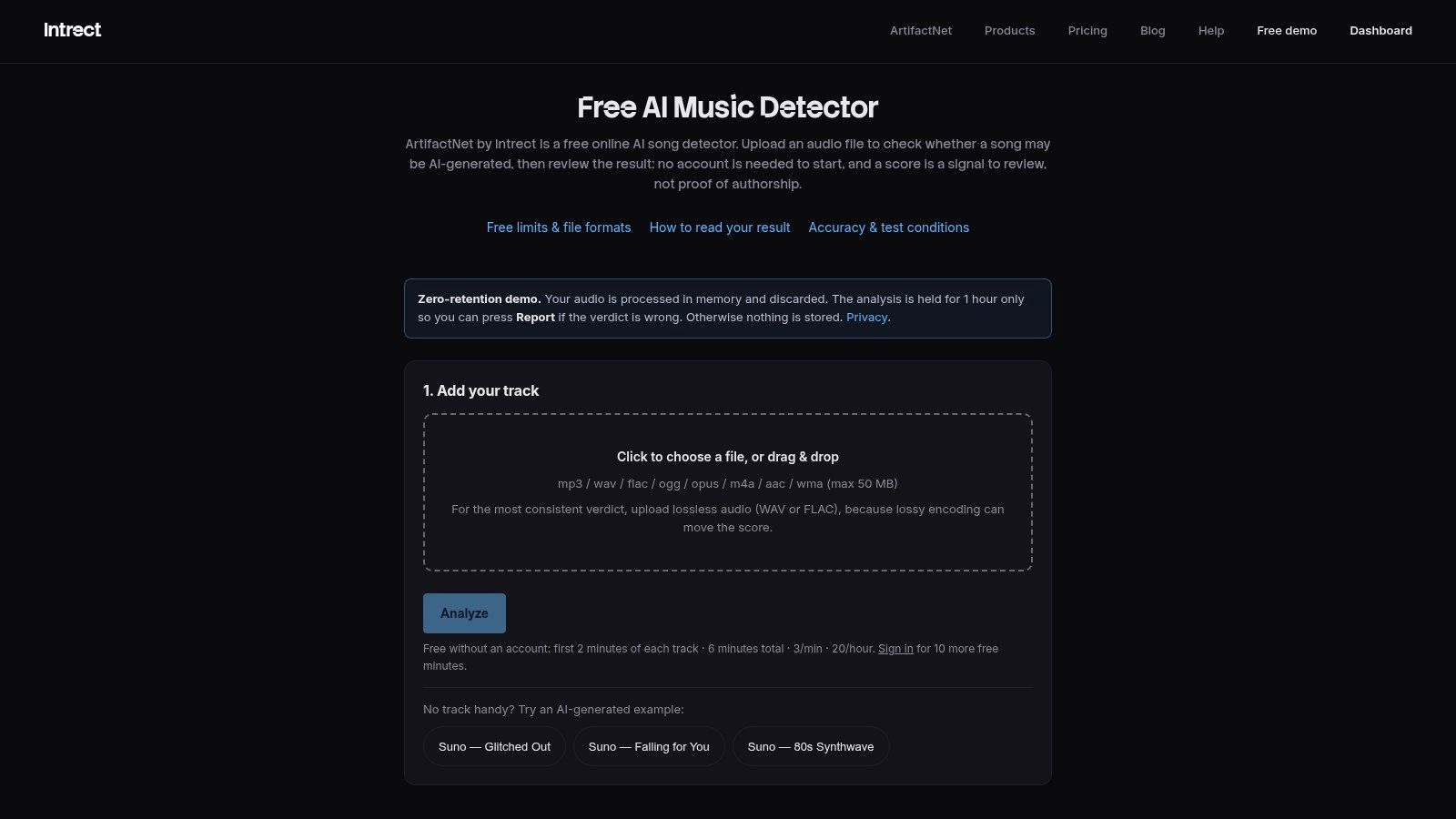
The approach is described as forensic residual physics, with an emphasis on lightweight detection and generalization. For an editor deciding whether to question a track's origin, a stated rationale is more actionable than a bare percentage. You can quote the reasoning in an internal note, compare it with another tool, or decide the evidence isn't strong enough.
What To Watch
- Demo limits: File formats and processing capacity may be restricted.
- Single-track scope: There's no playlist scanning or complete production workflow.
- Interpretation load: A rationale still needs a human to judge whether it applies.
Pros: A transparent, research-centered perspective whose explanations can inform editorial decisions. Cons: It's a demo, not a managed service, so don't build a high-volume process on it. Think of ArtifactNet as the AI music detector online free option for one disputed file, where you need reasons you can examine, not just a verdict you have to trust.
4. Resemble AI Detect
If your case involves voice as well as music, Resemble AI Detect adds a layer most music checkers don't offer. It returns a synthetic-audio probability with metadata and can check for supported watermarks, including SynthID, where available. In some cases it may attempt to identify the source model or provider, which is useful when attribution matters more than a simple real or fake label.
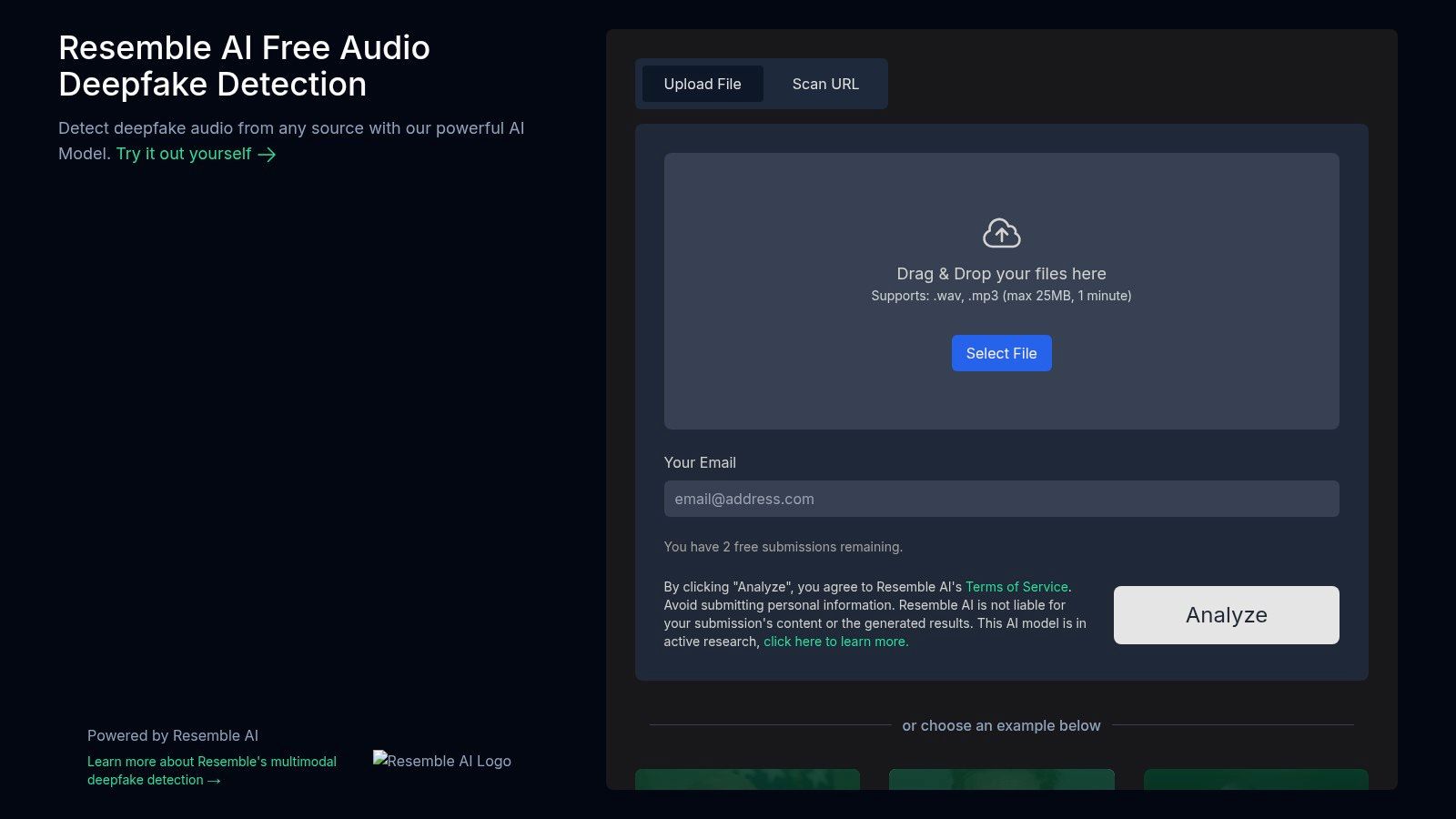
Practical rule: A watermark result and a classifier score are different kinds of evidence. Record them separately, because one can be absent while the other is strong.
Watermarking sits alongside spectral analysis in modern detection stacks. Industry reporting describes systems combining watermarking, spectral analysis, compositional fingerprints, and behavioral signals, though the accuracy figures cited there are provider claims rather than a standardized benchmark. If your investigation touches cloned voices, a broader voice AI platform selection guide can help you understand the generation side.
Pros: Combines a classifier with watermark checks and offers API access for advanced workflows. Cons: The free demo is limited, fuller use requires an account or API, and its strongest focus is voice, not music. Explanations aren't music-specific, so pair it with a dedicated music checker.
5. Hive AI-Generated Audio Detection
Trust and safety teams rarely check one file at a time by hand. They need screening that fits a moderation queue. Hive AI-Generated Audio Detection sits inside a broader AI-generated-content suite, accepts audio uploads for real-time classification, and offers developer documentation and API options.
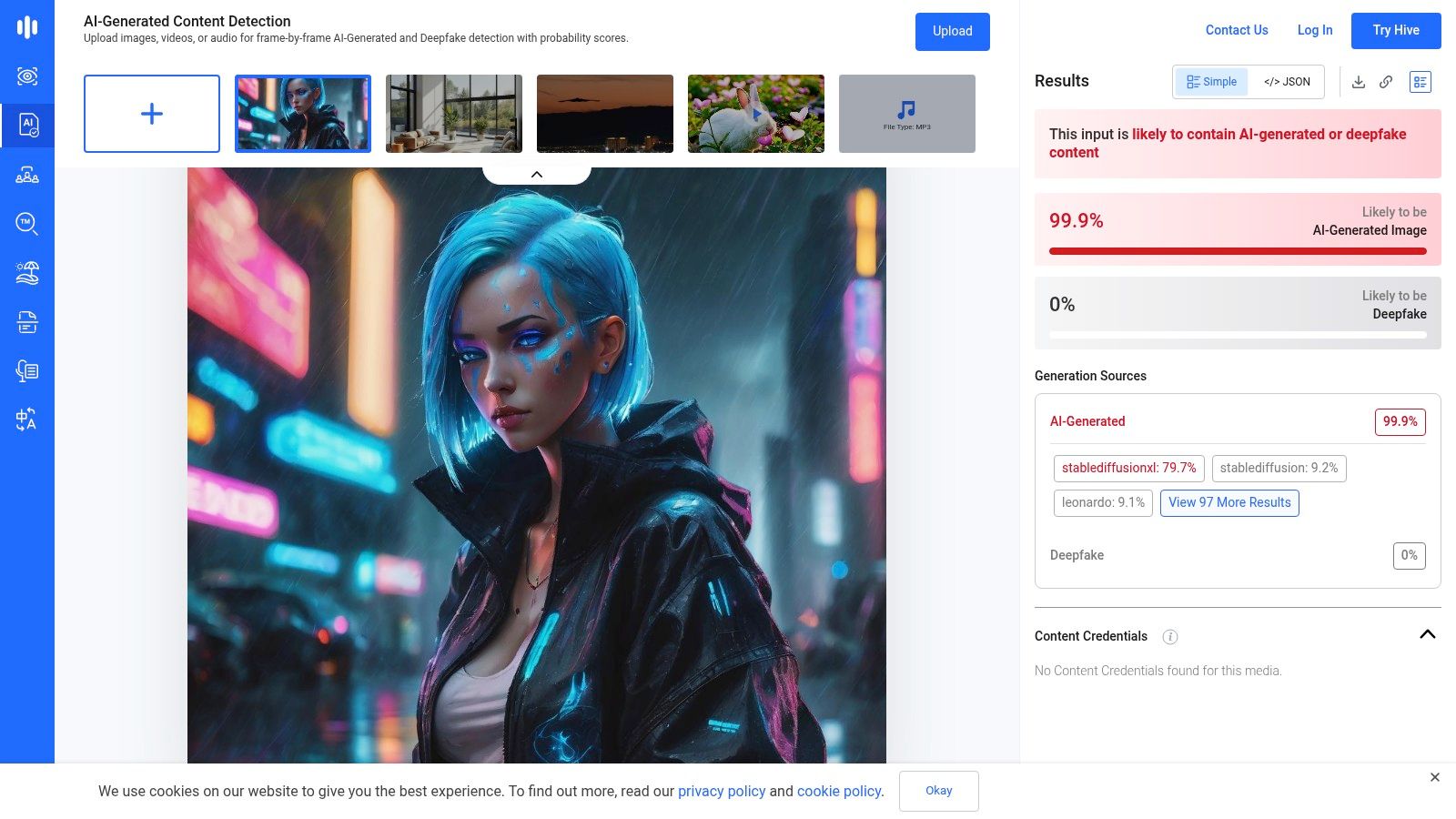
That positioning shapes the output. You'll get a fast classification suited to triage, not a detailed forensic narrative. Models are updated to address newer generators, which matters because static detectors age quickly. For context on how detection operates under time pressure, see this overview of real-time deepfake detection.
- Quick screening: Upload a clip in the public demo and get a classification.
- Multimodal context: Audio sits alongside other generated-content detectors from the same vendor.
- Production path: Move to the API when manual checks stop scaling.
Pros: Backed by a vendor with multimodal content-moderation experience and a simple, fast demo. Cons: Explanations are brief compared with academic tools, and deeper production use requires an API account. Choose Hive when throughput and integration matter more than a written rationale. For a single contested track, you'll probably want a second, more explanatory opinion. Keep raw scores for review rather than only the final label.
6. DeepFake-O-Meter (DFOM)
One score is easy to overtrust. The DeepFake-O-Meter, maintained by the University at Buffalo, addresses that directly by aggregating outputs from multiple audio deepfake detectors and reporting results model by model. Disagreement between models is itself information.
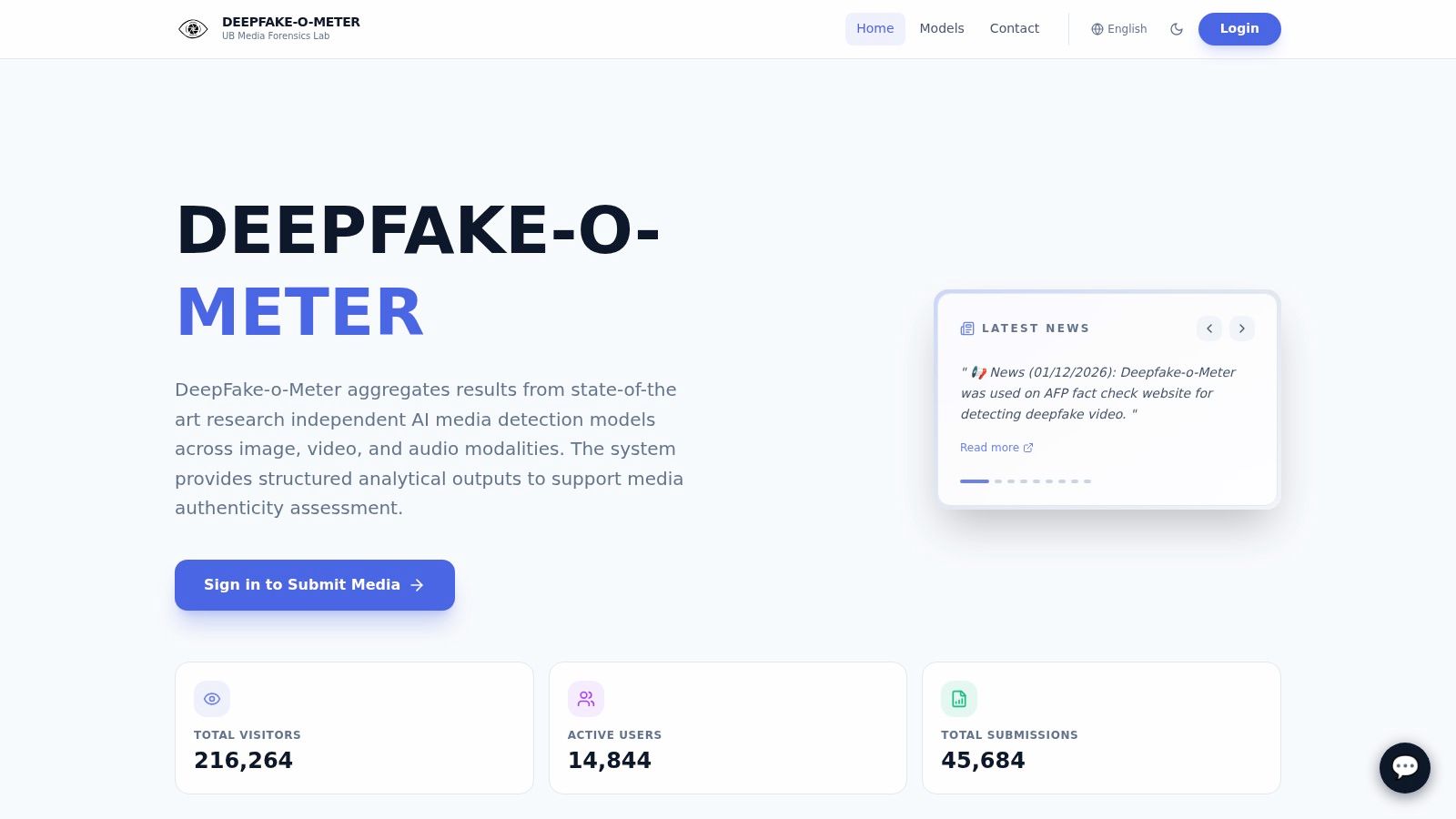
That matters because controlled accuracy collapses in messy audio. In broadcast-monitoring experiments, clean foreground music produced near-perfect results, but the strongest model reached only a 61.1% F1 score once music was mixed with speech, noise, and compression. A multi-model view won't fix bad audio, but it stops one brittle classifier from deciding alone.
Using It Well
Upload the longest, least-compressed, isolated segment you have. Track queued submissions through your account and save every model's output, not just the majority view.
Pros: Cross-model comparison with academic stewardship and research provenance. Cons: Signup is required, processing time and throughput can vary, and the interface is research-oriented rather than consumer-friendly. DFOM suits journalists, educators, and investigators who can wait for a second opinion and read conflicting results carefully. It isn't the tool for a quick check before posting. Slower here is a feature, not a flaw.
7. ElevenLabs Audio Detector
Be precise about what this one is. The ElevenLabs Audio Detector checks whether speech audio was likely generated by ElevenLabs. It is a provider-specific provenance tool, not a general AI music detector online free for any track, and it isn't optimized for music without vocals.
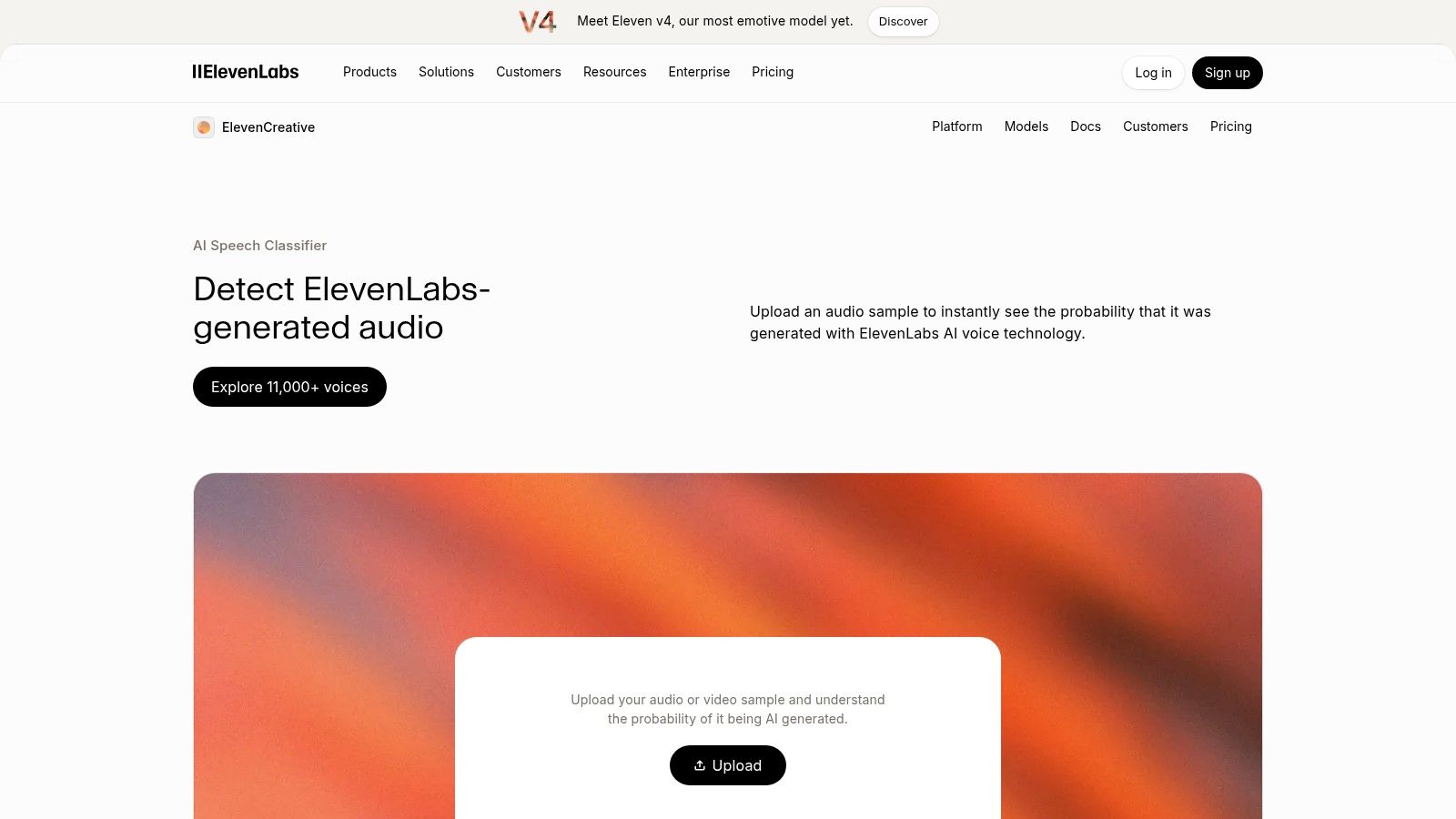
Within that narrow scope, first-party verification has real value. If a voiceover, spoken intro, or alleged voice clone is claimed to come from ElevenLabs, the company that made the generator is a logical place to check. Vocuno's ElevenLabs page gives additional background on the platform itself.
The risk is scope creep. A "not ElevenLabs" result says nothing about Suno, Udio, or any other generator, and nothing about the underlying music under a vocal. Record it as evidence about one provider and speech only.
Pros: First-party verification for ElevenLabs-generated speech and a clear fit for voice provenance claims. Cons: Limited to that provider, not designed for instrumental tracks, and you must be signed in. ElevenLabs itself provides guidance that this isn't a universal AI-audio detector. Use it when the provenance question already points to ElevenLabs. Otherwise you're asking the wrong tool.
8. OpenAI Verify
OpenAI Verify follows the same first-party logic as the previous entry, applied to OpenAI tools. Upload audio and it checks for relevant provenance signals suggesting OpenAI origin. It can complement C2PA or content credentials when those are present, which makes it useful in a documented chain of evidence.
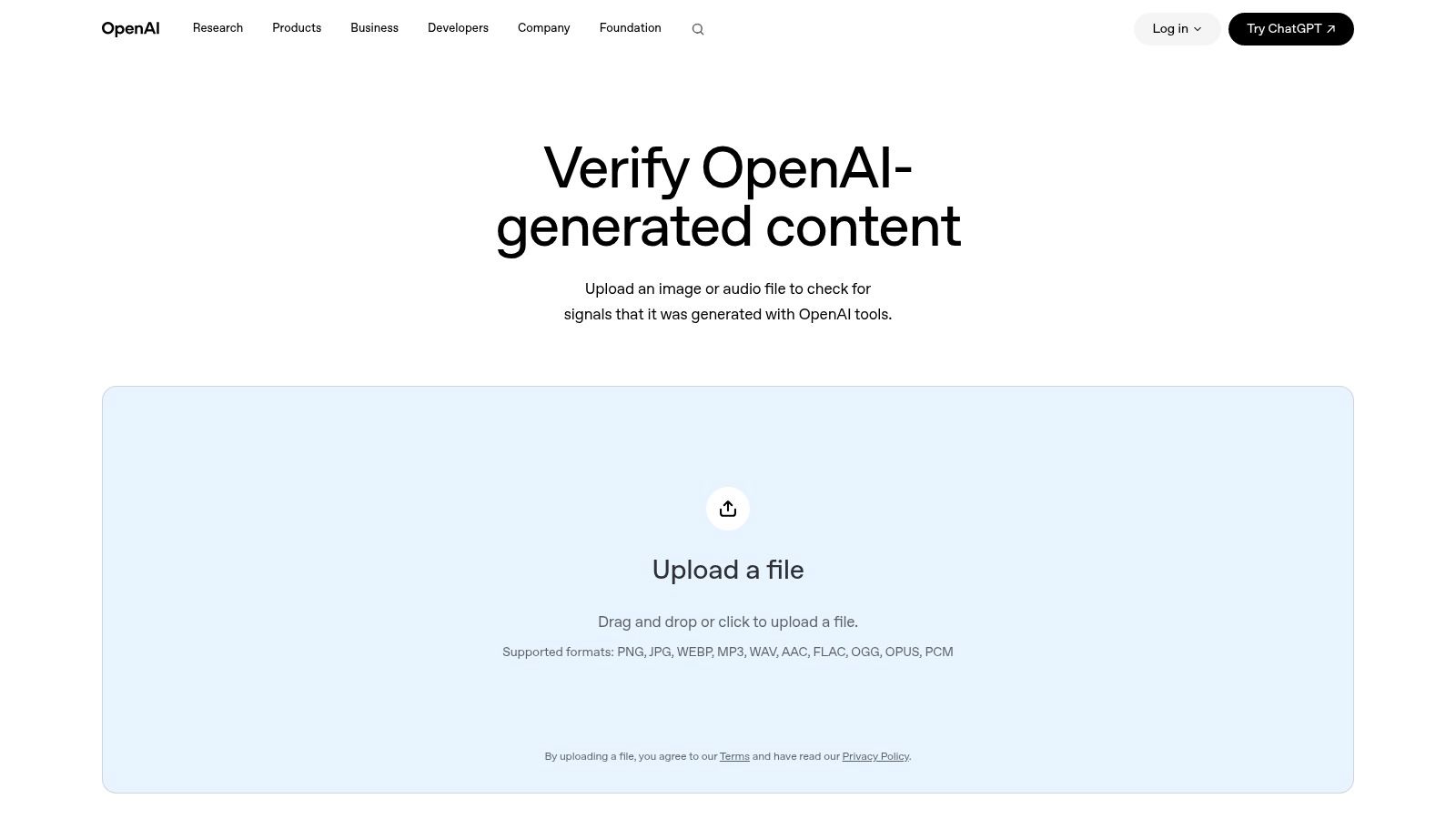
A provenance check answers "did this provider make it," not "did any AI make it." Keeping those questions separate prevents the most common misreading of provider tools.
When It Earns Its Place
- Attribution disputes: A clip is specifically claimed to be OpenAI-generated.
- Credential checks: You already have content credentials and want a first-party signal.
- Corroboration: You're building a file with metadata and upload history.
Pros: Directly provided by OpenAI with a straightforward upload-and-check workflow. Cons: It doesn't detect AI audio from all providers and gives limited explanation beyond provider attribution. A negative result must never be reported as "human-made." At most, it means OpenAI-origin signals weren't found. For music from other generators, go back to SubmitHub, ArtifactNet, or DFOM and treat Verify as one narrow, clearly labeled piece of the record.
9. TTS.ai Deepfake Audio Detection
Sometimes you just need a fast answer on a voice clip, with no account and no setup. TTS.ai Deepfake Audio Detection accepts an upload in the browser and returns an instant verdict on whether the audio shows signs of synthetic or human speech. For checking a voiceover in an audio post, that simplicity is the appeal.
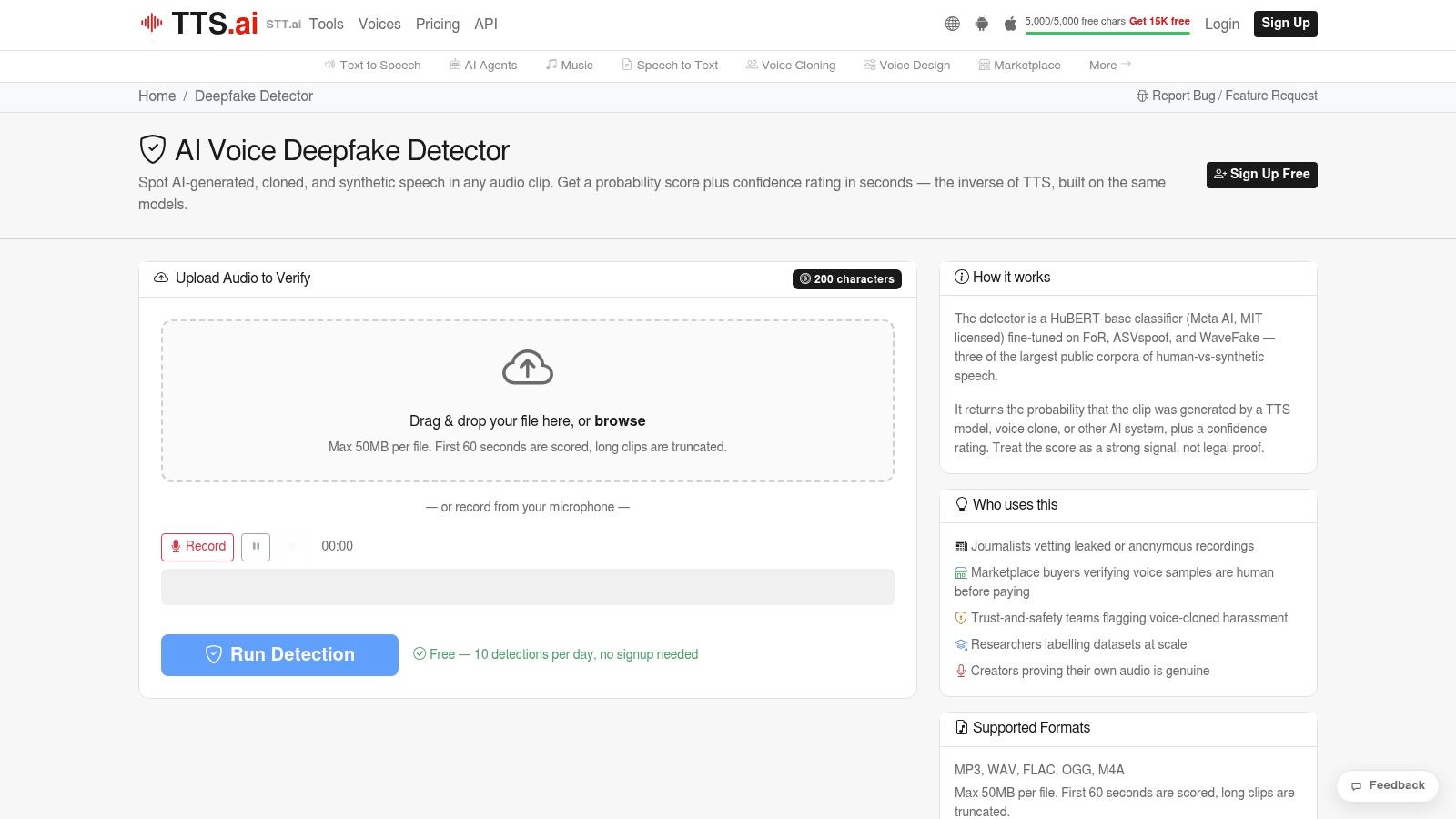
The tool reports use of public datasets such as FoR, ASVspoof, and WaveFake. Those names tell you something important. These are speech-focused deepfake corpora, so the training basis is voice, not full musical arrangements. Applying the result to a purely solo track stretches the tool beyond its design.
That boundary deserves emphasis because laboratory detector scores don't transfer automatically. Research summarized in the FakeMusicCaps benchmark discussion warns against treating in-domain results as universal real-world performance. Generator-disjoint testing and false-positive rates on human recordings matter more than a headline figure.
Pros: Quick, accessible, and no signup required. Cons: Speech-centric rather than music-specific, with limited information about performance on real-world audio. Use it for narration and voice notes. Don't cite it on a beat.
10. EyeSift Free AI Voice & Audio Detector
The last entry is the lightest touch of the ten. EyeSift Free AI Voice & Audio Detector is a no-signup, browser-side screening tool presented as privacy-forward. It analyzes cues such as micro-timing, spectral characteristics, and bitrate to flag possible synthetic voices or AI-generated music artifacts.
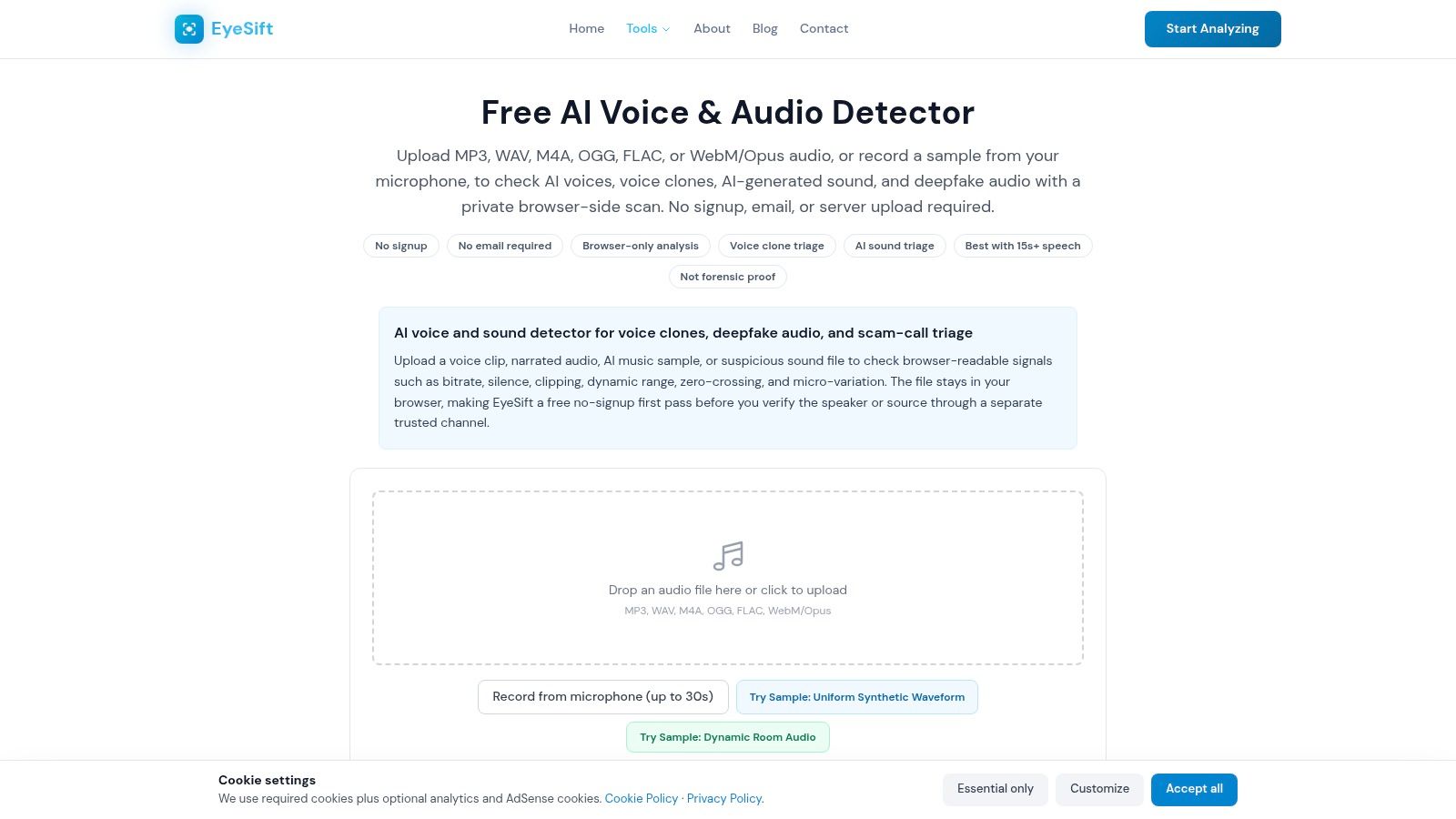
Browser-side processing has a genuine privacy advantage for sensitive clips you don't want to upload. EyeSift also links to policy and provenance standards, giving non-specialists educational context instead of only a verdict. For a cautious consumer or educator running a first screen, that's a sensible design.
Set expectations accordingly. The results are heuristic, and the tool is intended for screening rather than forensic verification. A flag here should trigger a stronger check elsewhere, not a public accusation.
Pros: Free without signup, quick for voice clips, narrated audio, and AI music samples, with helpful context. Cons: Not definitive and not a substitute for a music-specific classifier or provenance record. As an AI music detector online free first pass, it's honest about its limits. That honesty makes it more trustworthy than tools that promise certainty.
Top 10 Free Online AI Music Detectors Compared
| Tool | Best For / Audio Scope | Analysis and Output | Access and Privacy | Key Advantage / Limitation |
|---|---|---|---|---|
| Deezer AI Music Detector | Checking playlists across streaming platforms | Estimates the share of AI-generated music | Free; scans playlists | Supports 20+ services and 27 languages; not for detailed single-track analysis |
| SubmitHub AI Song Checker | Artists, labels, and music curators | Uploaded-track likelihood score; keeps result history | Free; account history retains results and uploads | Music-focused, but results can include false positives or negatives |
| Intrect ArtifactNet Demo | Research-oriented single-track checks | Probability score with rationale based on audio artifacts | Free browser demo; format and capacity limits may apply | Explanatory forensic approach; no playlist scanning |
| Resemble AI Detect | Audio deepfake screening and integrations | Synthetic-audio probability, metadata, and supported watermark checks | Free demo; fuller features or API may require an account | Watermark and possible source checks; strongest focus is voice, not music |
| Hive AI-Generated Audio Detection | Quick screening and moderation workflows | Real-time AI-audio classification | Public demo; API account for production use | Part of a broader content-detection suite; explanations are brief |
| DeepFake-O-Meter (DFOM) | Research and cross-checking audio | Compares results from multiple detectors | Free; signup required; processing times vary | Model-by-model comparison; more research-oriented than consumer-friendly |
| ElevenLabs Audio Detector | Verifying speech potentially generated by ElevenLabs | Checks likelihood of ElevenLabs-generated speech | Free; sign-in required | First-party provenance signal; not for general AI music detection |
| OpenAI Verify | Checking for OpenAI-origin audio | Looks for relevant provenance signals | Free upload check | First-party signal; does not cover audio from all providers |
| TTS.ai Deepfake Audio Detection | Screening synthetic or human speech | Instant verdict; cites datasets including FoR and ASVspoof | Free; no signup stated | Simple for non-experts; speech-centric, not music-specific |
| EyeSift Free AI Voice & Audio Detector | Initial screening of voices and AI music samples | Heuristic analysis of timing, spectral cues, and bitrate | Free, no signup; presented as browser-side and privacy-forward | Covers voice and music; screening only, not definitive forensic verification |
Build a Verification Workflow That Holds Up
Start by naming your question. If it's "how much of this playlist looks synthetic," use Deezer and stop there unless a specific track matters. If it's "should we pitch, playlist, or publish this song," use SubmitHub for a music-industry second opinion, then escalate disputed cases. If it's "can we defend this decision," move to ArtifactNet or DFOM, where rationales and multiple models give you something to examine. Provider tools from ElevenLabs and OpenAI belong only when provenance already points to that provider.
That sequencing matters because impressive laboratory numbers coexist with weak real-world certainty. Independent research notes that one 2025 study reported 99.8% accuracy when classifiers were trained on real audio and artificial reconstructions, while human listeners identified AI-generated music only above chance with low sensitivity. Editing widens the gap further, since mastering, remixing, transcoding, and human performance layered over synthetic parts can alter the cues a classifier learned. Ask what parts of a track appear synthetic, not only whether the whole file gets one label.
A Practical Decision Path
- Preserve the original: Keep the unmodified file and never re-encode before testing.
- Log everything: Record the detector, date, file name, and raw confidence score.
- Compare signals: Run more than one independent tool on consequential cases.
- Corroborate: Request project files, stems, licensing records, or creator disclosure.
- Escalate: Send high-impact calls to a human reviewer with the full record.
Editorial standard: Report a detector result as "likely synthetic according to this tool on this date," never as verified authorship. That wording protects you when a second tool disagrees.
Mixed-media cases need one more step. A release may pair a human recording with AI-generated cover art, or synthetic music with a genuine photograph. Keep those findings separate. AI Image Detector can serve as a complementary visual-content verification resource for cover art and promotional images, while the audio tools above handle the track itself. Don't let a result in one medium carry weight in the other.
Used this way, a free AI music detector online free tool earns its place. It's the first check in a documented workflow, supported by provenance, metadata, and human judgment. The score opens the inquiry. It should never close it. Teams that adopt that discipline will make fewer false accusations, catch more synthetic uploads, and produce decisions they can explain to artists, readers, students, and rights holders long after the initial percentage is forgotten. Write the workflow down before your next disputed track arrives, so consistency doesn't depend on whoever happens to run the check that day.
If your case also involves AI-generated cover art, promotional images, or profile photos alongside the audio, AI Image Detector offers free, privacy-first image verification with a clear confidence score and explanatory verdict in seconds, with no images stored on servers. Run the visual check there, keep it documented separately from your audio findings, and give your team a complete, defensible record across both media.