

The 12 Best AI Content Detection Tools of 2026

In an era where AI can generate everything from term papers to photorealistic images in seconds, distinguishing between human-made and machine-generated content has become a critical skill for professionals across numerous fields. The rapid evolution of generative AI presents both incredible opportunities and significant challenges, including the spread of misinformation, academic dishonesty, and copyright infringement. This is where AI content detectors come in. These specialized tools analyze text and images for the subtle statistical fingerprints and artifacts left behind by AI models, providing a crucial layer of verification. But with so many options available, each with different strengths, weaknesses, and pricing models, how do you choose the right one?
This guide cuts through the noise to provide an in-depth analysis of the 12 best AI content detection tools on the market today, helping you find the perfect solution for your specific needs. Whether you are an educator verifying student submissions, a journalist fact-checking sources, or a creative professional protecting your work, this resource is designed for you. We will dive deep into each tool, exploring its core features, accuracy, supported content types, and ideal use cases. To further understand the landscape of digital authenticity, one might explore discussions on how AI impacts content creation itself, such as the role of AI versus human experts in document translation services.
Each review includes detailed pros and cons, pricing information, and screenshots to give you a clear, practical understanding of its functionality. Our goal is to equip you with the knowledge to select and implement the most effective detector for your workflow, ensuring digital integrity and authenticity in your work. Let's explore the top platforms ready to assist in this new frontier.
1. AI Image Detector
Best For: Privacy-conscious users needing fast, reliable image verification.
AI Image Detector establishes itself as a premier choice among the best AI content detection tools by masterfully balancing powerful analysis with user-centric design. It offers a fast, accessible, and privacy-first solution for determining whether an image was created by AI. The platform is engineered to serve a diverse audience, from journalists and educators to marketplace moderators and legal teams, who require a dependable first line of defense against synthetic media. Its core strength lies in its streamlined workflow: upload an image, and within seconds, receive a clear verdict.
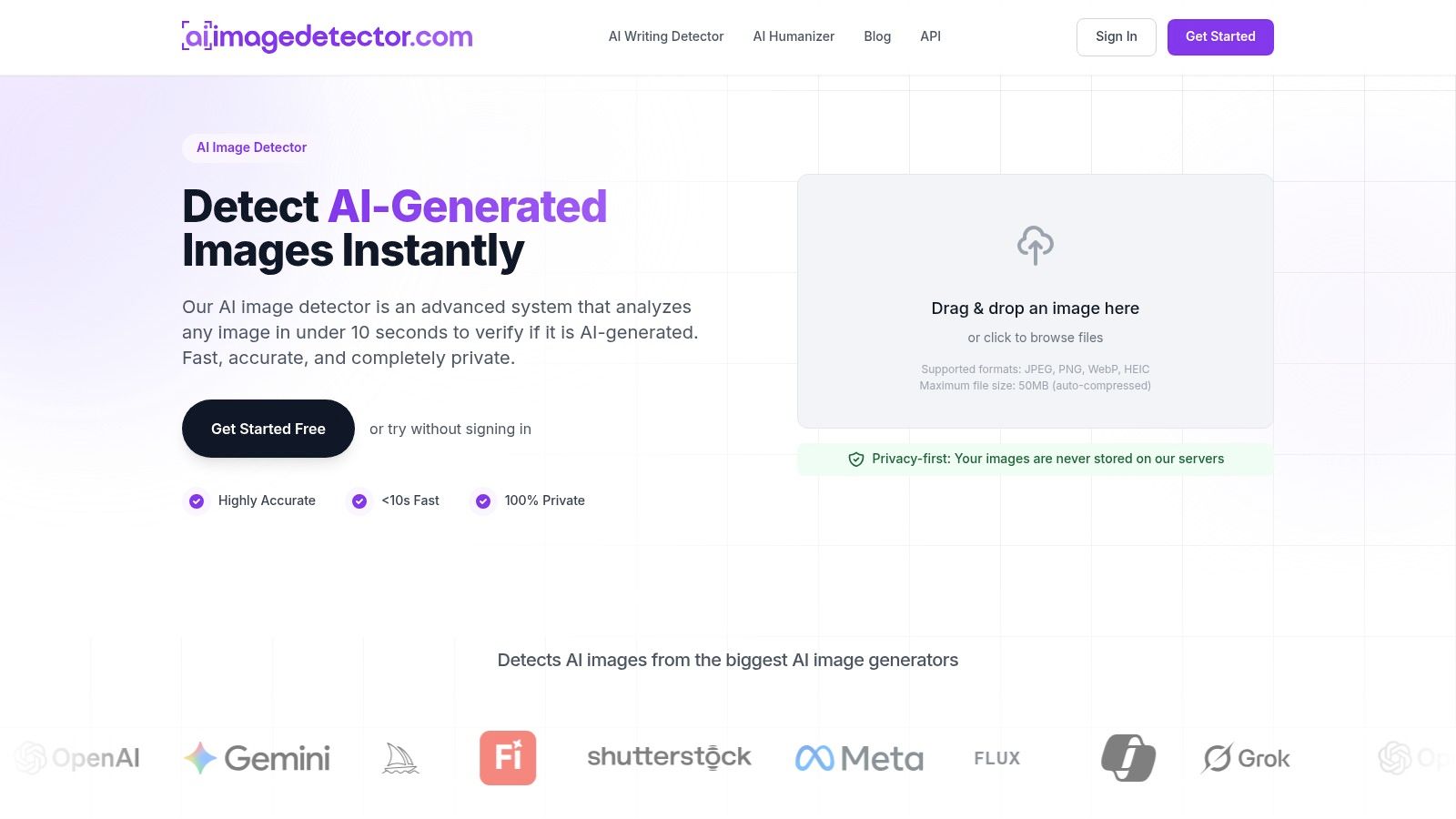
What truly sets this tool apart is its unwavering commitment to privacy. Unlike platforms that might retain user data, AI Image Detector analyzes images in real time without storing them on its servers. This approach significantly reduces data exposure risk, making it an ideal tool for professionals handling sensitive or proprietary visual content.
In-Depth Analysis
The platform’s machine-learning models scrutinize images for subtle artifacts, unnatural lighting, and other tell-tale signs of AI generation. The results are presented as a clear confidence score on a spectrum from "Likely Human" to "Likely AI-Generated," complete with visual heatmaps and a rationale to help users interpret the findings. This explanatory detail is invaluable, especially when dealing with mixed-media or heavily edited images that might produce an ambiguous score. Users can discover more about how image AI detectors work on AIImageDetector.com.
Key Information:
| Feature | Details |
|---|---|
| Supported Content | Images (JPEG, PNG, WebP, HEIC). |
| Pricing | Core detection is free with no registration required. A free account offers history and faster workflows. |
| Privacy Policy | Privacy-First: Images are analyzed in real time and are not stored on servers. |
| API Access | Yes, available for developers to integrate detection into their own platforms for scaled trust and safety. |
Pros:
- Privacy-first workflow reduces data exposure risk.
- Extremely fast analysis with clear, easy-to-interpret results.
- Free core detection with no registration barrier.
- Developer-friendly API for platform-scale integration.
Cons:
- Not infallible; heavily edited images can yield intermediate scores.
- Conflicting file size limits (10MB vs. 50MB) noted in different contexts.
2. Originality.ai
Originality.ai is a professional-grade detection tool tailored for content publishers, SEO agencies, and academic institutions that need to verify content integrity at scale. It distinguishes itself by bundling an AI content detector, a plagiarism checker, and a readability score into a single, unified workflow. This multi-faceted approach makes it one of the best AI content detection tools for teams that need to ensure content is both human-written and unique.
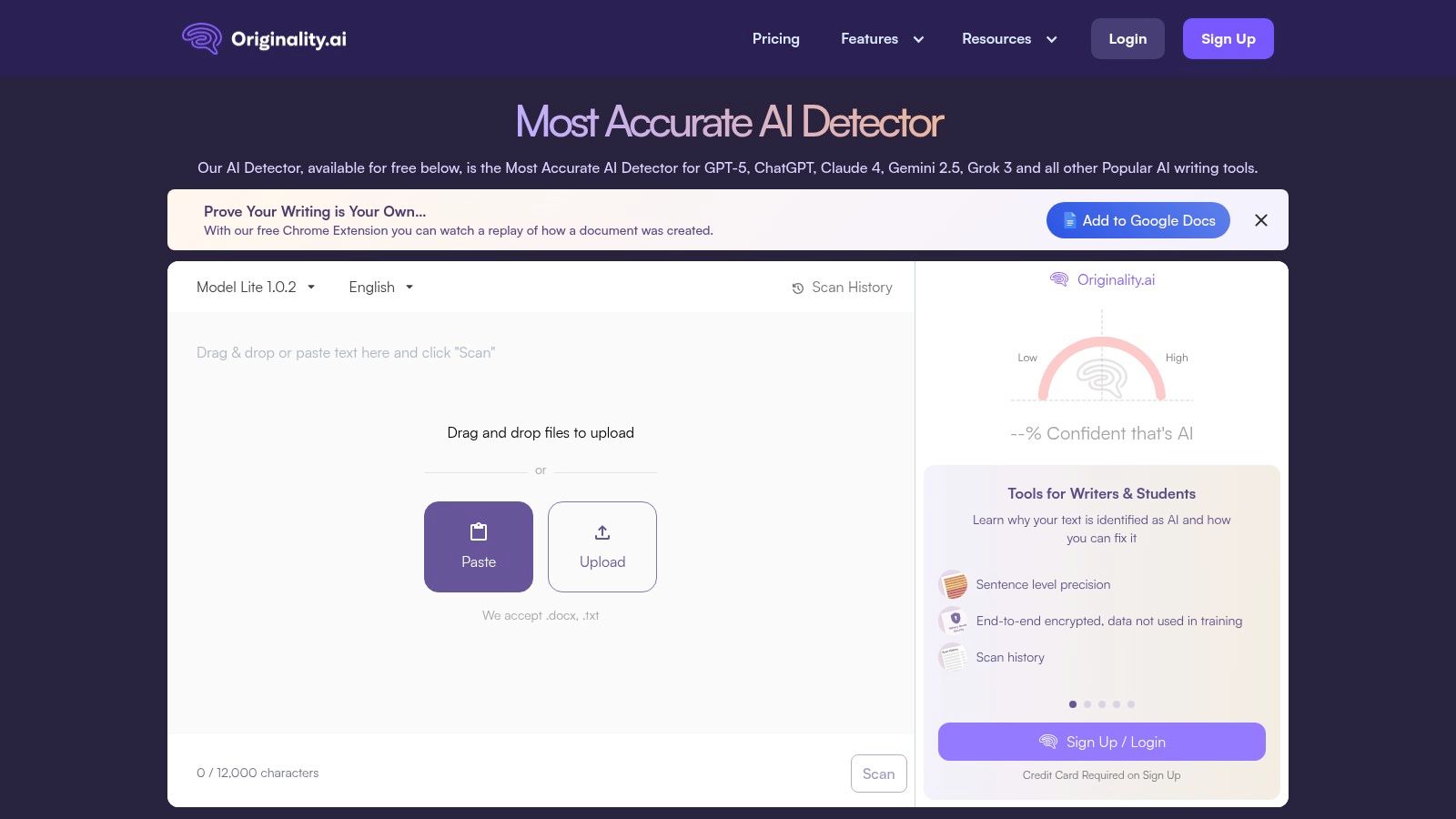
The platform is designed for professional workflows with features like team management, site-wide scanning, and robust integrations. For editors, the Chrome extension and Google Docs add-on are particularly useful, allowing them to check content directly within their existing writing environments. If you're curious about the technology behind these checks, you can explore the principles of how AI detectors work to understand the process better.
Key Features & Ideal Use Case
Originality.ai's strength lies in its comprehensive feature set built for high-volume content operations.
- Core Functionality: Detects AI text from models like GPT-4o, Claude, and Gemini, alongside a built-in plagiarism checker.
- Pricing: Operates on a credit-based system. A one-time purchase of credits is available (e.g., $30 for 3,000 credits), or a monthly subscription ($14.95/month for 2,000 credits) offers a lower per-credit cost. Note that subscription credits expire monthly.
- Best For: SEO content teams, publishers, and editors who need to automate and streamline their content verification process across multiple writers and platforms. The API access is a significant advantage for integrating detection into custom content management systems.
| Feature | Details |
|---|---|
| Integrations | Chrome, Google Docs, WordPress |
| API Access | Yes, for automated and bulk scanning |
| Primary Focus | AI Text Detection, Plagiarism, Readability |
| Pros | All-in-one tool, strong integrations, scales well for teams |
| Cons | Subscription credits expire, not focused on AI image detection |
| Website | https://originality.ai |
3. GPTZero
GPTZero has established itself as one of the most recognized and accessible AI text detectors, particularly popular within the education and journalism sectors. It was developed to bring transparency to AI-generated text by providing a straightforward tool for identifying machine-written content. The platform focuses on a user-friendly experience, offering detailed reports that highlight sentences likely generated by AI, making it easy for educators and editors to review submitted work.
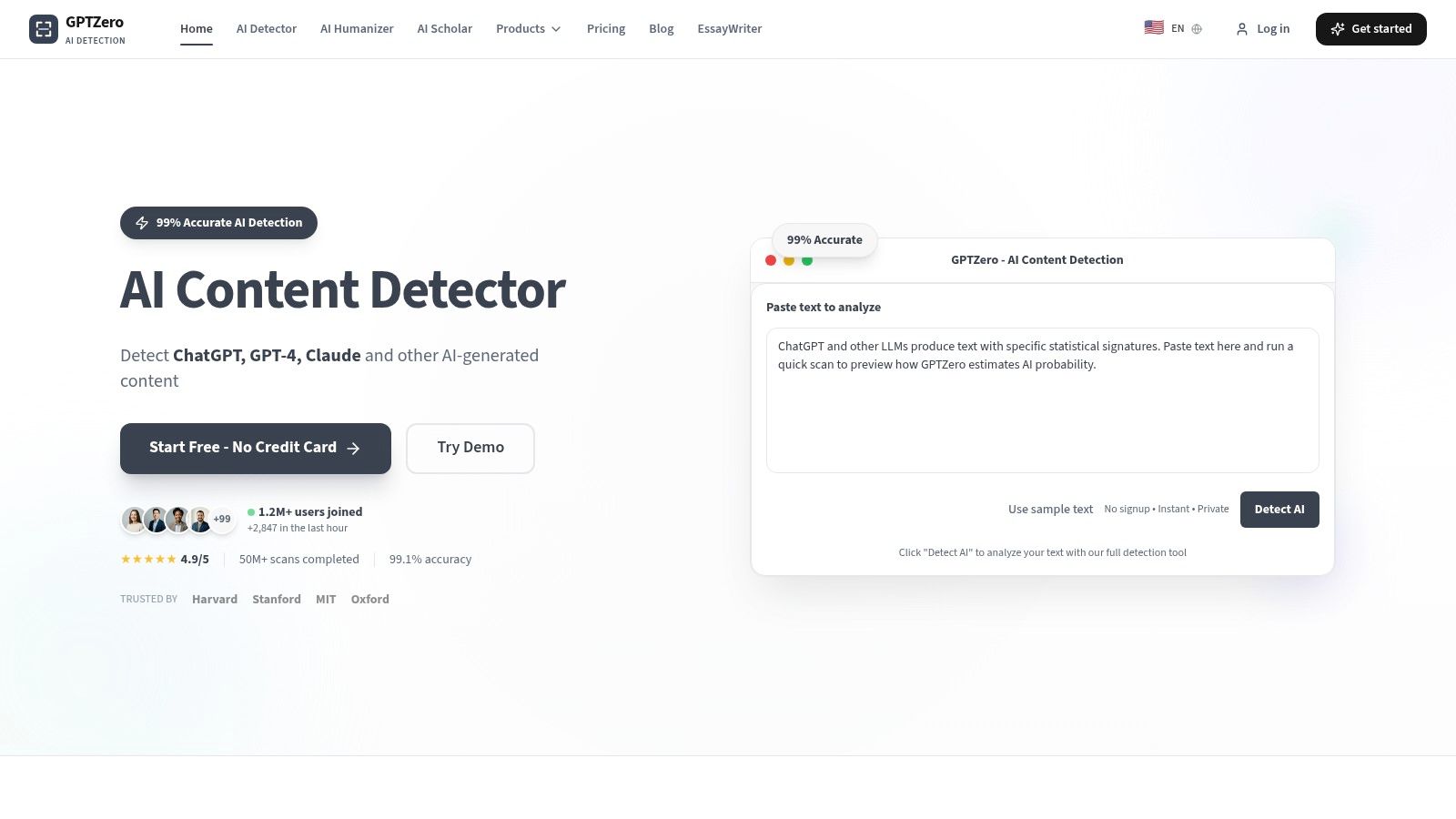
The platform is designed with academic and professional review workflows in mind, providing features that support these environments. For instance, its detailed analysis and report formats are tailored for classroom use, allowing teachers to assess student submissions efficiently. The inclusion of a plagiarism checker in its premium tiers further positions GPTZero as a comprehensive solution for maintaining academic and journalistic integrity, making it one of the best AI content detection tools for these specific fields.
Key Features & Ideal Use Case
GPTZero’s main advantage is its focus on accessibility and features tailored for educational and writing professionals. Its clear, simple interface and transparent reporting make it easy to adopt.
- Core Functionality: Detects text from major AI models and provides sentence-level highlighting. Pro plans add a plagiarism checker and in-depth writing analysis.
- Pricing: Offers a free tier for basic scanning. Premium plans include monthly subscriptions and a notable one-time purchase Lifetime plan, which provides unlimited scans and access to pro tools.
- Best For: Educators, students, and journalists who need a reliable, easy-to-use tool for verifying the authenticity of written work. The lifetime deal is a compelling option for individuals who require long-term access without recurring fees.
| Feature | Details |
|---|---|
| Integrations | Google Docs, Microsoft Word |
| API Access | Yes, available for developers |
| Primary Focus | AI Text Detection, Plagiarism Checking |
| Pros | Simple pricing with a Lifetime option, strong focus on education |
| Cons | Free tier is limited; like all detectors, can have inaccuracies |
| Website | https://gptzero.me/ |
4. Copyleaks AI Content Detector
Copyleaks provides an enterprise-grade solution recognized for its extensive language support and robust integrations, making it a strong contender among the best AI content detection tools. It is particularly well-suited for educational institutions and large businesses that require compliance and scalability. The platform uniquely supports over 30 languages and offers browser extensions for Chrome and Edge, as well as a Google Docs add-on, to integrate checks directly into existing workflows.
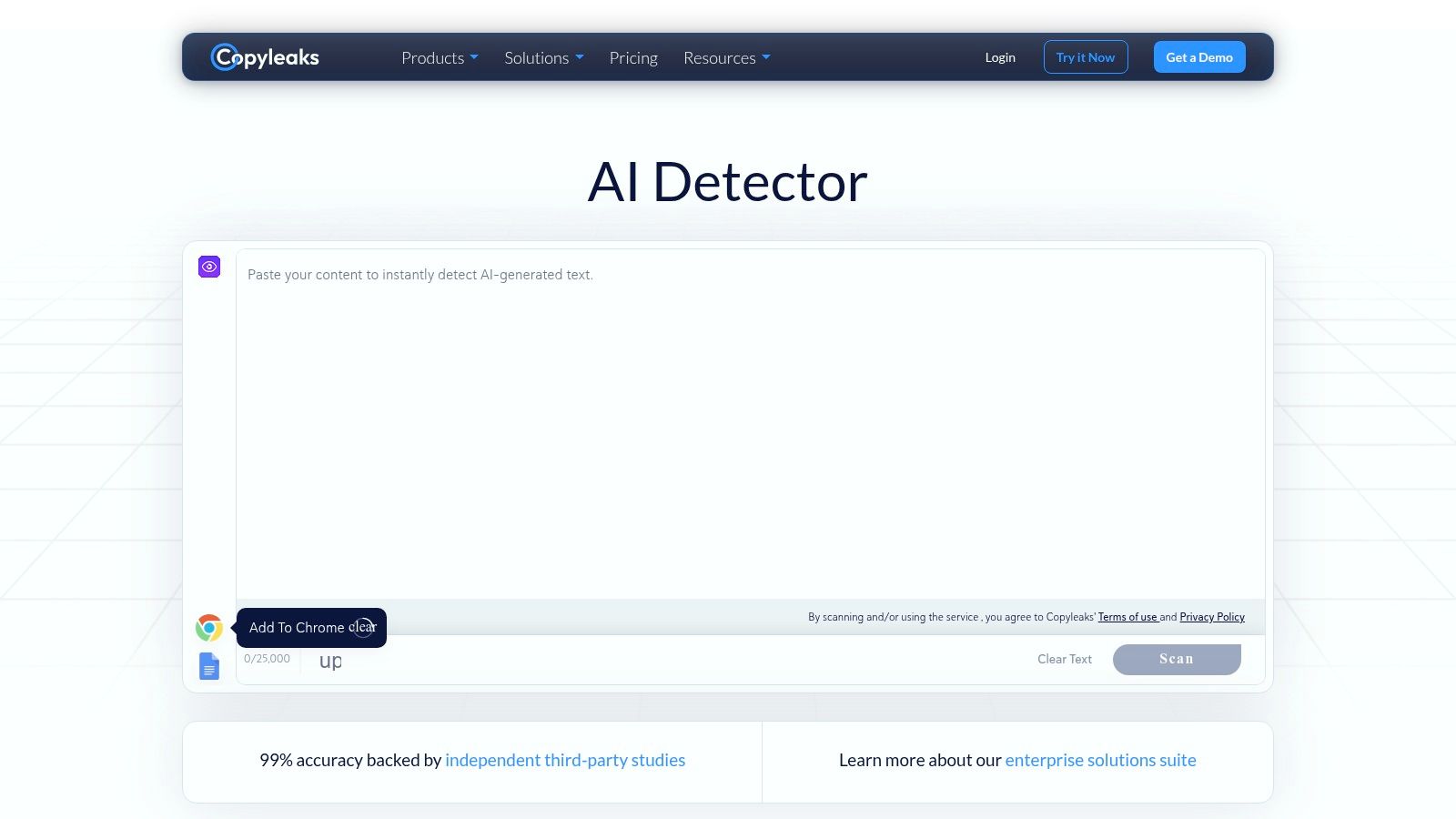
A key differentiator for Copyleaks is its "AI Logic" feature, which provides explainable signals by highlighting specific AI-generated phrases and potential source matches. This transparency is invaluable for academic integrity and compliance verification. Furthermore, Copyleaks extends its detection capabilities to include AI-generated images through its mobile application, broadening its utility for various content types.
Key Features & Ideal Use Case
Copyleaks is designed for institutional and enterprise use, emphasizing integration, security, and multilingual support.
- Core Functionality: Detects AI-generated text with high accuracy across many languages and offers AI image detection on mobile.
- Pricing: Offers a free tier with a generous allowance. Paid plans start from $9.99/month for 1,200 credits (1 credit = 250 words), with pricing scaling based on volume and feature requirements for business and enterprise tiers.
- Best For: Educational institutions, compliance teams, and global publishers who need a secure, integrated, and multilingual detection solution. The LMS and API integrations make it ideal for embedding into established academic and corporate systems.
| Feature | Details |
|---|---|
| Integrations | Chrome, Edge, Google Docs, LMS (Canvas, Moodle), API |
| API Access | Yes, available for custom workflow integration |
| Primary Focus | AI Text Detection, AI Image Detection (Mobile), Plagiarism |
| Pros | Excellent language support, strong integrations, SOC2/GDPR compliant |
| Cons | Advanced features are locked behind higher-priced enterprise plans |
| Website | https://copyleaks.com/ai-content-detector |
5. Turnitin (Originality / iThenticate with AI Writing Detection)
Turnitin is the long-standing market standard for academic integrity, now incorporating AI writing detection into its suite of tools. Rather than a standalone product for the public, its capabilities are integrated into platforms like Turnitin Originality for educational institutions and iThenticate for researchers and publishers. This deep integration within established academic and professional workflows makes it one of the best AI content detection tools for institutions focused on maintaining scholarly and educational integrity.
The platform provides a detailed AI writing indicator and report directly within the document viewer, showing educators or editors the percentage of text suspected to be AI-generated. Access is almost exclusively through institutional licenses, which provides the benefit of seamless integration with Learning Management Systems (LMS) like Canvas and Moodle. While this model limits individual access, it ensures a consistent and controlled environment for institutions, a key consideration given the rise of tools marketed as undetectable AI writers.
Key Features & Ideal Use Case
Turnitin’s strength is its enterprise-level integration and its trust within the academic community.
- Core Functionality: AI-generated text detection is combined with its world-class plagiarism and similarity checking.
- Pricing: Institutional licensing is required. Pricing is customized based on the institution's size and needs, requiring contact with their sales team. The iThenticate platform for researchers also has an AI detection add-on available.
- Best For: Educational institutions, from high schools to universities, as well as scholarly publishers and research organizations that require a robust, integrated system for verifying originality and authorship across their entire user base.
| Feature | Details |
|---|---|
| Integrations | Deep LMS integrations (Canvas, Moodle, Blackboard), various publishing platforms |
| API Access | Yes, for institutional partners and integrations |
| Primary Focus | Academic Integrity, Plagiarism, AI Writing Detection |
| Pros | Trusted industry standard, strong LMS integrations, robust admin reporting |
| Cons | Not sold to most individuals, pricing requires institutional sales contact |
| Website | https://www.turnitin.com/products/ithenticate |
6. Winston AI
Winston AI is a highly accurate detection tool designed primarily for educators, content creators, and publishers who need to maintain academic and creative integrity. It offers robust AI text detection across multiple languages and models, along with a built-in plagiarism checker. What makes it one of the best AI content detection tools is its additional capability to identify AI-generated images and deepfakes, providing a more holistic verification solution for modern content.
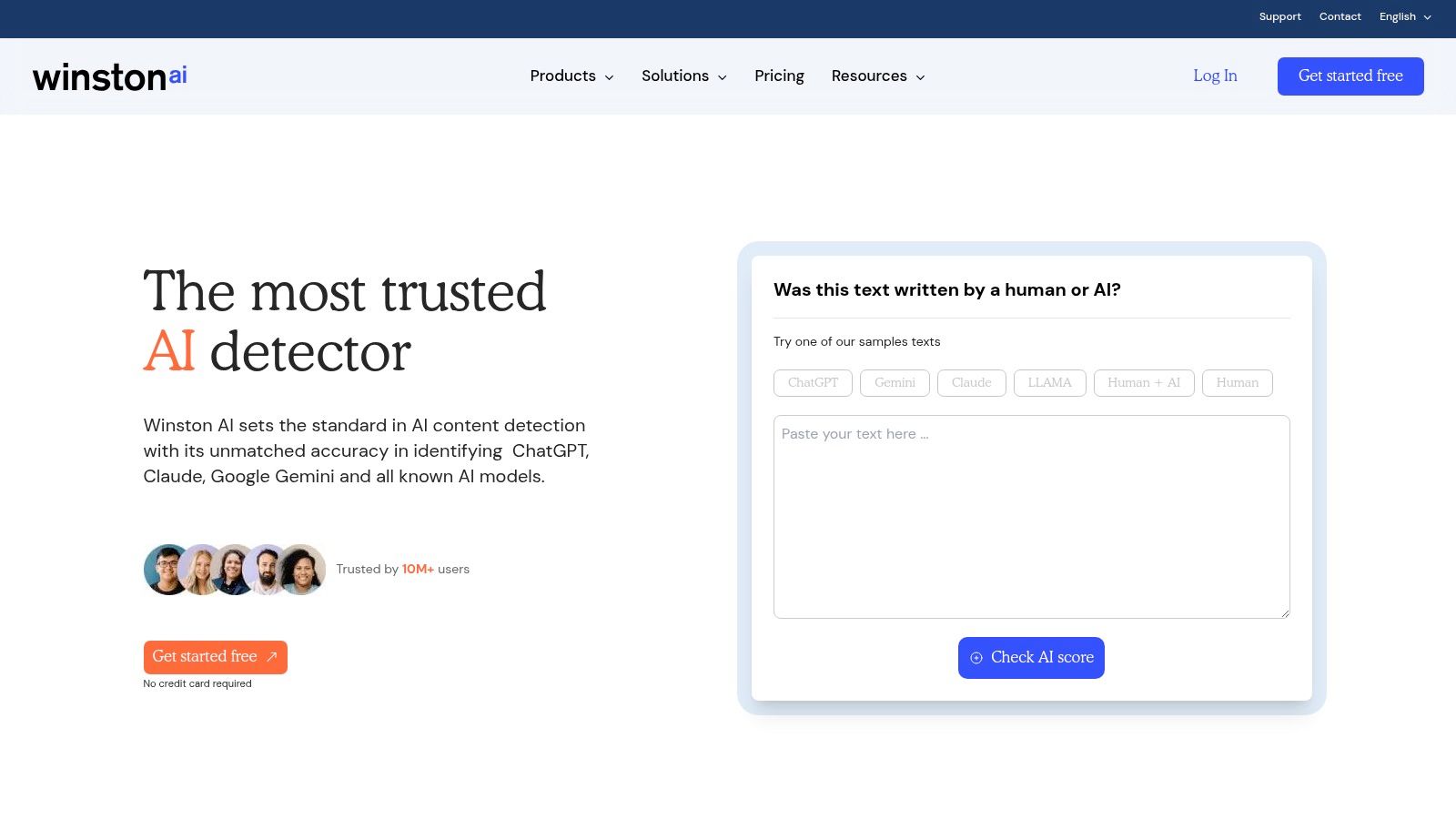
The platform is recognized for its user-friendly, report-driven interface, which makes it simple to manage and share scan results. Users can upload documents or paste text directly, receiving a clear probability score of AI-generated content. Its focus on providing downloadable PDF reports makes it particularly useful in educational settings for documenting academic dishonesty or for editors providing feedback to writers.
Key Features & Ideal Use Case
Winston AI's primary strength is its dual focus on text and image detection, packaged in a clean, accessible interface suitable for professional and academic environments.
- Core Functionality: Detects AI text from models like GPT-4, Gemini, and Claude, plus a plagiarism checker. It also detects AI-generated images from Midjourney, DALL·E, and Stable Diffusion.
- Pricing: Offers a free trial with credits to scan up to 2,000 words. Paid plans are credit-based, starting with a monthly plan (e.g., $18/month for 80,000 words) and an annual plan offering more value. Credits are used for both text and image scans.
- Best For: Educators, academic institutions, and publishers who need a reliable tool with printable reports for both text and image verification. Its ease of use also makes it suitable for individual content creators concerned about authenticity.
| Feature | Details |
|---|---|
| Integrations | No direct integrations like a Chrome extension are advertised. |
| API Access | Yes, available on higher-tier plans for custom integrations. |
| Primary Focus | AI Text Detection, Plagiarism, AI Image/Deepfake Detection |
| Pros | All-in-one text and image detection, generates clear PDF reports, easy to use |
| Cons | Credit system can be complex to manage, lacks browser/docs extensions |
| Website | https://gowinston.ai |
7. Sapling.ai
Sapling.ai is primarily a business-focused AI writing assistant, but it includes a capable AI content detector within its paid plans. It stands out by integrating its detection tools directly into existing enterprise workflows, offering browser extensions, Google Docs/Word add-ons, and a developer-friendly API. This makes it an excellent choice for organizations that need to embed content verification into their daily operations without switching between different applications.
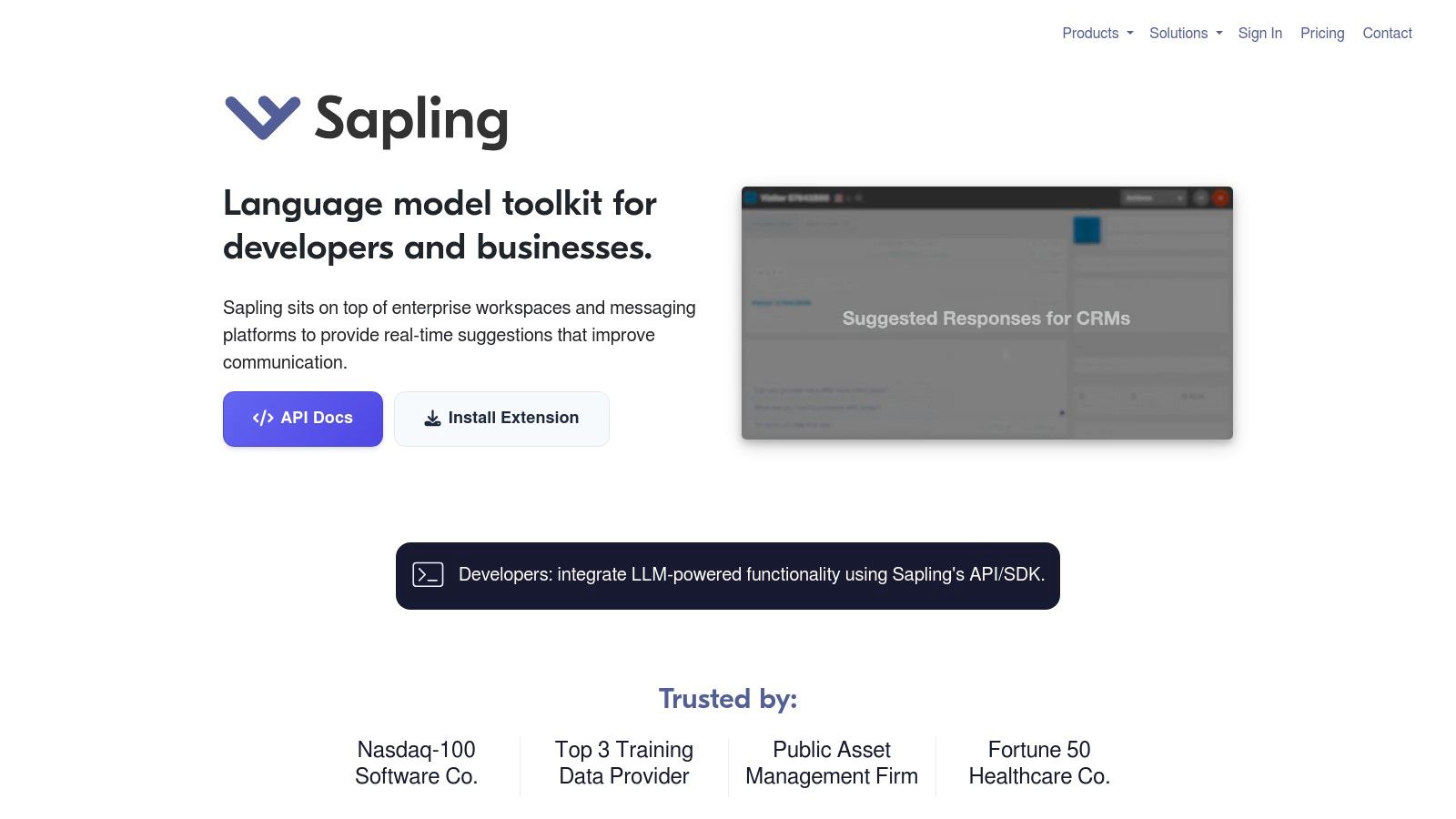
The platform is designed for professional environments, emphasizing security with AES-256/TLS encryption and robust team administration features. While a free version exists, the full AI detection capabilities are unlocked in the Pro and Enterprise tiers. This positions Sapling.ai as less of a casual, free tool and more of a comprehensive solution for businesses that prioritize security, integration, and administrative control over their content tools.
Key Features & Ideal Use Case
Sapling.ai's strength lies in its seamless integration into business tools and its enterprise-grade security, making it one of the best AI content detection tools for corporate environments.
- Core Functionality: Provides AI-generated text detection as part of a broader writing assistant suite.
- Pricing: AI detection is available on Pro ($25/month) and Enterprise plans. A one-month free trial of the Pro plan is offered. The API has its own usage-based pricing, separate from user seats.
- Best For: Businesses, customer support teams, and developers who need a secure, integrated AI detector that works within their existing software ecosystem, including CRMs and word processors. The API is ideal for custom applications.
| Feature | Details |
|---|---|
| Integrations | Chrome, Edge, Firefox, Google Docs, Microsoft Word, Outlook |
| API Access | Yes, with usage-based metering |
| Primary Focus | AI Writing Assistant, Grammar Checker, AI Detection |
| Pros | Strong workplace integrations, enterprise-grade security, developer API |
| Cons | AI detector requires a paid plan, not a standalone, specialized tool |
| Website | https://sapling.ai |
8. ZeroGPT
ZeroGPT positions itself as a highly accessible and consumer-friendly tool for quick AI text verification. It offers a straightforward web-based interface that allows users to paste text, upload files, and receive an instant AI-generated probability score. Its appeal lies in its simplicity and generous usage limits, especially on its paid plans, making it a go-to for individuals and small teams needing fast, occasional checks without the commitment of a complex enterprise system.
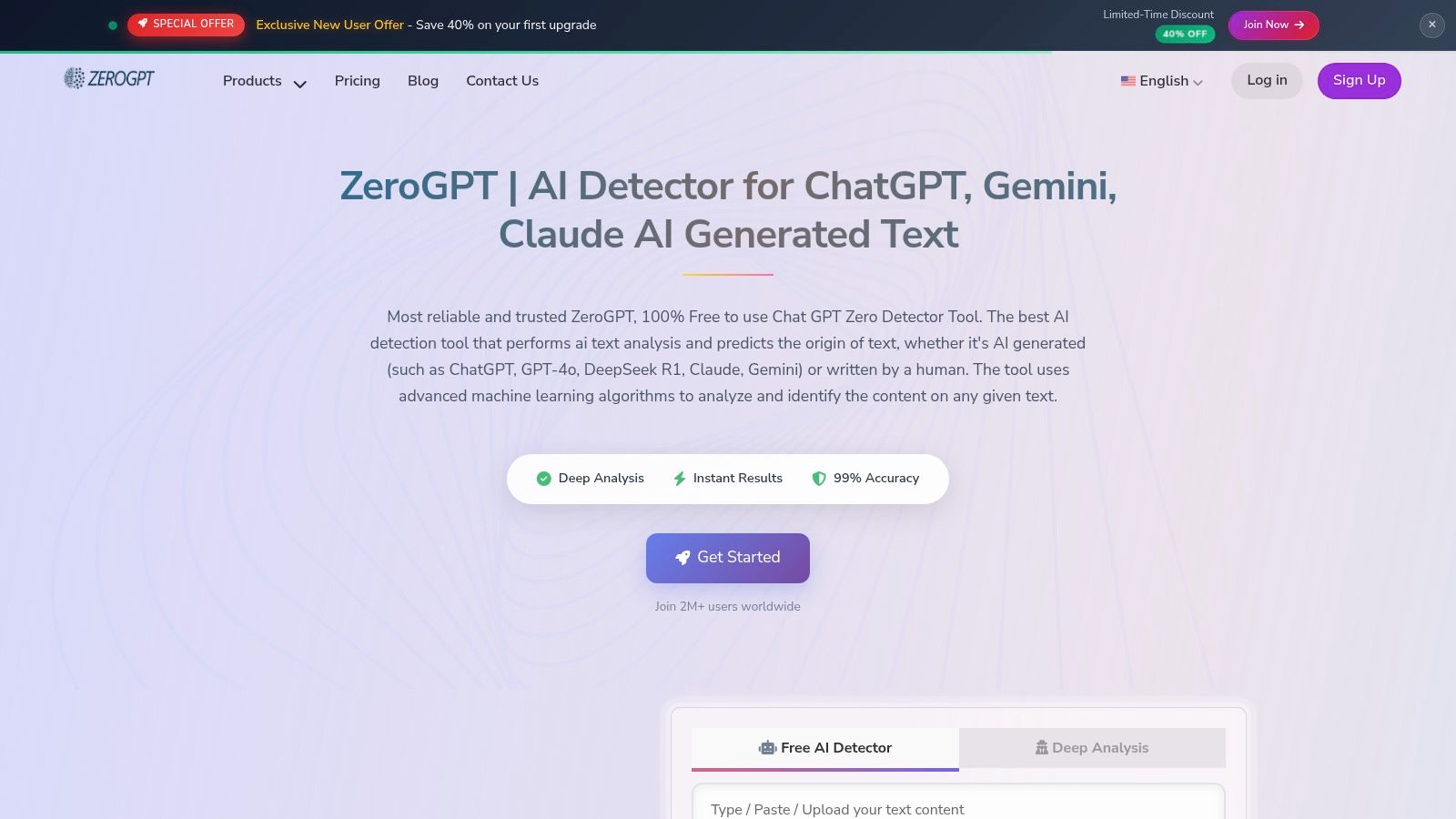
The platform bundles its core detection capabilities with a plagiarism checker and a controversial "humanizer" tool, which aims to rewrite AI text to evade detection. While useful for some, this feature may conflict with the academic or editorial integrity goals of many organizations. ZeroGPT serves as a practical choice for those who prioritize speed and high-volume spot-checking over deep integrations or advanced team management features.
Key Features & Ideal Use Case
ZeroGPT's strength is its direct, no-frills approach, making it one of the best AI content detection tools for rapid, individual analysis.
- Core Functionality: Detects text from major AI models, with support for multiple languages and document uploads (PDF, DOCX, TXT).
- Pricing: Offers a free plan with a 15,000-character limit per detection. Paid plans start at $9.99/month ($6.99/month if billed annually) for increased character limits (up to 100,000 per check), batch file processing, and plagiarism check credits.
- Best For: Students, freelance writers, and educators who need a quick and affordable way to check individual documents for AI content. The high daily quotas on premium plans are also suitable for individuals with high-volume checking needs.
| Feature | Details |
|---|---|
| Integrations | No major third-party integrations |
| API Access | Yes, available on premium plans |
| Primary Focus | AI Text Detection, Plagiarism Checking |
| Pros | Affordable entry-level pricing, generous daily quotas on paid plans |
| Cons | "Humanizer" feature can be problematic, limited features on the free tier |
| Website | https://zerogpt.org |
9. Sightengine
Sightengine is a developer-centric tool designed for trust and safety teams, media platforms, and engineers who need to integrate content moderation directly into their workflows. It specializes in detecting AI-generated media, including images, deepfakes, videos, and even music. This focus on programmatic, API-driven moderation makes it one of the best AI content detection tools for platforms that need to verify user-generated content at a massive scale.
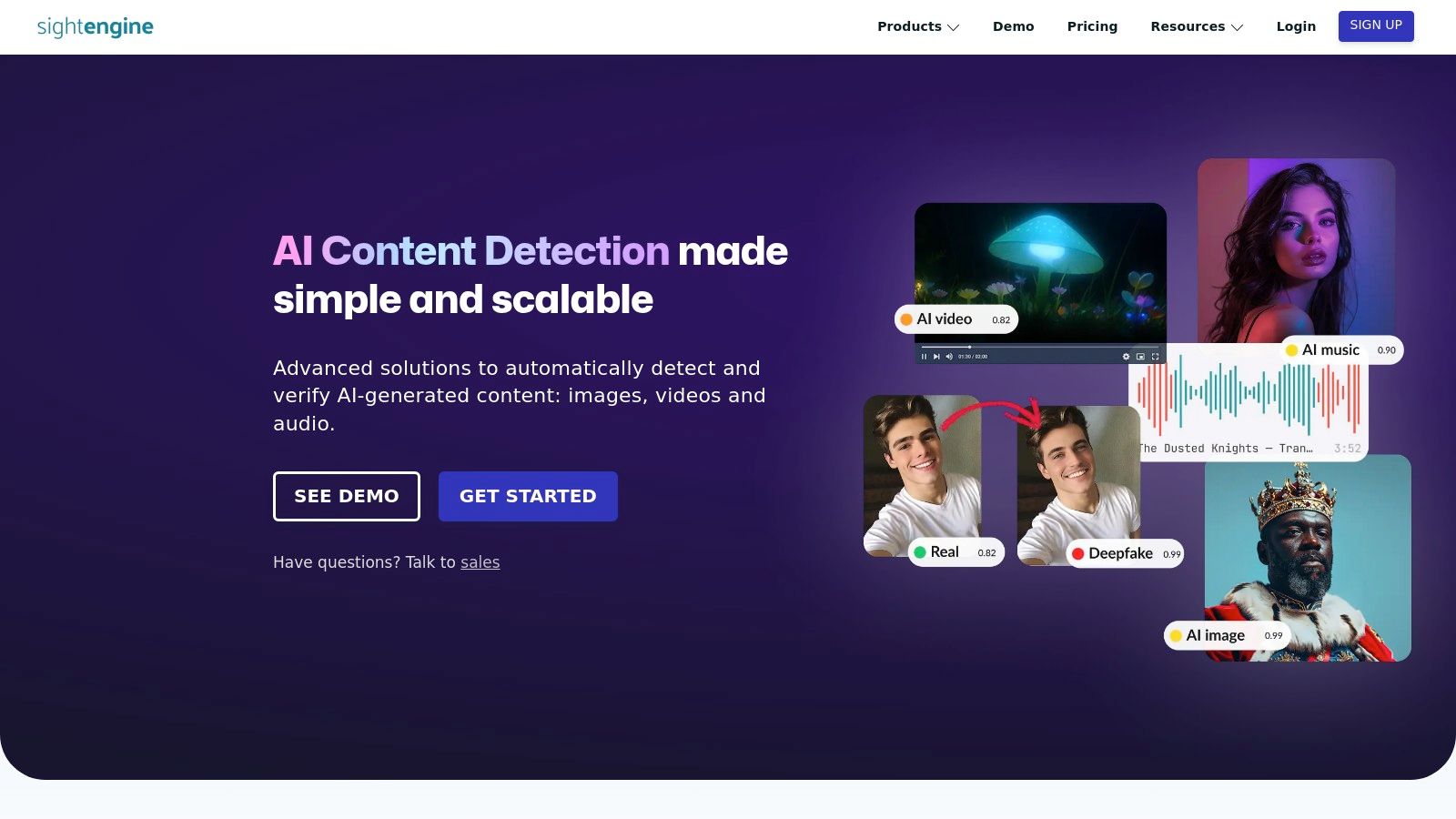
While it offers a simple drag-and-drop demo for quick tests, its primary value lies in its robust API. The documentation is clear and aimed at developers, allowing for straightforward integration into existing content pipelines. This makes it a powerful solution for platforms looking to automate the flagging of potentially synthetic or manipulated media before it goes public, protecting their community and maintaining content integrity.
Key Features & Ideal Use Case
Sightengine's strength is its specialized, API-first approach to multimedia AI content detection.
- Core Functionality: Detects AI-generated images, deepfake videos, and AI-generated audio/music.
- Pricing: Offers a free tier for testing and development, with a transparent, usage-based pricing model that scales with volume. For example, the first 10,000 AI image checks per month are free, with subsequent checks costing $0.0025 each.
- Best For: Engineering and moderation teams at social media companies, news organizations, or any platform handling user-generated media. Its API is built for seamless integration into large-scale content moderation and trust-and-safety systems.
| Feature | Details |
|---|---|
| Integrations | API-first for custom software integrations |
| API Access | Yes, it is the primary focus of the service |
| Primary Focus | AI Image, Deepfake Video, and AI Audio Detection |
| Pros | Handles various media types, has a free tier, built for scalability |
| Cons | Not designed for non-technical users, does not detect AI-written text |
| Website | https://sightengine.com/detect-ai-generated-content |
10. Truepic
Truepic is an enterprise-grade platform focused on image authenticity and fraud prevention, making it a critical tool for industries where visual proof is paramount. Unlike general-purpose scanners, Truepic is engineered for high-stakes environments like insurance, lending, and online marketplaces. It specializes in verified capture technology and the detection of AI-generated or manipulated media, positioning it as one of the best AI content detection tools for risk management and compliance.

The platform’s strength is its focus on creating a secure chain of custody from the moment an image is captured. It provides APIs for seamless integration into existing business workflows, such as claims processing or identity verification. This allows organizations to automatically flag and block fraudulent or synthetic media, protecting them from sophisticated digital deception and ensuring the integrity of their visual records.
Key Features & Ideal Use Case
Truepic excels in providing verifiable, trustworthy digital media for enterprise-level operations.
- Core Functionality: Detects AI-generated or edited images, performs metadata analysis, and conducts reverse-image searches to verify authenticity.
- Pricing: Operates on a per-inspection model with specific tiers for different industries (e.g., Vision for Insurance). Pricing is tailored to enterprise volume and requires contacting sales for a quote.
- Best For: Insurance companies, financial institutions, and e-commerce marketplaces that need to verify customer-submitted photos for claims, loan applications, or product listings. It is built for teams focused on fraud prevention, risk, and compliance.
| Feature | Details |
|---|---|
| Integrations | API-first approach for deep integration into enterprise applications |
| API Access | Yes, core to its product offering for automated workflows |
| Primary Focus | AI Image Detection, Fraud Prevention, Digital Content Authenticity |
| Pros | Strong fit for risk and claims verification, clear industry-focused tiers |
| Cons | Not a general text detector, pricing is volume-based and enterprise-focused |
| Website | https://www.truepic.com |
11. G2 – AI Content Detectors category
G2 is not a detection tool itself, but rather a major software marketplace that features a dedicated, live category for AI Content Detectors. It serves as an invaluable research hub for discovering, comparing, and reading user reviews on a wide array of tools. For anyone tasked with shortlisting vendors, G2 provides a centralized directory to evaluate top options like GPTZero, Copyleaks, and Originality.ai based on peer feedback and detailed feature lists.
The platform’s strength lies in its aggregated, real-world user data, which offers insights that vendor websites often lack. You can use its comparison tools to view feature ratings side-by-side, helping to identify which solution best fits your specific needs. This makes it one of the best starting points in the search for AI content detection tools, especially for procurement teams or managers who need to justify their software choices with market data and social proof.
Key Features & Ideal Use Case
G2’s primary value is in its role as a comparison and discovery engine, helping users make informed purchasing decisions based on community feedback.
- Core Functionality: Provides a filterable directory of AI detectors, side-by-side tool comparisons, and verified user reviews with sentiment analysis.
- Pricing: Free to use for browsing, comparing tools, and reading reviews. G2 makes money from vendors who pay for premium profile features and lead generation.
- Best For: Procurement teams, department heads, and professionals in the research phase who need to compare multiple AI detection solutions and gather unbiased user feedback before committing to a purchase.
| Feature | Details |
|---|---|
| Integrations | N/A - It is a marketplace, not a direct tool |
| API Access | No, it links to vendors that may offer API access |
| Primary Focus | Software Discovery, User Reviews, Vendor Comparison |
| Pros | Continuously updated, provides social proof, excellent for vendor shortlisting |
| Cons | Sponsored placements can influence rankings, requires cross-referencing with vendor sites |
| Website | https://www.g2.com/categories/ai-content-detectors |
12. Capterra – AI Detection Software directory
Instead of being a detection tool itself, Capterra serves as a comprehensive software directory where you can compare many of the best AI content detection tools on the market. It offers a dedicated category for "AI Detection Software" that acts as a powerful starting point for anyone building a vendor shortlist. Its value lies in consolidating dozens of options into a single, filterable view, allowing users to compare platforms based on specific needs.
This approach is ideal for buyers who need to survey the landscape before committing. The platform provides filters for features like API access, free trials, and deployment types (e.g., cloud-based or on-premise). Each vendor profile typically includes a feature snapshot, user reviews, and sometimes pricing information, helping you quickly assess whether a tool aligns with your budget and technical requirements. This makes it a strategic research hub rather than a hands-on scanner.
Key Features & Ideal Use Case
Capterra's strength is its structured comparison framework, which simplifies the complex process of selecting the right software for your organization.
- Core Functionality: A searchable directory with robust filtering for AI detector features, deployment models, and pricing structures.
- Pricing: Free for users to browse, compare, and read reviews. The platform is supported by vendors who pay for placement and leads.
- Best For: Business managers, procurement teams, and IT professionals tasked with evaluating and purchasing an AI detection solution. It excels at facilitating the initial research and vendor discovery phase before you start hands-on trials.
| Feature | Details |
|---|---|
| Integrations | N/A (Directory links out to vendor sites) |
| API Access | A filter option to find tools that offer an API |
| Primary Focus | Software Comparison, Vendor Shortlisting, User Reviews |
| Pros | Broad market overview, powerful filters for comparison, free to use |
| Cons | Sponsored listings are prioritized, information requires verification on vendor sites |
| Website | https://www.capterra.com/ai-detection-software/ |
Top 12 AI Content Detector Comparison
| Tool | Core features | Speed & UX | Price / Access | Target audience | Unique selling point |
|---|---|---|---|---|---|
| AI Image Detector | Privacy-first image AI detection, confidence score, visual explanations, supports JPEG/PNG/WebP/HEIC, API | Real-time drag & drop; results typically <10s; no image storage; visual indicators | Core detection free, no signup; optional free account; API (confirm file-size limits) | Journalists, educators, artists, trust & safety, marketplaces | Privacy-first, very fast, visual rationale for mixed/edited images |
| Originality.ai | AI text detection + plagiarism, readability, integrations, API | Editor-focused integrations (Chrome, Docs, WordPress) | Paid subscription with credit-based scanning | Publishers, SEO teams, editors | Text + plagiarism in one dashboard; strong editor workflow support |
| GPTZero | AI text detection, educator reports, optional plagiarism (Pro) | Simple, report-driven UX for classrooms and editors | Free limited tier; Pro / one-time Lifetime options | Educators, journalists, academic reviewers | Transparent pricing and educator-centered workflows |
| Copyleaks AI Content Detector | Multi-language AI text detection, AI Logic explainability, extensions, LMS/API, mobile image detection | Large free character allowance; institutional integrations | Free tier + paid enterprise plans | Schools, publishers, compliance teams | Explainable signals (AI Logic) and broad language / LMS support |
| Turnitin (Originality / iThenticate) | Institutional AI writing indicator, deep LMS integration, large comparison DB | Integrated into institutional workflows; admin reporting/export | Institutional licensing or iThenticate purchase; contact sales | Universities, publishers, institutional admins | Market standard for academic integrity with extensive comparison databases |
| Winston AI | AI text detection, plagiarism, image/deepfake detection (Midjourney/DALL·E/Stable Diffusion) | Report-driven interface; free trial credits; credit metering | Credit-based metering; paid plans for high volume | Educators, publishers, editors | Combined text + deepfake/image detection in one report UI |
| Sapling.ai | Writing assistant with AI detector, extensions, API, enterprise encryption/admin | Workplace-focused UX; integrates with Docs/Word and browser | AI detector on Pro/Enterprise plans; paid tiers | Teams, enterprises, developer workflows | Enterprise controls, encryption, and seat-based integrations |
| ZeroGPT | AI text detection, document uploads, plagiarism, "humanizer" tool | Fast web-based spot checks; high daily quotas on premium | Free & paid tiers; affordable entry-level plans | Consumers, small teams, spot-check workflows | High quotas on paid plans and quick web interface |
| Sightengine | API for AI-generated image, deepfake, video, audio detection; demos | Drag-and-drop demos; developer-focused dashboard | Usage-based pricing with free test tier | Engineering, moderation, platform trust & safety | Scalable developer APIs for media moderation and verification |
| Truepic | Image authenticity, verified capture, metadata & reverse-matching, APIs | Enterprise workflows with SSO, reporting, analytics | Paid per "inspection"; enterprise pricing and SLAs | Insurance, lending, marketplaces, compliance teams | Verified capture + fraud-prevention tailored to risk workflows |
| G2 – AI Content Detectors | Marketplace directory, filters, user reviews, side-by-side comparisons | Filterable listings and review sentiment; links to vendor trials | Free to browse; vendor pricing via listings | Procurement, buyers, vendor shortlisting | Live user reviews and comparative buyer insights |
| Capterra – AI Detection Software | Directory with filters, vendor pages, buyer’s guide and snapshots | Easy shortlist building and feature/pricing filters | Free to browse; vendor links for trials/pricing | Buyers, procurement teams, evaluators | Buyer’s guide and deployment/feature filters for vendor selection |
Choosing Your Tool for a More Transparent Future
Navigating the landscape of AI-generated content requires a new level of diligence, and the tools we've explored provide a critical first line of defense. The journey to finding the best AI content detection tools isn't about locating a single, perfect solution. Instead, it’s about identifying the right instrument for your specific task, whether you're a journalist verifying a source image, an educator upholding academic standards, or a publisher protecting your content's integrity.
Our deep dive into platforms like Originality.ai, GPTZero, and Turnitin reveals a clear theme: specialization matters. Tools designed for academic environments offer robust Learning Management System (LMS) integrations and detailed reporting, making them indispensable for institutions. In contrast, solutions built for SEO and content marketing prioritize API access, bulk processing, and integration with plagiarism checkers, catering to the high-volume needs of digital agencies.
For those on the front lines of visual media, specialized tools like Sightengine and Truepic offer sophisticated, API-driven solutions for moderating user-generated content and establishing verifiable digital provenance. Meanwhile, accessible browser-based tools like AI Image Detector provide an immediate, privacy-focused way for anyone to get a quick read on a suspicious image without cost or commitment.
Key Takeaways for Selecting Your AI Detector
As you make your decision, remember that this technology is constantly evolving. A tool's accuracy today is a snapshot in time, and the models behind both content generation and detection are in a perpetual race. Therefore, your selection process should be guided by a clear understanding of your own operational needs and risk tolerance.
Consider these critical factors:
- Primary Content Type: Are you focused on text, images, or both? A tool excelling at detecting AI writing may have no capability for analyzing images. Don't invest in a specialized text detector if your primary concern is synthetic media.
- Workflow Integration: How will this tool fit into your daily process? For high-volume users, API access is non-negotiable. For educators, seamless integration with platforms like Canvas or Moodle is paramount. Individual users might prioritize a simple web interface or browser extension.
- The "Human-in-the-Loop" Principle: No AI detector should be used as a final, automated judge. These tools provide a probability score, a signal that warrants further human investigation. They are a powerful piece of evidence, not an unquestionable verdict. A high AI score should trigger a manual review, not an immediate conclusion.
- Data Privacy and Security: What happens to the content you upload? For sensitive, proprietary, or unpublished materials, using a tool with a clear and privacy-respecting data policy is crucial. Tools like AI Image Detector that process data locally or without storing it offer a significant advantage for users concerned with confidentiality.
Final Thoughts on Fostering Digital Trust
The proliferation of AI-generated content presents a formidable challenge, but it also creates an opportunity to become more critical and discerning consumers and creators of information. The best AI content detection tools are more than just software; they are instruments that empower us to ask better questions and demand greater transparency. By integrating them thoughtfully into our workflows, we can uphold ethical standards, protect intellectual property, and contribute to a digital ecosystem where authenticity is valued and verifiable. The goal is not to fear or banish AI, but to navigate its presence with the clarity and confidence that comes from having the right tools at your disposal.
Ready to take the first step in verifying visual content? For a fast, free, and privacy-first solution to check your images, start with the tool built for accessibility and ease of use. Try the AI Image Detector today to analyze your images directly in your browser without uploading your data.

