

AI Generated Image Detector Free: How It Works in 2026

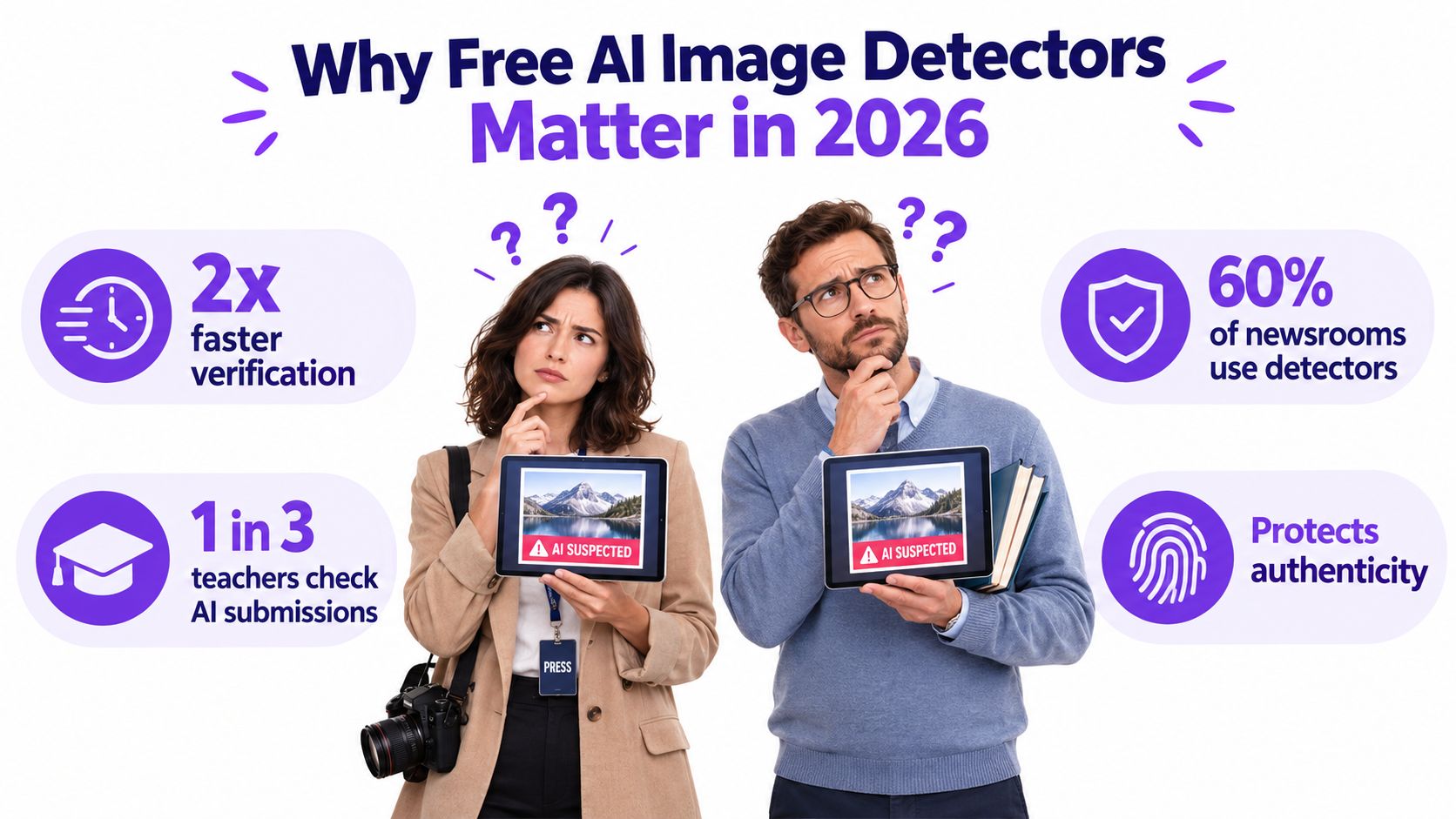
A journalist has a viral mountain photograph open on a tablet, with an editor asking whether it can be published. At the same time, a teacher is checking a student submission and wondering whether the polished portrait came from a camera or an image generator. Both may reach for an AI generated image detector free of charge because it offers a fast first check.
That instinct makes sense, but the result needs careful interpretation. A free detector is better understood as a probabilistic assistant, not a truth machine. It notices patterns associated with synthetic images and estimates how likely they are, but it can't prove who created a file or establish a complete chain of custody.
Why Free AI Image Detectors Matter in 2026
Synthetic imagery has moved well beyond specialist communities. One independent industry tracker estimates that more than 30 billion AI images have been created globally since 2022, with daily output around 80 million images by 2025 and 2026. The same tracker estimates more than 150 million monthly users of AI image generators, which helps explain why teachers, editors, marketplace moderators, and ordinary social-media users now encounter questionable visuals routinely. The tracker's overview of AI image generation volume provides that broader context.
A free checker is often the only practical option for a person working under time pressure. Paid services may require subscriptions, usage commitments, technical integrations, or organizational approval. A browser-based tool removes those barriers, so a user can upload a file, receive a probability estimate, and decide whether deeper investigation is justified.
The first check is not the final answer
Detection systems usually examine visual signals that humans may miss. They might find inconsistent texture, unusual lighting, repeating patterns, or traces associated with a known image generator. The software then combines those signals into a label such as likely AI, inconclusive, or likely human.
That label answers a narrow question, not the complete verification question. It may suggest that the file deserves scrutiny, but it doesn't tell you whether a real photograph was later edited, whether metadata was removed, or whether the image came from an unfamiliar generator.
Practical rule: Use a free detector to decide what to investigate next, not to decide what happened without additional evidence.
The need is growing alongside the synthetic-media economy. Market research sources place the global synthetic media market around USD 4.89 billion to USD 5.06 billion in 2024, with projections varying by methodology and reaching as high as USD 21.70 billion by 2033. A summary of the synthetic-media market figures and projections shows why verification has become an operational concern rather than a niche curiosity.
Before uploading a sensitive image, users should also understand the service's privacy terms. The rest of the process depends on three questions: how detection works, how to read a score, and what evidence should accompany it. A useful overview of the broader concept is available in this guide to free AI detection.
How Free AI Image Detectors Actually Work
Most free tools combine several kinds of evidence. Think of the process as asking three witnesses about the same photograph. One examines tiny details, another looks for repeating mathematical patterns, and the third recognizes the visual habits of image generators.
Pixel-level clues
At the smallest level, a detector inspects pixels and local regions. It may look for unnatural skin texture, inconsistent hair strands, malformed lettering, repeated fabric details, or objects that don't quite fit their surroundings. A real camera produces noise through its sensor, lens, lighting, and processing pipeline. Generated images tend to produce a different statistical texture.
This doesn't mean a detector sees a glowing “AI” mark. It compares patterns against examples of authentic and synthetic imagery. A clean studio portrait can therefore confuse the system, especially when smooth surfaces and controlled lighting resemble generator output.
Frequency patterns
Some systems transform the image into a representation of its spatial frequencies. In plain language, they look for repetition that isn't obvious when you view the picture normally. Certain image-generation and editing pipelines can leave regular grid-like or periodic traces, much like repeated brush movements might reveal a forged painting under magnification.
A recent forensic study found distinct periodic grid-like spectral peaks in standard latent-diffusion inpainting, while broader testing showed that detector performance can decline when systems move from benchmark data to manipulated or unfamiliar images. The study on frequency traces and distribution shift explains why a visual score should remain probabilistic.
Generator fingerprints
The final layer resembles recognizing an accent. Classifiers can learn recurring signatures from outputs associated with systems such as Midjourney, DALL·E, Stable Diffusion, and Flux. If a new generator produces images with different habits, a detector trained mostly on older examples may struggle.
Free services commonly use lighter models or shared server capacity. That keeps access simple, but it can limit the range of generator families, transformations, and image types the service handles well. For readers who want more background on the distinction between detection and interpretation, this explanation of AI detection offers useful context.
A 2026 benchmark called X-AIGD illustrates the direction of more explainable systems. It introduces 52,000 synthetic images from 13 text-to-image models, alongside 4,000 real images, and includes 3,035 fake images with pixel-level polygon masks. The X-AIGD benchmark description matters because it evaluates not only whether a system is right, but also whether it can identify the region and type of artifact behind its decision.
For a broader look at how organizations connect image generation with technical services, readers can also review Freeform Company launches AI services.
Using a Free AI Image Detector Step by Step
Start with the file, not the verdict. A detector can only examine the version you upload, and a screenshot or compressed social-media copy may contain very different evidence from the original photograph.

Prepare a useful copy
Check the format. Many free services accept common formats such as JPG, PNG, and WebP. Some also accept HEIC, while others reject it. File-size limits vary, so read the upload panel rather than assuming a file will process.
Keep the original. Save the source file separately before resizing, re-screenshotting, or adding filters. Recompression can remove subtle traces that a detector might use, while a screenshot can introduce new display and capture artifacts.
Avoid unnecessary clipboard transfers. Dragging the original file into the upload area or selecting it through a file picker usually gives the service a cleaner input. Pasting an image from another application may add processing noise or metadata changes.
Upload once, then record the result. The service may return a score, a category, and a short explanation. Save the result with the file name and date if the image is connected to a report, classroom dispute, or moderation decision.
Treat the scan as a screening step
During processing, the service may combine local artifact checks, frequency analysis, and generator-pattern matching. A short scan time doesn't mean the system has reached certainty. It only means the model has completed its available analysis.
A second check can help reveal instability. Run the same, unaltered file through another independent detector, then compare the direction of the results rather than chasing a perfect numerical match. Agreement is informative, but it still doesn't replace the source's context, reverse-image research, creator confirmation, or provenance records.
A short demonstration can help new users recognize the difference between uploading a file and interpreting the output.
If one tool says likely AI and another says inconclusive, pause before making an accusation. Check whether the image is a crop, a scan, a screenshot, or a human photograph with AI-based retouching. The disagreement is itself evidence that the case needs more investigation.
Reading Confidence Scores and Verdicts
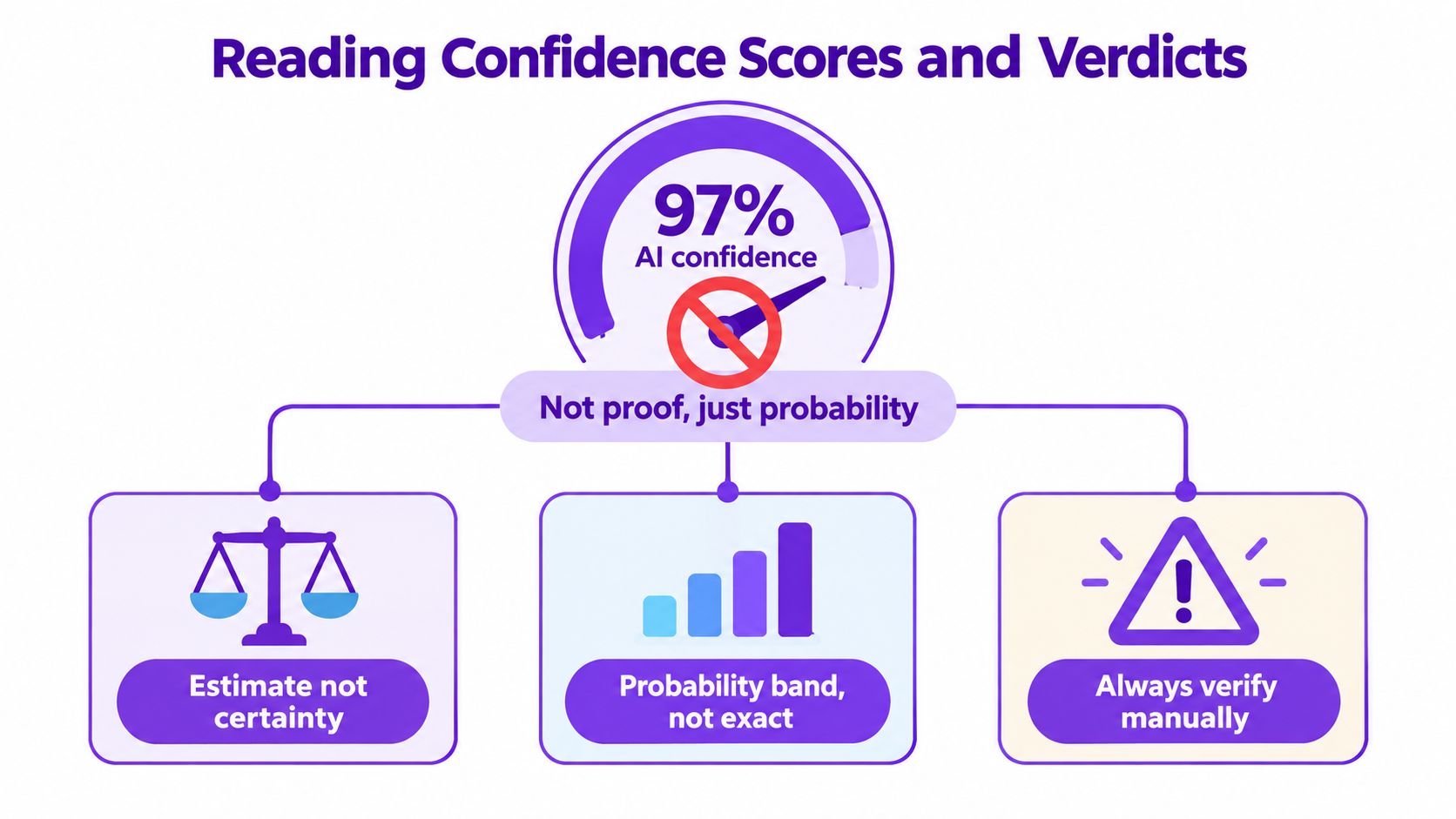
A score such as 97% AI confidence is not proof. It is the model's estimate under its own training conditions, thresholds, and assumptions. The number doesn't represent a legal probability that the image was generated, and it doesn't guarantee that the service would reach the same conclusion after a crop or recompression.
A weather forecast offers a useful comparison. An 80% chance of rain helps you decide whether to carry an umbrella, but it doesn't guarantee rainfall at your exact location. A detector score works similarly. It helps prioritize attention, not establish an unquestionable fact.
What the labels suggest
Likely AI-generated: The model found patterns that strongly resemble synthetic output in its training experience. Preserve the file and seek another signal before taking consequential action.
Likely human: The image resembles authentic examples, but the result doesn't prove that no AI editing occurred.
Inconclusive: The available evidence sits near the model's uncertainty boundary, or the file doesn't match the tool's supported conditions.
Human or AI: Some services use a spectrum rather than a binary answer. Read the explanation and inspect the image's history instead of focusing only on the headline label.
Scores near the middle deserve particular caution. A borderline 60% AI result may reflect weak artifact evidence, image alteration, or a generator the model doesn't recognize. It shouldn't independently trigger a disciplinary decision, publication rejection, fraud accusation, or copyright claim.
For a deeper explanation of why numerical confidence and factual certainty differ, consult this guide to probability versus certainty. The safest habit is simple: compare at least two independent results, then add human review and source investigation.
Common Limits, False Positives, and Edge Cases
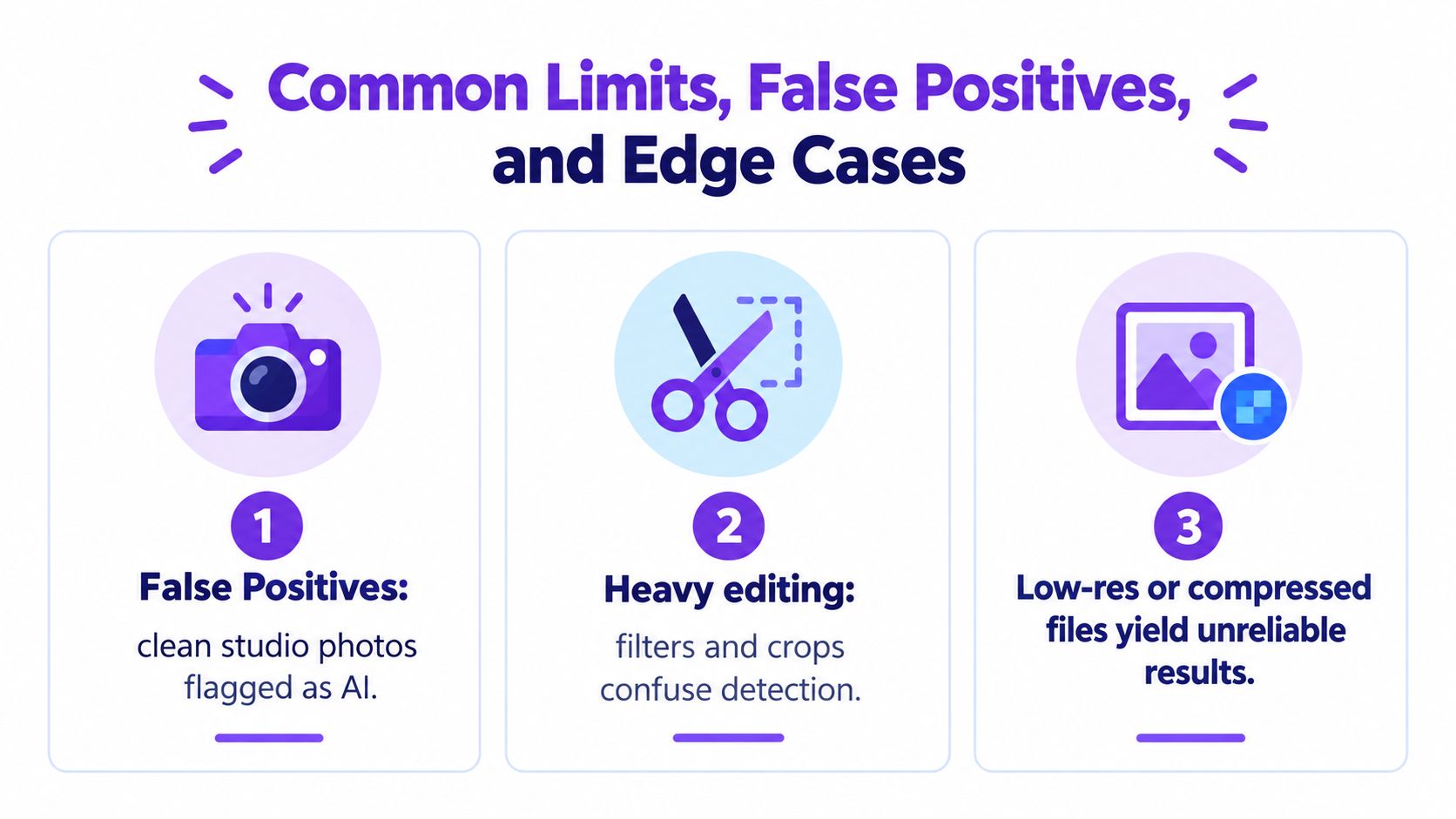
Free detectors can flag authentic images. NewsGuard found that five leading tools collectively labeled real images as AI-generated 13.33% of the time, while one tool produced false positives at 40%. The audit discussion of AI image detector limits makes the practical risk clear. A false positive can harm a journalist, student, artist, or seller whose genuine work is questioned without fair review.
Three failure patterns to expect
Authentic images can look synthetic. Clean studio lighting, smooth skin, heavy HDR processing, computer-generated design elements, and professional retouching may resemble generator artifacts. A detector sees image statistics, not the photographer's memory card.
Editing can erase or replace clues. Cropping, resizing, JPEG re-encoding, filters, screenshots, and messaging-app compression alter the file. Sometimes those changes remove synthetic traces. Sometimes they create new patterns that the classifier misreads.
Generator coverage is uneven. A service trained extensively on Stable Diffusion may respond differently to Midjourney, DALL·E, Flux, or an unfamiliar model. It may also behave unpredictably when a person combines a human photograph with an AI-generated background or object.
Scanned documents, phone screenshots, low-resolution files, and hybrid images sit in a gray zone. A detector may refuse to commit because it lacks enough reliable visual evidence, or it may produce a confident-looking label for the wrong reason.
A separate academic study of Western blot images found very low positive predictive value under realistic prevalence conditions and concluded that available free detectors shouldn't guide editorial or peer-review decisions in that setting. That finding reinforces a broader rule for high-stakes work: assume the detector could be wrong until you have a second signal.
Useful second signals include the original file, camera metadata, a trusted source, reverse-image matches, creator records, editing history, and content credentials. None is automatically decisive, but several independent clues form a stronger basis than a single score.
Free vs Paid vs Enterprise Detection Options
The right tier depends less on curiosity than on consequence. A person checking one image may value immediate access, while a newsroom or platform needs repeatable evidence, privacy controls, reporting, and integration.
| Capability | Free Tools | Paid Consumer | Enterprise |
|---|---|---|---|
| Accuracy on new generators | Coverage varies and may be narrow | Usually broader documentation and updates | Tuned for defined use cases, with ongoing evaluation |
| Privacy posture | Often cloud-based, policy must be checked | Clearer account and retention controls may be available | Contractual controls, governance, and deployment options |
| Throughput | Suited to occasional checks | Higher quotas and batch features | High-volume processing and automated queues |
| Integration depth | Browser upload | Some exports or basic integrations | APIs, moderation pipelines, CMS connections, logs, and custom thresholds |
| Decision support | Basic label or score | More explanation and history | Reporting, review workflows, and operational controls |
Free tools are useful when the question is exploratory: “Does this image deserve a closer look?” They also help users learn how probability bands behave across authentic, synthetic, and edited files.
Paid consumer services may fit freelancers, educators, and small teams that need more regular checks without building an internal system. Look for documentation about test data, supported formats, retention, model updates, and what happens when a scan is inconclusive.
Enterprise platforms go further by connecting detection to a workflow. A trust-and-safety team might route flagged images to human reviewers. A publisher might preserve scan results alongside an assignment record. A compliance team may need access controls and an audit trail rather than a one-time browser result.
AI Image Detector offers a free, no-sign-up image analysis option that returns a confidence-oriented result in under ten seconds, according to the publisher's product information. It supports common image uploads and presents a spectrum from likely human to likely AI-generated, so it can serve as an initial screening tool rather than a substitute for formal verification.
Provenance, Watermarking, and the Next Layer
Detection examines an image after it exists. Provenance records information about where an image came from and what happened to it along the way. The difference is similar to comparing a fingerprint with a passport. A fingerprint may help identify a person after an event, while a passport carries identity and travel information from the start.
Content Credentials based on C2PA are part of the industry's move toward signed provenance records. Generators and cameras can attach information about creation or editing, and compatible tools can inspect those records alongside a detector's probability estimate. Google has announced Gemini-based verification using SynthID watermark checks, while OpenAI supports C2PA-style provenance metadata. This overview of free deepfake detection and provenance developments describes why the market is moving beyond visual classification alone.
Why the two layers belong together
A detector can help when no provenance exists. A credential can provide stronger context when the signature is intact and trustworthy. Used together, they answer different questions:
- Detection asks: Does the file contain patterns associated with synthetic generation?
- Provenance asks: Is there a signed record of origin, creation, or editing?
- Human review asks: Does the image make sense in its claimed context?
Neither layer is universal. Many generators don't embed credentials, and metadata can disappear through editing, screenshots, or platform processing. Watermarks can also be absent or damaged, so a missing credential doesn't prove that an image is human-made.
For a newsroom, legal team, or compliance workflow, the strongest practice is to preserve the original file, inspect available credentials, run a detector, and document the reasoning. Provenance supplements visual forensics. It doesn't eliminate the need for it.
Privacy Tips and Quick FAQ for Free Detection
Uploading an image sends data to a service unless the provider clearly says processing happens locally. Before using a free AI image detector, apply this short checklist:
- Read retention terms: Check whether uploads are stored, shared, reviewed, or used for model training.
- Prefer local processing: In-browser or on-device analysis can reduce exposure, but verify what the service means by that claim.
- Remove sensitive content: Don't upload private medical images, identity documents, confidential work, or personal photographs unless the privacy terms are acceptable.
- Review metadata: Strip EXIF data if the file contains location or device information you don't need to disclose.
- Keep your own copy: Preserve the original and the detector result separately so you can explain what was tested.
Quick answers
Can a detector analyze an AI-edited photograph? Sometimes. Hybrid images are difficult because the file may contain both camera-originated and generated regions, and tools differ in how they handle that mixture.
Can free image detectors check video? Usually not. A still frame may be analyzed, but video requires frame sampling and separate handling.
How long does a scan take? Many browser tools return results quickly, but processing time depends on file size, traffic, and the service's infrastructure.
Can I appeal a result? You can request human review where offered, but the better first step is to preserve the original and obtain a second independent assessment.
How often are models updated? There is no universal schedule. A service may update after new generators appear, or it may remain trained on an older distribution.
Use the result as a prompt for investigation, never as the entire investigation.
AI Image Detector gives you a free way to screen an uploaded image, review a confidence-oriented verdict, and investigate suspicious visuals without treating a score as proof. Visit AI Image Detector to run a careful first check, then pair the result with source context, provenance, and human review.


