

The 12 Best Art Identifier App Options in 2026

Have you ever stood in a gallery, captivated by a painting, but unable to find the wall label? Or perhaps you've scrolled past a striking image online and wondered about its origin, only to find no credit. In a world saturated with visual information, from priceless masterpieces to sophisticated AI-generated fakes, the ability to quickly and accurately identify an image is more critical than ever. This is where a powerful art identifier app becomes an indispensable tool.
For journalists and fact-checkers, these apps are a first line of defense against misinformation, helping to verify the source of a viral photograph or debunk a manipulated image. For educators and students, they serve as a portable art history lesson, instantly providing context on works seen in museums or textbooks. Artists and designers can use them to find inspiration, track how their work is being used online, and avoid unintentional infringement. Even cautious consumers can benefit, using these tools to spot fake product images or verify the authenticity of an online profile.
This comprehensive guide cuts through the noise to help you find the best art identifier app for your specific needs. We’ve analyzed a dozen of the most effective platforms, from specialized art databases to powerful reverse image search engines. Each review includes a breakdown of core features, ideal use cases, potential privacy considerations, and practical pros and cons. We provide direct links and screenshots to make your decision easier. Whether you're identifying a classical sculpture, an obscure meme, or a potential deepfake, this resource will equip you with the right tool for the job.
1. Magnus
Magnus bills itself as the "Shazam for art," and for good reason. This iOS-only art identifier app is purpose-built for the gallery-goer, collector, and fine art enthusiast. Its core function is straightforward: take a photo of an artwork, and the app identifies the artist, title, dimensions, and materials.
What truly sets Magnus apart is its deep integration with the art market. Beyond simple identification, it provides price data from galleries and auction houses, including historical sale records. This unique feature transforms it from a mere identifier into a powerful market research tool, allowing users to instantly gauge the commercial value and history of a piece they encounter. The app also includes a mapping feature to discover nearby galleries and exhibitions, making it an excellent companion for art exploration in any major city. While its identification can sometimes struggle with newer or less-documented works, it offers a human review process to assist when the AI fails, a testament to its commitment to accuracy.
Core Features and Use Case
- Photo-Based Identification: Instantly get details like artist, title, and materials.
- Price Database: Access current and historical pricing from galleries and auctions. Ideal for collectors and investors tracking market trends.
- Gallery and Museum Map: Discover nearby art venues, complete with opening hours and current show information.
- Human-Assisted Review: If the AI can't find a match, you can submit the image for review by a human expert.
Ideal For: Art collectors, gallery visitors, and students who need a quick, reliable way to identify fine art and understand its market context on the go.
Pros & Cons
| Pros | Cons |
|---|---|
| Excellent for fine art and market price context. | iOS only, no Android version currently available. |
| Integrates identification with valuable marketplace data. | Identification accuracy can vary for emerging artists. |
| Active data maintenance and human review improve results. | Not designed for identifying AI-generated images. |
While Magnus excels at authenticating human-created artworks, it is not a tool for spotting digital forgeries. For those concerned with the provenance of digital media, understanding how to identify AI-generated art is a separate but crucial skill. You can explore techniques for this by reading more about how to tell if art is AI.
Learn more at: https://www.magnus.net
2. Smartify
Smartify is often called the "ultimate museum companion," designed to enrich the in-person gallery and museum experience. This versatile art identifier app partners directly with over 700 cultural institutions worldwide. Users can simply point their phone's camera at a supported artwork to instantly access detailed information, artist stories, and expert commentary, effectively replacing traditional audio guides.

What makes Smartify unique is its deep, contextual approach to art identification. Instead of just providing data, it delivers curated content and guided audio tours developed in collaboration with the museums themselves. This ensures the information is accurate, educational, and aligned with the institution's narrative. The app also includes visit-planning features, allowing users to browse venue maps, check opening times, and even buy tickets in advance. You can also save your favorite artworks into a personal digital collection, making it a great tool for remembering and revisiting pieces long after your visit.
Core Features and Use Case
- Museum-Partnered Recognition: Scans and identifies artworks within its network of 700+ partner venues.
- Curated Audio Tours: Offers professionally produced guides and stories that provide deep context for exhibitions and collections.
- Visit Planning and Ticketing: Integrates maps, hours, and direct links to purchase tickets for a seamless museum visit.
- Personal Collection Curation: Allows users to save and organize their favorite artworks for future reference and study.
Ideal For: Museum visitors, educators, and art history students who want an interactive, institution-approved guide to enrich their gallery experience.
Pros & Cons
| Pros | Cons |
|---|---|
| Strong educational content from reputable cultural partners. | Recognition is limited to partnered collections. |
| Broad coverage across major global museums and galleries. | Some premium tours or content require in-app payment. |
| Functions as an all-in-one museum guide with planning tools. | Not designed for identifying art outside of its network. |
While Smartify focuses on verified human art, the broader challenge of image verification is growing. Understanding the tools and techniques for AI image identification is becoming increasingly important for discerning authentic works from digital creations. You can find more information about how this technology works by reading our guide to AI image identification.
Learn more at: https://smartify.org
3. Google Arts & Culture
More of an encyclopedia than a standalone app, Google Arts & Culture is a massive educational platform designed for exploring art history, movements, and individual works. Rather than focusing on market data, its primary goal is to make art accessible through high-resolution imagery and rich editorial content. Its art identifier app functionality, called Art Recognizer, is a key feature, but it’s uniquely designed to work within specific partner museums, even offering offline access in select locations.
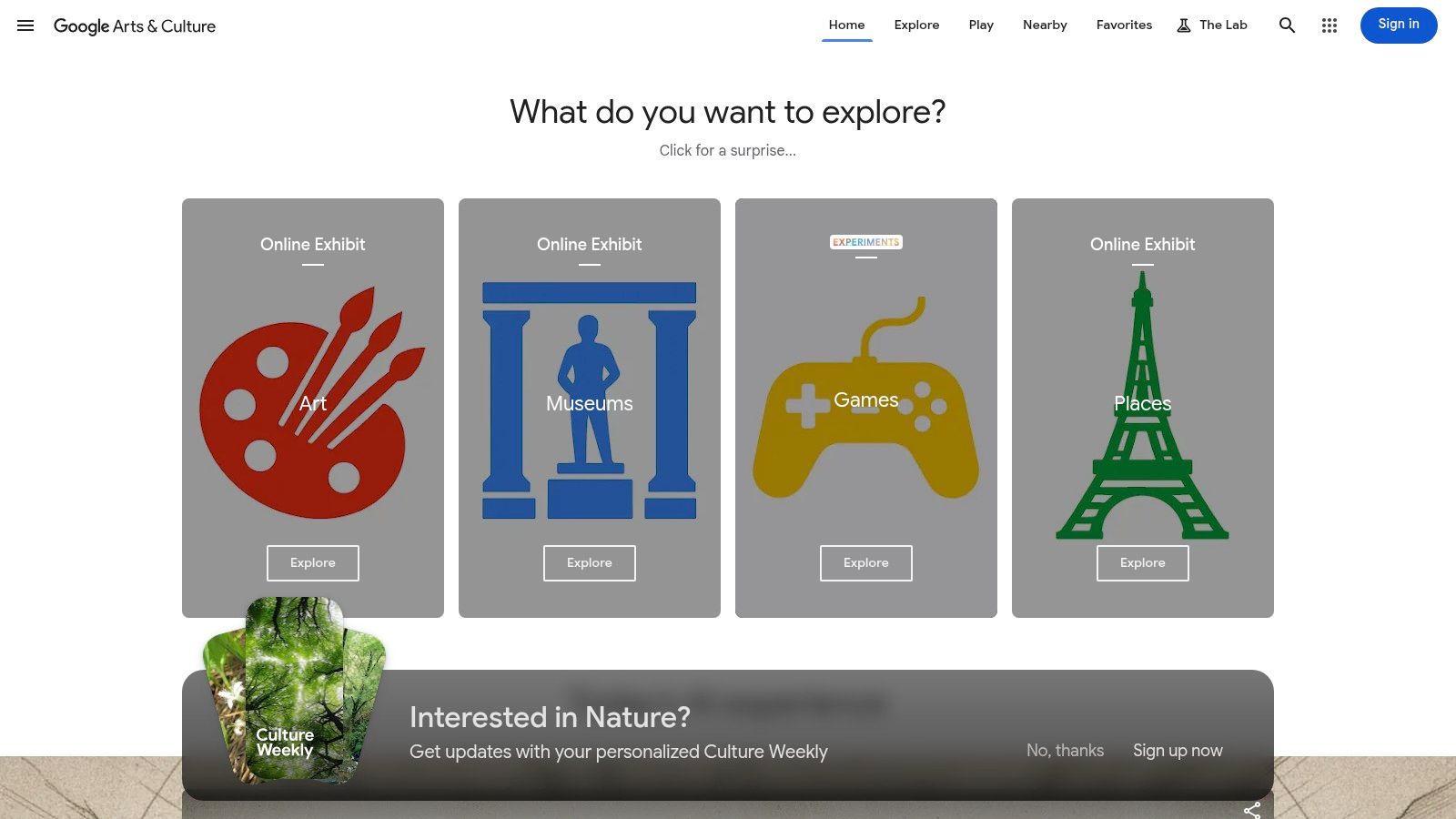
What makes this platform exceptional is its depth and educational focus. It leverages Google’s technology to offer immersive experiences like Art Projector, which uses AR to place famous artworks at scale in your room, and Pocket Gallery, which creates virtual exhibitions. Partnering with over 2,000 institutions, it provides unparalleled access to collections and curated stories, making it an indispensable resource for students, teachers, and anyone curious about the context behind the art. While its real-time identification is limited to partner venues, its vast searchable database serves as a powerful research tool from anywhere.
Core Features and Use Case
- Art Recognizer: Point your camera at an artwork in participating museums to get detailed information instantly.
- High-Resolution "Gigapixel" Images: Explore famous artworks with incredible zoom capabilities to see brushstrokes and details invisible to the naked eye.
- AR and VR Tools: Use Art Projector and Pocket Gallery to visualize art in your own space or tour virtual exhibits.
- Extensive Curated Content: Access articles, collections, and stories from thousands of museums and archives worldwide.
Ideal For: Students, educators, researchers, and museum visitors who want deep cultural and historical context rather than market prices.
Pros & Cons
| Pros | Cons |
|---|---|
| Completely free with content from thousands of partners. | Identification feature only works in partner institutions. |
| Strong educational focus with classroom-friendly features. | Not designed for identifying art found outside of its database. |
| Immersive AR and virtual gallery tools enhance learning. | Limited utility for identifying commercial or emerging art. |
Learn more at: https://artsandculture.google.com
4. Google Lens
While not a dedicated art app, Google Lens is arguably the most accessible and powerful general-purpose art identifier app available. Integrated directly into the Google app, Chrome, and Android/iOS Photos, its strength lies in leveraging Google’s massive image index. Point your camera at a painting or upload a photo, and Lens will serve up visually similar images, identify the artwork if it's known, and provide links to websites where it appears.
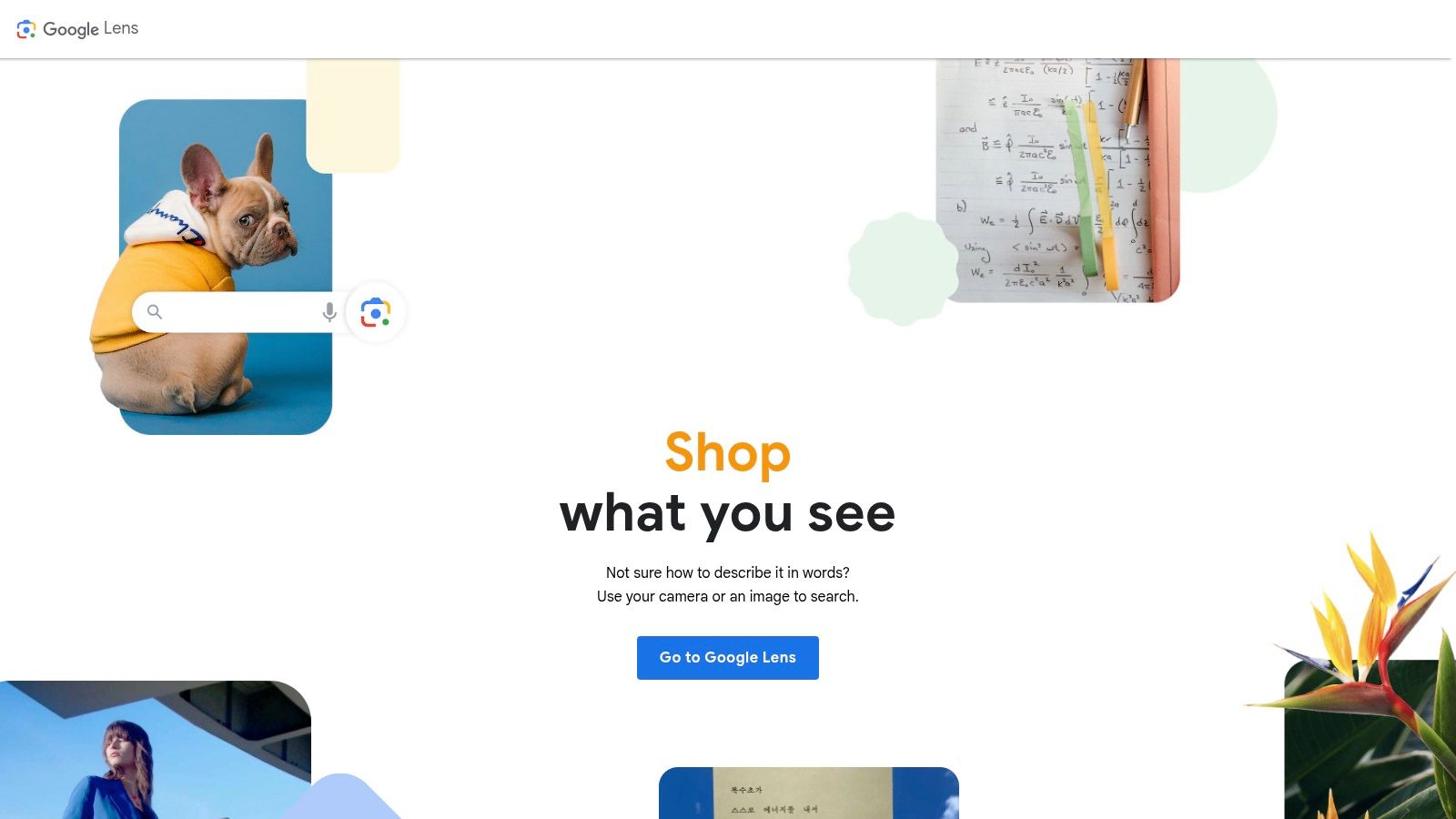
What makes Google Lens unique is its focus on source tracing and contextual information. Beyond just naming the piece, it excels at finding the original web page where an image was posted, making it invaluable for fact-checkers and researchers verifying provenance. The "About this image" feature can show when Google first indexed an image, offering clues to its digital history. It's a multipurpose visual search engine that treats art identification as one of its many skills, providing broad, web-based context rather than curated art market data.
Core Features and Use Case
- Visual Search and Identification: Instantly identifies famous artworks and finds visually similar images across the internet.
- Source Tracing: Excellent for finding the original online source of a digital art image, crucial for verification and crediting.
- Integrated Access: Available across mobile and desktop via Google's ecosystem, requiring no separate app download.
- 'About this image' Context: Provides metadata like when an image was first indexed, aiding in provenance checks for digital files.
Ideal For: Journalists, educators, and casual users who need a fast, free tool to identify an artwork and trace its presence across the web.
Pros & Cons
| Pros | Cons |
|---|---|
| Excellent for finding original sources and online context. | Not a specialized art tool, lacks fine art market data. |
| Free, fast, and widely integrated into many devices and apps. | Can be less accurate for obscure or emerging artists. |
| Functions as a powerful general picture recognition software. | Interface changes can disrupt established user workflows. |
Google Lens is a first-rate tool for understanding an image's digital footprint rather than its art-world value. For those interested in the technology behind it, you can explore more about how picture recognition software works and its broader applications.
Learn more at: https://lens.google
5. TinEye
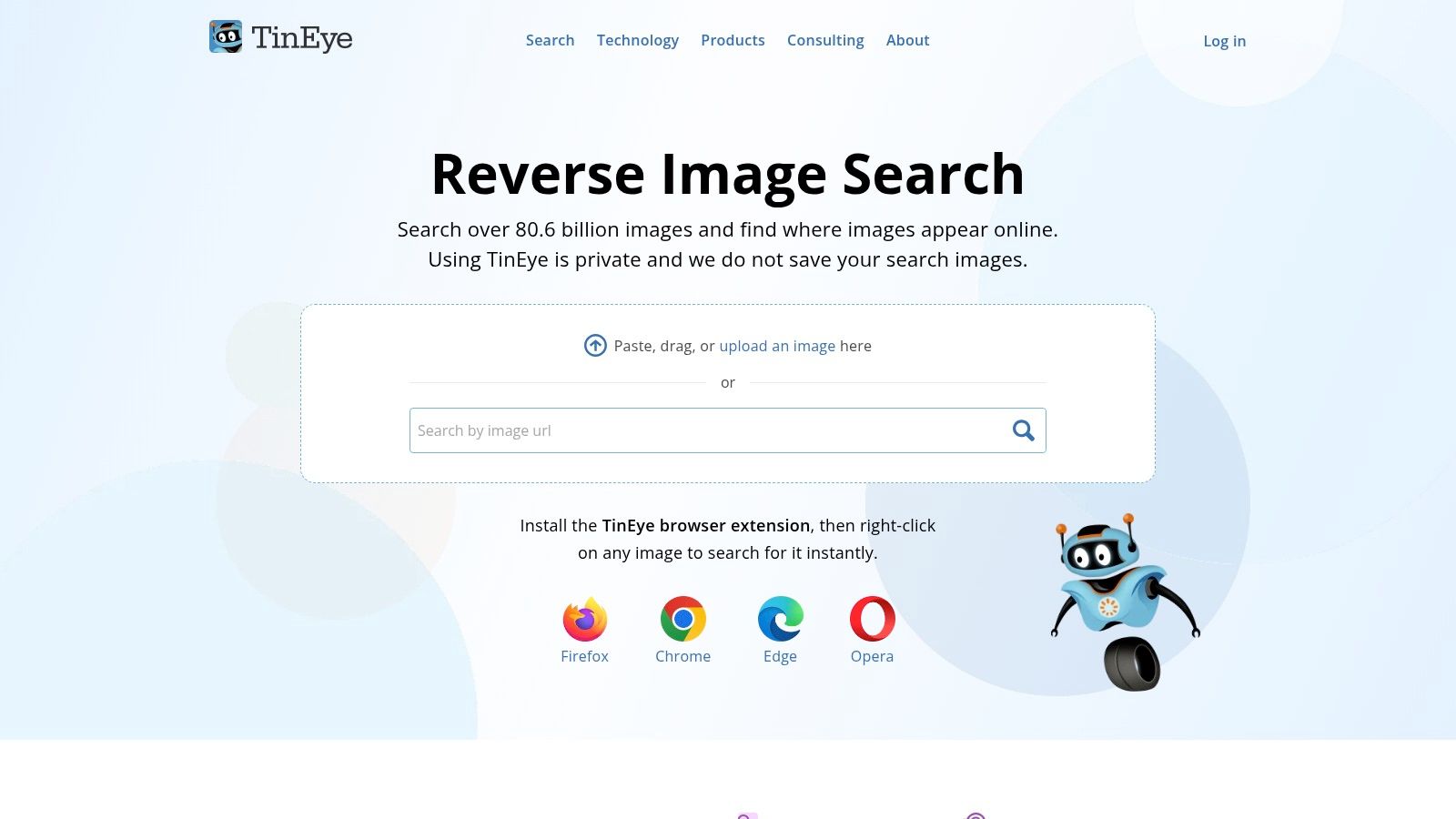
While not an art identifier app in the traditional sense, TinEye is an indispensable tool for art provenance and source verification. It operates as a reverse-image search engine, specializing in tracking exactly where and when an image has appeared online. Instead of identifying an artwork's style or artist, it finds exact and modified copies of the image you upload, creating a digital trail of its usage across the web.
This makes it incredibly powerful for researchers, artists, and fact-checkers. By sorting results by "Oldest," a user can trace an artwork's digital debut, helping to debunk false attributions or verify its origin. Its patented image 'fingerprinting' technology is robust, capable of matching images even if they've been cropped, edited, or resized. This focus on digital lineage, rather than artistic context, gives it a unique and critical role in the art identification ecosystem.
Core Features and Use Case
- Reverse-Image Search: Upload an image to find where it exists online.
- Image 'Fingerprint' Matching: Accurately finds matches that have been cropped, color-adjusted, or otherwise altered.
- Result Sorting: Filter results by oldest, newest, or most changed to trace an image's history and evolution. Essential for journalists and researchers verifying authenticity.
- Browser Extensions: Offers extensions for Chrome, Firefox, Edge, and Opera for seamless searching directly from any webpage.
Ideal For: Journalists, fact-checkers, artists, and researchers who need to verify the origin of a digital image, find higher-resolution versions, or track unauthorized use of their work.
Pros & Cons
| Pros | Cons |
|---|---|
| Excellent for source tracing and finding earlier appearances. | Not designed for artistic identification or discovering similar art. |
| Strong privacy policy; uploaded images are not indexed. | Focuses exclusively on exact or near-exact matches. |
| Robust matching even with significant image modifications. | Limited in identifying artworks not widely distributed online. |
TinEye’s strength lies in verifying the authenticity of an image's digital history, a crucial step in a world saturated with manipulated content. When dealing with images that may be AI-generated, a different set of tools is necessary. If your goal is to differentiate between human and machine creations, you can learn more about AI detection for art to complement your verification process.
Learn more at: https://tineye.com
6. Microsoft Bing Visual Search
While not a dedicated art identifier app, Microsoft Bing Visual Search is a powerful and often overlooked general-purpose engine that excels at reverse image searching. It functions as a valuable alternative or complement to Google Lens, allowing users to upload a photo or provide a URL to find visually similar images, identify objects within a picture, and discover the web pages where an image appears. This makes it highly effective for tracing an artwork back to its source, be it a museum collection, an artist’s portfolio, or a social media post.
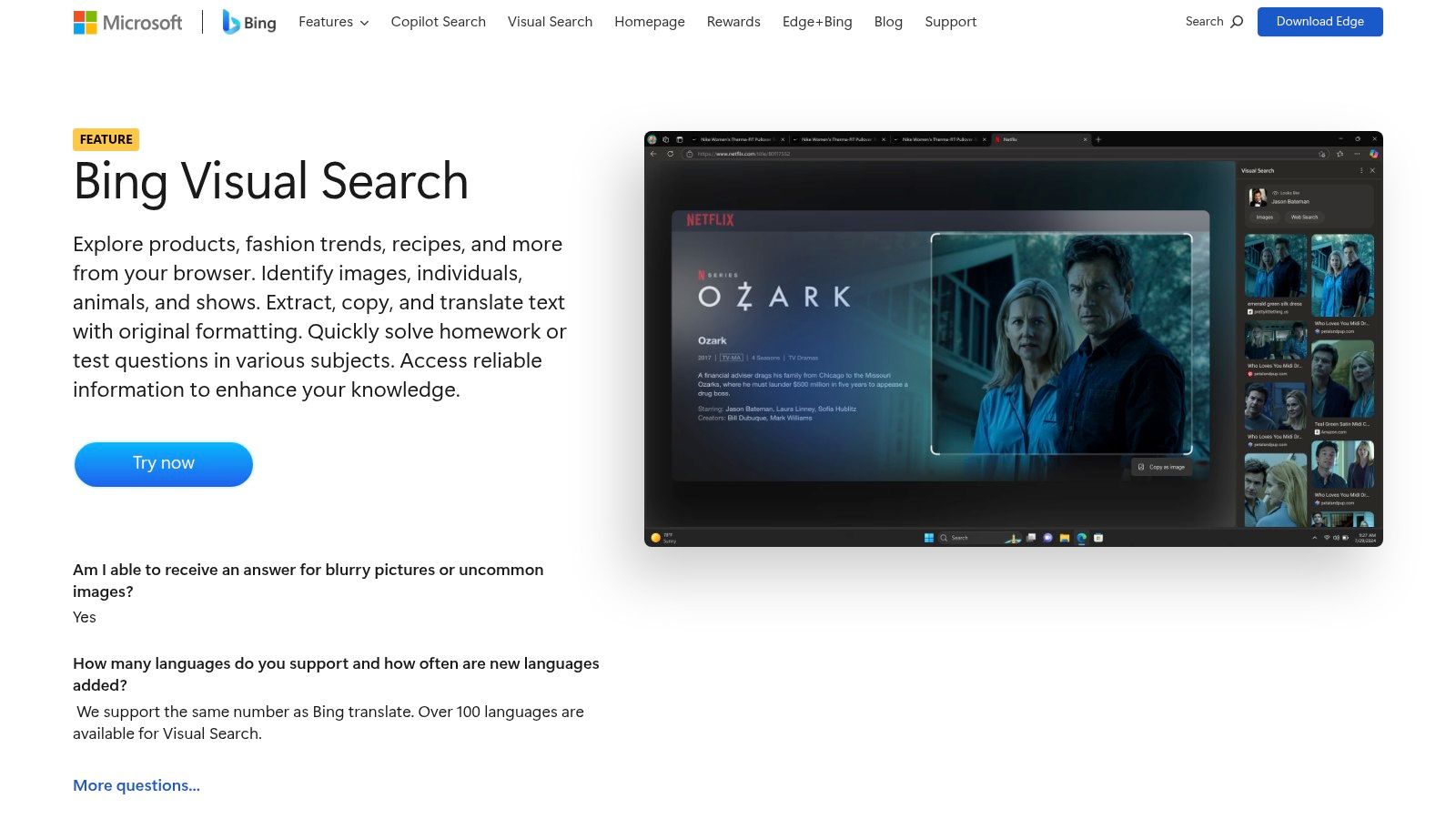
What makes Bing a worthy tool in an artist’s or researcher’s arsenal is its ability to surface different results than its primary competitor. By crawling a vast and distinct index of the web, it frequently uncovers sources from platforms like Flickr, DeviantArt, and other niche online galleries that might be missed by other search engines. Its integrated text extraction and translation features also add a layer of utility for analyzing images that contain foreign text or inscriptions. For developers, its Visual Search API provides a pathway to build image identification capabilities directly into their own applications.
Core Features and Use Case
- Broad Visual Matching: Upload an image to find visually similar content and the original source pages across the web.
- Text Extraction and Translation: Automatically detects and allows you to copy or translate text found within an image.
- Developer API: The Visual Search API enables programmers to integrate Bing’s identification technology into other software and tools.
- Multi-Platform Access: Available for free on web browsers and through the Microsoft Bing mobile apps for iOS and Android.
Ideal For: Researchers, journalists, and curious users who need a robust, free tool to trace the origin of an image and discover alternative sources not always prioritized by Google.
Pros & Cons
| Pros | Cons |
|---|---|
| Often surfaces different sources than Google (e.g., Flickr). | API terms can change, requiring developers to monitor updates. |
| Free consumer access via browser and mobile apps. | Less focused on fine art context compared to specialized apps. |
| Excellent text extraction and translation features. | Results can be very broad, requiring more user-led filtering. |
Learn more at: https://www.microsoft.com/en-us/bing/features/visual-search
7. Yandex Images
While not a dedicated art identifier app, Yandex Images functions as a powerful, general-purpose reverse image search engine that often succeeds where others fail. Its strength lies in its expansive index, which frequently includes international art platforms, portfolios, and social media sites that are less prioritized by US-based search engines. This makes it an indispensable tool for tracking down the origins of digital illustrations, concept art, and especially anime or manga-style artwork.
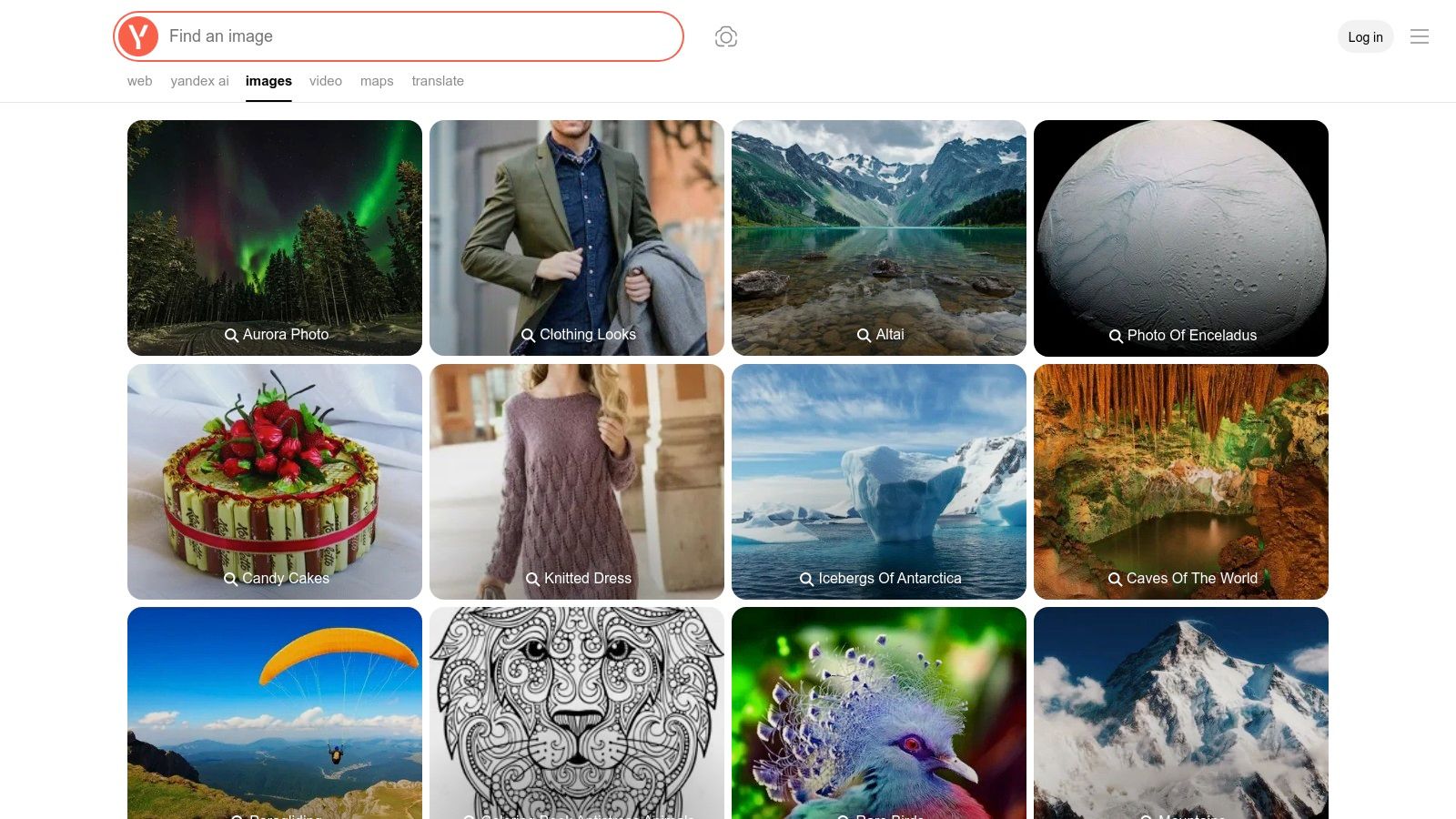
The platform’s "Smart Camera" feature in its mobile apps allows for quick, on-the-go searches, while the desktop version supports both file uploads and URL-based queries. By casting a wider net, Yandex often surfaces original artist pages on sites like Pixiv, ArtStation, or VKontakte, providing a crucial alternative when trying to identify an image that has been widely reposted without credit. For developers, Yandex Cloud also offers API access for integrating its vision capabilities into custom applications.
Core Features and Use Case
- Reverse Image Search: Upload an image file or use the Smart Camera to find visually similar images and their original sources across the web.
- International Source Discovery: Excels at finding artist pages on non-US platforms, making it ideal for identifying digital illustrations, manga, and anime art.
- Text Recognition: The Smart Camera can also identify and translate text within an image, which is useful for art containing foreign languages.
- API Access: Developers can leverage Yandex Vision through the Yandex Cloud API for programmatic image analysis and search integration.
Ideal For: Digital artists, content creators, and researchers who need to find the original source of online illustrations, particularly those originating from international platforms.
Pros & Cons
| Pros | Cons |
|---|---|
| Excellent for anime/manga and digital illustration sources. | URL-based uploads can sometimes fail, requiring a file upload. |
| Frequently finds sources missed by Google or Bing. | Not specialized for fine art; lacks market data or context. |
| Free and easily accessible via web browser and mobile apps. | User interface may be less familiar to non-Yandex users. |
Learn more at: https://yandex.com/images
8. Artsy
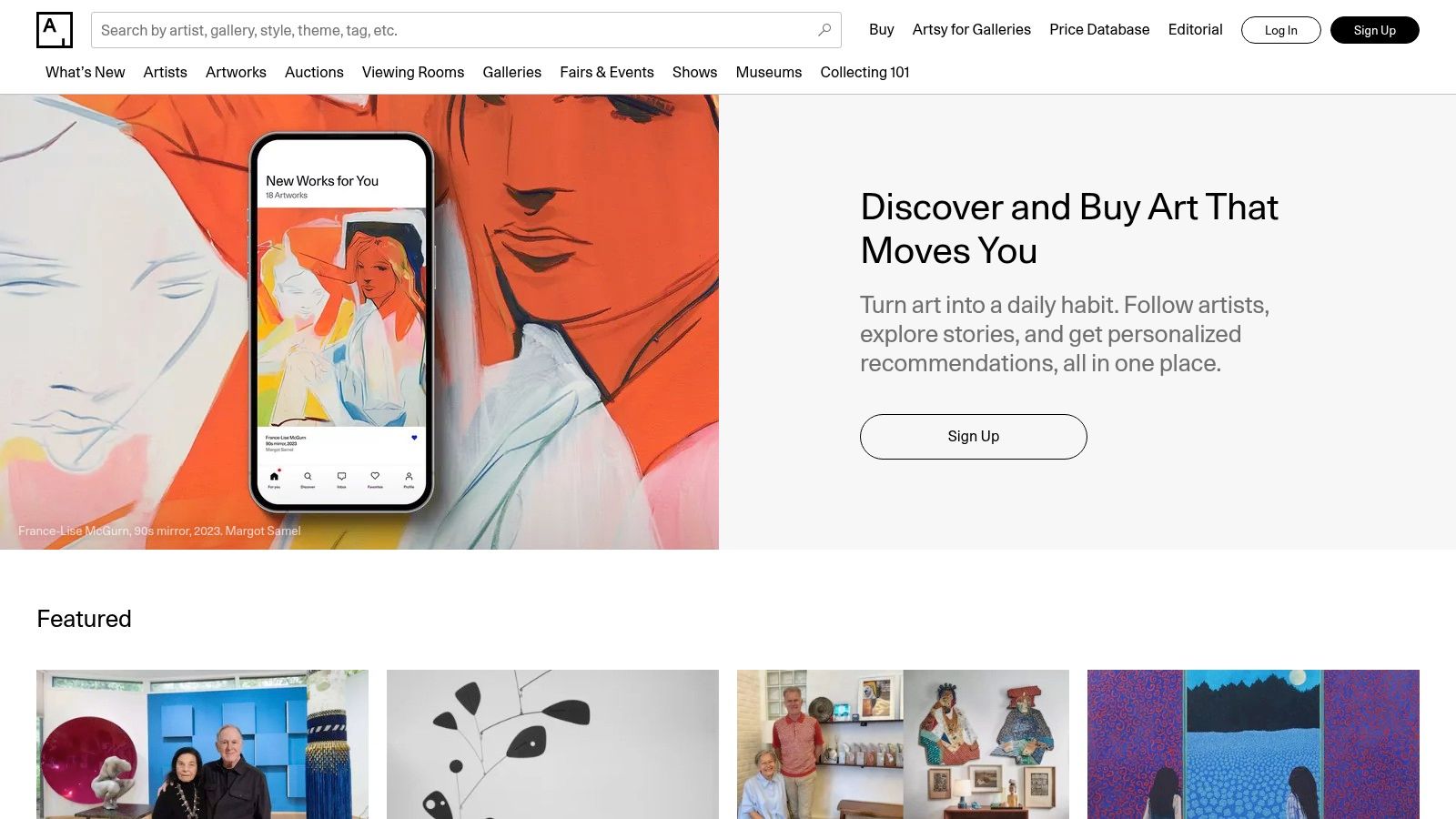
While not a direct art identifier app in the "point-and-shoot" sense, Artsy is an indispensable resource for the next step in the identification process: verification, research, and acquisition. Functioning as a massive online art marketplace and editorial platform, it's where you go after an app gives you a name. If you've identified an artist, you can use Artsy to dive deeper into their full body of work, read their biography, and see which galleries represent them.
Its true power lies in its comprehensive database of over one million artworks from thousands of galleries, institutions, and auction houses worldwide. This makes it an authoritative platform for cross-referencing information and confirming details about a piece you've identified. For collectors, Artsy provides price transparency, auction results, and the ability to inquire or purchase works directly. Its "View in Room" AR feature even lets you visualize how a piece would look in your own space, bridging the gap between digital discovery and physical ownership.
Core Features and Use Case
- Vast Art Database: Search over 1 million works to verify artists, view collections, and find similar pieces.
- Marketplace Integration: Inquire, bid on, or purchase artworks directly from galleries and auction houses. Ideal for follow-up after an initial identification.
- Editorial Content and Bios: Access in-depth artist biographies and articles that provide crucial context and aid in verification.
- AR "View in Room" Feature: Use your phone’s camera to digitally place artworks on your wall to scale.
Ideal For: Art enthusiasts, researchers, and serious collectors who need a trusted platform to verify, research, and potentially acquire art after identifying it with another tool.
Pros & Cons
| Pros | Cons |
|---|---|
| Authoritative database for verifying artists and artworks. | Not a primary identification tool; requires a name or title. |
| Excellent resource for market data and art world context. | Some users report occasional issues with the auction sync. |
| Directly connects discovery with acquisition opportunities. | Lacks a photo-based search function. |
Artsy serves as a crucial verification layer in the art world, providing the background and market data that a simple identification app might lack. It helps ensure the information you find is accurate and provides a clear pathway if you decide to learn more or make a purchase.
Learn more at: https://www.artsy.net
9. CamFind (CloudSight)
CamFind operates as a general visual search engine rather than a dedicated art identifier app, but its powerful recognition technology makes it a viable tool for art discovery. Powered by the CloudSight API, the app allows users to take a photo of any object, including artwork, and receive a description along with related web results and shopping links. Its core function is broad identification, treating a painting much like it would a piece of furniture or a plant.
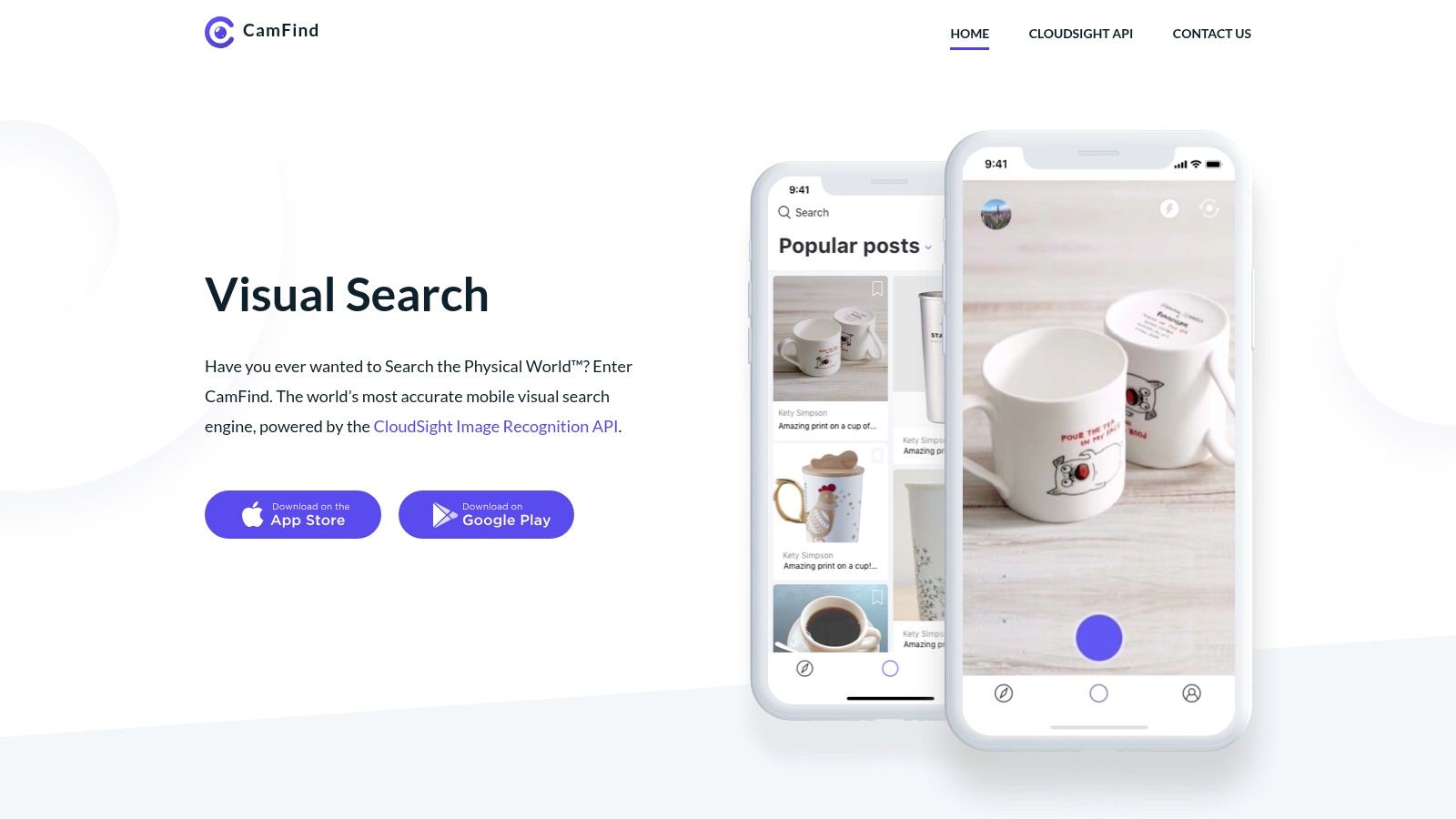
What makes CamFind a useful addition to this list is its independent recognition engine. When specialized art apps or major search engines fail to identify a piece, CamFind can sometimes provide a different set of search results that lead to a successful identification. This makes it a great secondary tool for cross-referencing or tackling more obscure works that may not be indexed in fine art databases. While it lacks the curated, art-specific data of its competitors (like artist bios or auction histories), its simple "snap and search" workflow provides a quick starting point for any visual investigation.
Core Features and Use Case
- General Visual Search: Identifies a wide range of objects, including art, and provides web links.
- Powered by CloudSight API: Leverages a robust, independent image recognition engine that can offer alternative results to Google or Bing.
- Web and Shopping Results: Connects the identified image to relevant online content and potential retail sources.
- Search Organization: Users can save and organize their visual searches within the app for future reference.
Ideal For: Casual users and researchers who need a supplementary visual search tool when primary art-specific apps don't provide a match.
Pros & Cons
| Pros | Cons |
|---|---|
| Simple point-and-shoot interface is very easy to use. | Not a dedicated art app; lacks specialized fine art data. |
| Independent recognition engine provides diverse results. | iOS app shows limited recent update activity and mixed ratings. |
| Broad functionality identifies more than just artwork. | Android availability can be inconsistent. |
Learn more at: https://camfindapp.com
10. SauceNAO
While many tools focus on fine art, SauceNAO carves out a critical niche as a powerful reverse-image search engine for digital art, particularly anime, manga, and online illustrations. Its name, derived from "Sauce, now!", reflects its primary purpose: quickly finding the original source or "sauce" of an image. This web-based art identifier app is the go-to resource for anyone needing to attribute digital illustrations found circulating online without credit.
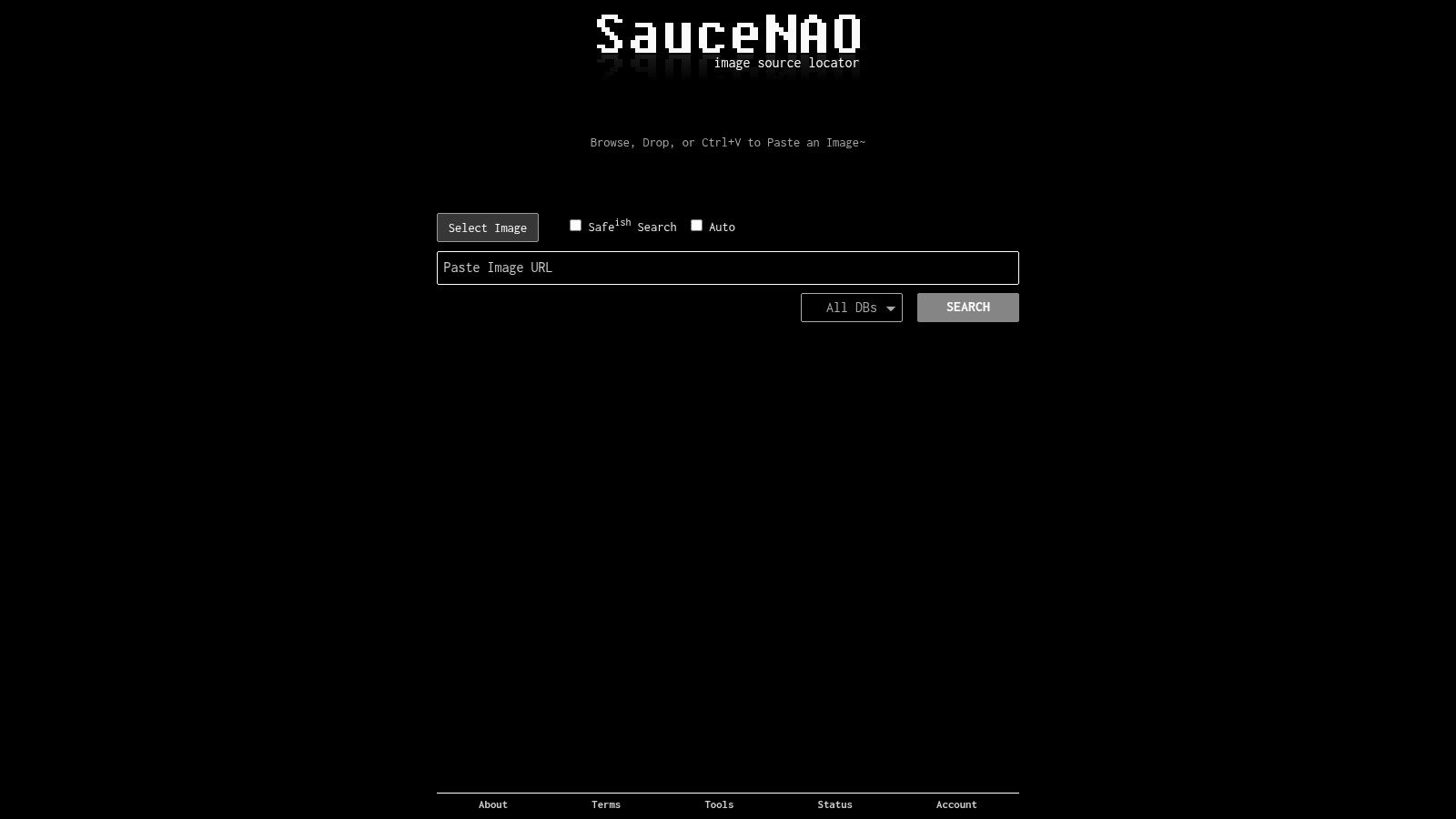
What makes SauceNAO so effective is its highly specialized database. It indexes content from art communities like Pixiv and DeviantArt, image boards (boorus), and anime databases, allowing it to match images that general-purpose search engines would miss. The search results prioritize linking directly to the original artist's post, providing not just the image but its crucial context and proper attribution. The interface is utilitarian and designed for speed, delivering potential matches with similarity percentages to help users quickly pinpoint the correct source. It is an indispensable tool for respecting artist ownership in the digital age.
Core Features and Use Case
- Specialized Reverse-Image Search: Upload an image to find its original post on platforms like Pixiv, DeviantArt, and more.
- Artist Attribution: Designed specifically to locate the original creator, helping users give proper credit and discover more of an artist's work.
- Massive Digital Art Index: Its strength lies in a database focused on anime, manga, and fan art rather than traditional fine art.
- Similarity Scoring: Results are ranked by how closely they match the query, making it easier to identify the correct source among similar images.
Ideal For: Digital artists, content creators, moderators, and anime/manga fans who need to trace the provenance of an online illustration to its original creator for attribution.
Pros & Cons
| Pros | Cons |
|---|---|
| Best-in-class for anime and illustration provenance. | Not suitable for traditional or photographic art. |
| Excellent for artist attribution and finding source links. | The user interface is functional but not modern. |
| Free to use, with community support options available. | Search limits apply to free users during high-traffic periods. |
Learn more at: https://saucenao.com
11. INTERPOL ID‑Art
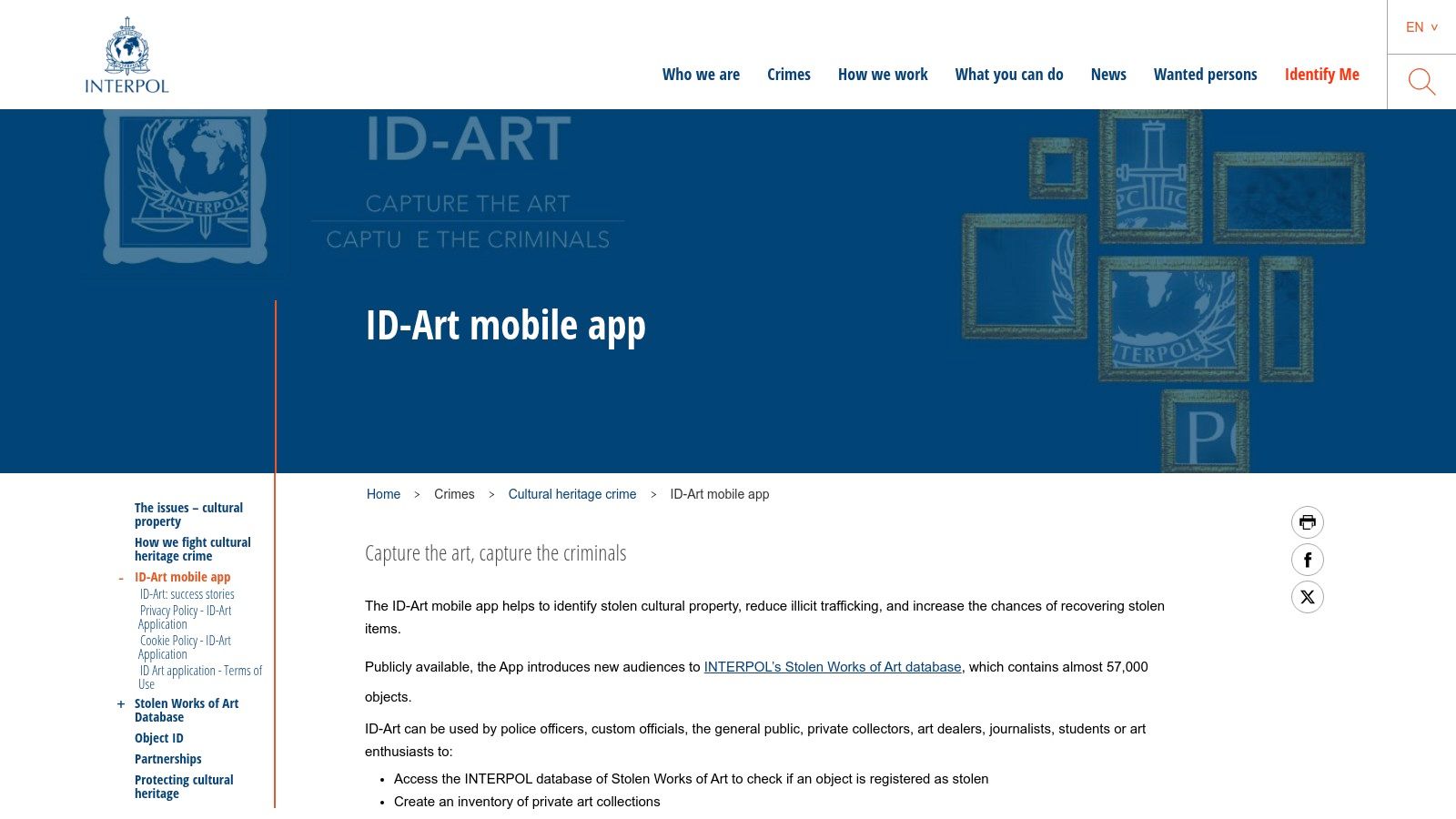
Moving beyond stylistic analysis, INTERPOL ID‑Art is a specialized art identifier app with a critical mission: combating cultural heritage crime. Developed by the world's largest international police organization, this app is not for identifying an artist's name but for verifying an artwork’s legal status. It allows users to cross-reference an object against INTERPOL’s comprehensive Stolen Works of Art database, making it an essential tool for due diligence in the art world.
The app empowers law enforcement, customs officials, collectors, and the public to instantly check if an item is listed as stolen. Users can search the database using images or manual data entry. It also facilitates the creation of private inventories using the "Object ID" standard, a system that documents collection details to aid in recovery if a piece is ever stolen. This focus on provenance and security, rather than artistic identification, gives it a unique and vital role in protecting global cultural assets.
Core Features and Use Case
- Search Stolen Art Database: Instantly check if an artwork is registered in INTERPOL's official database of stolen items.
- Report Illicit Items: Allows users to report potentially stolen cultural objects or sites of illicit excavations directly to law enforcement.
- Create Private Inventories: Systematically catalog personal or institutional collections using the international Object ID standard for documentation and insurance purposes.
- Public and Multilingual Access: The app is free, available in multiple languages, and allows for quick checks without requiring a login.
Ideal For: Art dealers, journalists, compliance teams, and collectors performing due diligence to verify the provenance and legal status of cultural objects.
Pros & Cons
| Pros | Cons |
|---|---|
| Authoritative law enforcement data for stolen art. | Not a stylistic identifier; does not identify artist or title. |
| Essential tool for due diligence and provenance checks. | Relies on reported thefts; not an exhaustive list of all illicit art. |
| Free to use and publicly accessible globally. | Its function is specific to theft/trafficking verification. |
While this app is an indispensable resource for verifying the legitimacy of physical artworks, it does not address the challenges posed by digital fakes. For those navigating the complexities of online media, identifying sophisticated forgeries requires a different set of tools. You can learn more about these methods by exploring resources on how to detect a deepfake video.
Learn more at: https://www.interpol.int/en/Crimes/Cultural-heritage-crime/ID-Art-mobile-app
12. Google Images (desktop)
While not a dedicated art identifier app, Google Images remains a foundational tool for tracing the digital footprint of any artwork. Its classic "search by image" functionality allows users to drag, drop, or upload an image to find out where it has appeared across the web. This makes it an essential first step for provenance checks, identifying the original source, or finding higher-quality versions of a piece.
Its power lies in its sheer scale and integration with the broader Google ecosystem. A reverse image search often leads to museum collection pages, artist portfolios, or articles providing context, which can then be further explored using Google Lens or Google Arts & Culture. The "About this image" feature adds another layer, offering metadata about when the image was first indexed and how it's described on other sites, which is invaluable for fact-checking and spotting misattributed works online.
Core Features and Use Case
- Reverse Image Search: Upload, paste a URL, or drag and drop an image to find visually similar results and containing pages.
- Source and Provenance Tracking: Ideal for journalists and researchers trying to find the earliest appearance of an artwork online.
- "About This Image" Context: Provides metadata on when an image was first seen by Google, aiding in fact-checking.
- Lens Integration: Seamlessly transitions from a broad web search to a more focused object recognition experience within the same interface.
Ideal For: Fact-checkers, educators, and anyone needing to trace an image's online history or find its original source before using a more specialized art database.
Pros & Cons
| Pros | Cons |
|---|---|
| Fast, free, and incredibly powerful for tracking web distribution. | Interface can shift between legacy Images and Lens, altering user flow. |
| Complements specialized tools like Google Arts & Culture. | Results are based on web indexing, not curated art databases. |
| Excellent for finding higher-resolution versions of an image. | Some advanced search options have been deprecated over time. |
Tracing an image's digital journey with Google is a powerful method for authenticating its origins. This is especially useful in an era where AI-generated content can be mistaken for human art. Understanding the digital history of a piece is a key step, often complemented by tools specifically designed to tell if art is AI-generated, which you can learn more about by exploring guides on how to spot AI-generated images.
Learn more at: https://images.google.com
12 Art Identifier Apps — Feature Comparison
| Tool | Primary function | Coverage & strengths | Target audience | Price & platform |
|---|---|---|---|---|
| Magnus | Photo-based fine-art ID + price history | Fine‑art focus; gallery & auction pricing; human review for tough matches | Collectors, dealers, app users needing market context | iOS only; free core features; paid/human services |
| Smartify | Museum guide + artwork recognition | 700+ partner institutions; audio tours & curated content | Museum visitors, educators, tour planners | iOS/Android/web; free with some paid tours/content |
| Google Arts & Culture | Cultural platform + Art Recogniser | 2,000+ partners; high‑res images, AR viewing, editorial exhibits | Educators, researchers, museum visitors | Free; iOS/Android/web |
| Google Lens | General visual search & provenance hints | Web visual matches; "About this image" provenance info; integrated across Google apps | General users, journalists, quick provenance checks | Free; integrated in Google apps/Chrome/Photos |
| TinEye | Reverse‑image provenance search | Robust fingerprinting; finds exact/earliest matches; extensions & sorting | Journalists, researchers, IP investigators | Web + extensions + paid API; free basic searches |
| Microsoft Bing Visual Search | Visual search with dev API | Broad multi‑language coverage; different source set than Google; developer API | General users, developers wanting alternative sources | Free consumer tools; paid/limited API terms |
| Yandex Images | Reverse search + Smart Camera | Strong international coverage (Pixiv, non‑US hosts); good for illustrations/manga | Illustrators, anime/manga researchers, global searches | Free web/app; file upload preferred for some hosts |
| Artsy | Marketplace & verification research | 1M+ artworks, 4,000+ galleries, auction results, AR view | Collectors, buyers, researchers doing provenance/purchase | Web/app; free browsing, account for purchases |
| CamFind (CloudSight) | General object/art visual search | Photo → web/shopping results; independent recognition engine | Casual users, second‑opinion searches | Mobile app (iOS/varies Android); free, variable updates |
| SauceNAO | Specialized reverse search for illustrations | Best for anime/manga/booru sources; links to original artist posts | Anime/manga fans, illustrators, attribution seekers | Free web tool; optional supporter plans |
| INTERPOL ID‑Art | Stolen‑art database lookup & reporting | Authoritative stolen works registry; create private Object ID records | Journalists, dealers, museums, risk teams | Free mobile app; multilingual; public access |
| Google Images (desktop) | Classic image search & drag‑drop provenance | Fast web tracing, earliest sightings, Lens integration | Researchers, journalists, provenance checks | Free web/desktop; integrates with Lens/Arts & Culture |
Choosing Your Tool: A Strategic Guide to Art Identification
Navigating the world of art identification and image verification can feel overwhelming, given the diverse array of tools available. As we've explored, the best art identifier app isn't a one-size-fits-all solution. Instead, it's about aligning a tool’s specific strengths with your unique goals, whether you are an educator enriching a lesson, a journalist verifying a source, or a consumer simply curious about a painting.
The journey from a casual query to a definitive identification requires a strategic approach. For museum-goers and art lovers, apps like Smartify and Google Arts & Culture offer an immersive, educational experience, turning your smartphone into a personal docent. For artists and designers tracking the use of their work online, powerful reverse image search engines like TinEye and Yandex Images are indispensable, providing a clear digital footprint of an image's journey across the web.
Journalists, fact-checkers, and trust and safety teams face a different challenge: discerning authenticity in a world of digital manipulation. Here, a multi-tool approach is non-negotiable. Starting with a broad search using Google Lens or Bing Visual Search can provide initial context, while a more specialized tool like SauceNAO can trace digital art back to its original creator. For those dealing with cultural heritage, the INTERPOL ID-Art app serves a critical, specialized function in identifying and reporting potentially stolen artifacts.
Key Factors for Your Selection Process
Before committing to a single app or workflow, consider these critical factors to ensure you choose the right tool for the job. Your effectiveness depends on making an informed decision based on your specific operational needs.
- Primary Use Case: What is your most common task? If it's identifying fine art in a gallery, your needs are vastly different from someone verifying user-generated content for a news report. Define your core objective first. For example, an educator might prioritize Google Arts & Culture for its rich contextual information, while a legal team would lean on TinEye for its comprehensive commercial usage tracking.
- Database Scope and Specialization: Does the tool’s database align with your subject matter? Artsy and Magnus are deeply focused on the contemporary and fine art markets, making them ideal for gallery professionals. In contrast, general-purpose tools have broader, but less specialized, indexes.
- Information vs. Verification: Are you seeking knowledge or proof? An art identifier app like Smartify provides information. A reverse image search engine provides verification by showing you where else an image has appeared. This distinction is crucial for professional applications where provenance and originality are paramount.
- Workflow Integration: How easily can the tool fit into your existing processes? Consider factors like API access, browser extensions, and mobile app availability. A seamless integration saves time and reduces friction, encouraging consistent use. When evaluating different options, new projects like the Imageidentifier project demonstrate the evolving landscape of digital art verification tools.
Your Path Forward: From Identification to Verification
The digital art and image landscape is constantly evolving. The line between human-created and AI-generated art is becoming increasingly blurred, adding a new layer of complexity to the task of verification. The tools we’ve covered are your first line of defense in establishing context, origin, and authenticity.
Start by experimenting. Choose two or three tools from this list that seem most relevant to your work and test them with real-world examples. Compare their results, speed, and the quality of information they provide. By building a small, versatile toolkit, you empower yourself to tackle any identification challenge with confidence. The ultimate goal is to move beyond simple recognition and toward a deeper, more critical understanding of the visual content that shapes our world.
As you build your verification toolkit, it's crucial to address the rise of synthetic media. For professionals needing to distinguish between authentic and AI-generated images, AI Image Detector offers a specialized solution. Go beyond traditional identification and ensure the authenticity of your visual content with our powerful detection tool at AI Image Detector.