

10 Fact Checking Tools for Journalists in 2026

Twenty minutes before deadline, a clip lands in the newsroom inbox with a breathless claim and a shaky caption. The assignment is familiar: decide fast whether this has been checked already, where it first appeared, when it was posted, and whether the file itself looks manipulated. That workflow sits behind fact checking tools for journalists, and no single tool settles the question on its own.
The best deadline habit is to move in order. Start with a claim database, then trace the image or clip back to its earliest public appearance, then check the timestamp, then test the file for signs of manipulation. Each tool below is strongest at one question and weakest at another, so the blind spot matters as much as the feature. If a tool can't answer the question in front of you, skip it and move to the next one.
1. AI Image Detector
A suspicious image usually needs a first pass that is both fast and private. AI Image Detector is built for exactly that kind of triage, because it analyzes an uploaded image in real time and returns a confidence-based verdict with explanatory reasoning, while the service says images are not stored unless you choose to save history on an account. Visit the tool at AI Image Detector.
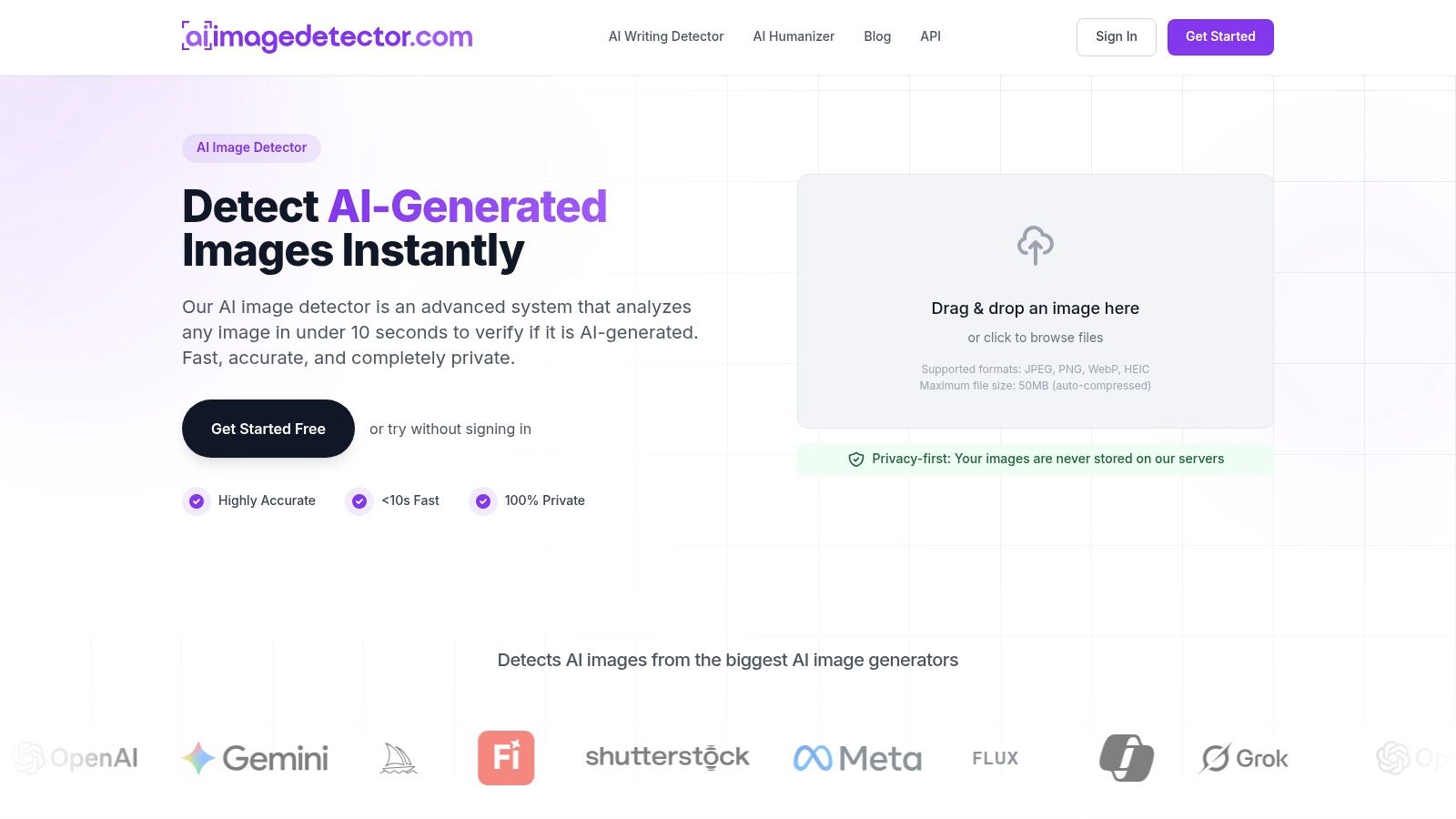
Best for the “was this image generated” question
In deadline reporting, this is the detector you use when you need an immediate sense of whether an image is likely human-made, mixed, or AI-generated. Its value is the combination of speed, a readable verdict, and a privacy-first workflow that doesn't force a newsroom to upload sensitive material into a permanent archive. The site also presents the tool as free at the core level, with no registration required for basic use.
The practical strength is clarity. Journalists don't just get a binary label, they get a score and reasoning that can be weighed against reverse-image search, metadata, and visual inspection. That matters because detector output is only one signal, not proof.
Practical rule: treat a mixed or uncertain score as a reason to keep checking, not a reason to publish a verdict.
Where it fails and when to skip it
Skip it when you're trying to answer provenance, publication date, or first appearance. It doesn't replace reverse-image search, timeline verification, or archive work, and a strong-looking confidence score can still be wrong on heavily edited images or novel generation methods. The site also presents slightly different upload guidance in different places, so teams should confirm the file limit before making it part of a production workflow.
The tool's own positioning makes its use case clear, it helps you test whether a still image deserves deeper scrutiny. It's not the whole verification chain, but it's the fastest first gate when the question is whether the file looks synthetic before anyone in the newsroom acts on it.
2. Google Fact Check Explorer
The first question on many claims is simpler than it looks, has somebody already checked this? Google Fact Check Explorer is the fastest way to answer that, because it aggregates published fact checks marked up with ClaimReview from participating organizations. Use it at Google Fact Check Explorer.
For newsroom triage, that matters because it saves time on claims that are already well traveled. You can search by keyword, person, topic, or image, then jump straight to prior verdicts and the organizations that published them. It's especially useful when a rumor is moving faster than your own reporting queue.
The blind spot is equally important. It doesn't verify the claim itself, it only surfaces what has already been published and marked up. If no one has written about the claim, or if the relevant fact check wasn't marked up in a way Google can ingest, the tool gives you silence instead of certainty.
A smart workflow is to use it at the top of the process, then stop relying on it once the result comes back empty or partial. That's also where newsroom integration helps, since ClaimReview support lets teams fold prior checks into internal research routines rather than retype every query.
For context and technique, Google's own guidance on image-based verification is useful reading, and it pairs well with a broader explanation of how reverse image search works in practice, as discussed in this reverse image search guide.
3. InVID WeVerify Browser Extension
When the item is a video clipped from social platforms, the problem usually isn't one question. It's a bundle of them, and InVID WeVerify is built for that bundle. Open the browser extension at InVID WeVerify.
Its core strength is that it turns a social video into smaller verification tasks. Journalists can extract keyframes, run reverse image searches, inspect metadata, and zoom into details without leaving the browser. That makes it a good fit for newsroom training too, because the workflow is practical rather than theoretical.
Why it works under deadline pressure
The tool is valuable because it moves fast enough for live reporting and still encourages better habits. A reporter can pull out frames, check for reused visuals, and inspect the file before writing a line. Since it's a browser extension, the barrier to entry is low for a team that needs to standardize its process quickly.
Its weakness is dependency. Some checks rely on outside engines or services, so results can vary with platform changes or API availability. That means you should not treat it as a self-contained verdict machine.
- Use it when: you need a rapid social-video triage in the browser.
- Skip it when: you need a closed, standalone forensic result with no external dependencies.
- Watch for: missing context if the clip has been reposted, trimmed, or re-encoded.
The best newsroom use is as a front-end to wider verification, not a final answer. It's the tool that helps a reporter gather the evidence fast enough to keep the story moving.
4. TinEye
If the question is where a photo first appeared, TinEye is one of the most direct tools in the stack. It searches for earlier, higher-resolution, or edited copies of an image across the web, which makes it especially useful when a picture has been recycled into a new context. Go to TinEye.
The tool's main advantage is precision in provenance hunting. It's strong at finding prior uses and edited variants, and the sorting options help you chase the oldest relevant instance rather than the prettiest match. For a reporter, that can be the difference between identifying a file as current evidence or stale visual material reused for effect.
Its blind spot is just as clear. TinEye locates instances, it doesn't prove manipulation. If a photo appears in a dozen places, you still need to decide which one is original, whether the image has been altered, and what context the earliest appearance provides.
That's why TinEye is best used before or alongside other checks. It's not the tool for deciding authenticity on its own. It's the tool that tells you where to keep digging when a viral image is already circulating in several forms.
For deadlines, I'd skip it only when the image is obviously a screenshot, a meme, or a platform-native graphic that won't benefit from broad reverse search. For almost everything else, it's a necessary provenance check.
5. Google Images and Lens
Google Images and Lens are the broad-spectrum option when you want a fast reverse search with wide coverage. They're useful for spotting stale visuals, stock photography, and recycled imagery that has shown up in a different story. Open them at Google Images.
The upside is scale. Google's index often surfaces context quickly, and that makes it a strong first or second engine after TinEye. It's also free, widely available, and easy to use on desktop or mobile, which helps when a reporter is working off a phone in the field.
The trade-off is relevance. Lens can blend object recognition with reverse search, so the first results may be visually similar rather than exact provenance matches. That can save time on broad context checks, but it can also mislead if you're searching for the first appearance of a specific image.
For that reason, Google Images is best treated as a broad net, not a final answer. When it finds multiple similar items, use it to build a short list of leads, then verify each lead against date, source, and surrounding context.
If you want a better sense of how the method behaves in practice, pair it with this explanation of reverse image search. The tool itself is useful, but the search logic is what keeps reporters from over-trusting the first visible match.
6. Amnesty International YouTube DataViewer
A public YouTube video can be deceptively hard to place in time. YouTube DataViewer solves the first part of that problem by extracting the exact upload timestamp and the generated thumbnails for a public video URL. Use it at YouTube DataViewer.
Its main value is speed and precision for timeline work. If you need to know when a clip was posted, down to the second, this is the tool that gives you a solid anchor. The thumbnails also create fresh search paths, which is useful when the video itself is low quality or cropped.
Best use in a newsroom workflow
A video reporter can start here, grab the timestamp, and then push thumbnails into reverse-image search tools to see whether the clip has appeared elsewhere. That gives the story a timeline before anyone writes a caption. It's especially helpful when a clip is being passed off as “new” but appears to be older footage.
The limitation is deliberate. The tool doesn't perform deep forensic analysis and it doesn't inspect the whole video for edits, splices, or metadata irregularities. It's narrow, and that's what makes it reliable for its job.
Use DataViewer as the timestamp anchor, then verify the content itself with other tools.
Skip it when you need a forensic review of the video stream or when the item isn't a public YouTube post. It's a first-line check, not a complete authenticity assessment.
7. Hoaxy
When the question shifts from the file to the narrative, Hoaxy is the right pivot. It visualizes how claims and related fact-checks spread across social media, which helps reporters understand not just what was said, but how the story traveled. Find it at Hoaxy.
Its strength is mapping propagation. That's useful when a claim's credibility is tied to who amplified it, how quickly it moved, and which fact checks responded along the way. In practice, Hoaxy helps a reporter explain the spread of a narrative without pretending that every share says something about truth.
The blind spot is coverage. It works best on public data, and platform access can shift as social services change their APIs. Deleted content, private groups, and locked-down channels will leave holes, which means the graph can look cleaner than the actual information flow.
That doesn't make the tool weak, it makes it specific. It's better for showing visible diffusion than for reconstructing every hidden pathway. For audience-facing reporting, those visualizations can be powerful because they show how a claim traveled, not just that it existed.
I use tools like this when a claim needs context beyond a single screenshot or post. If the report is about how misinformation spread, Hoaxy is the kind of evidence that gives the story shape.
8. Internet Archive Wayback Machine
Sometimes the verification question is just, what did this page say before someone changed it? The Wayback Machine is the standard tool for that job, because it preserves time-stamped page captures and lets you inspect older versions of a webpage. Open it at Internet Archive Wayback Machine.
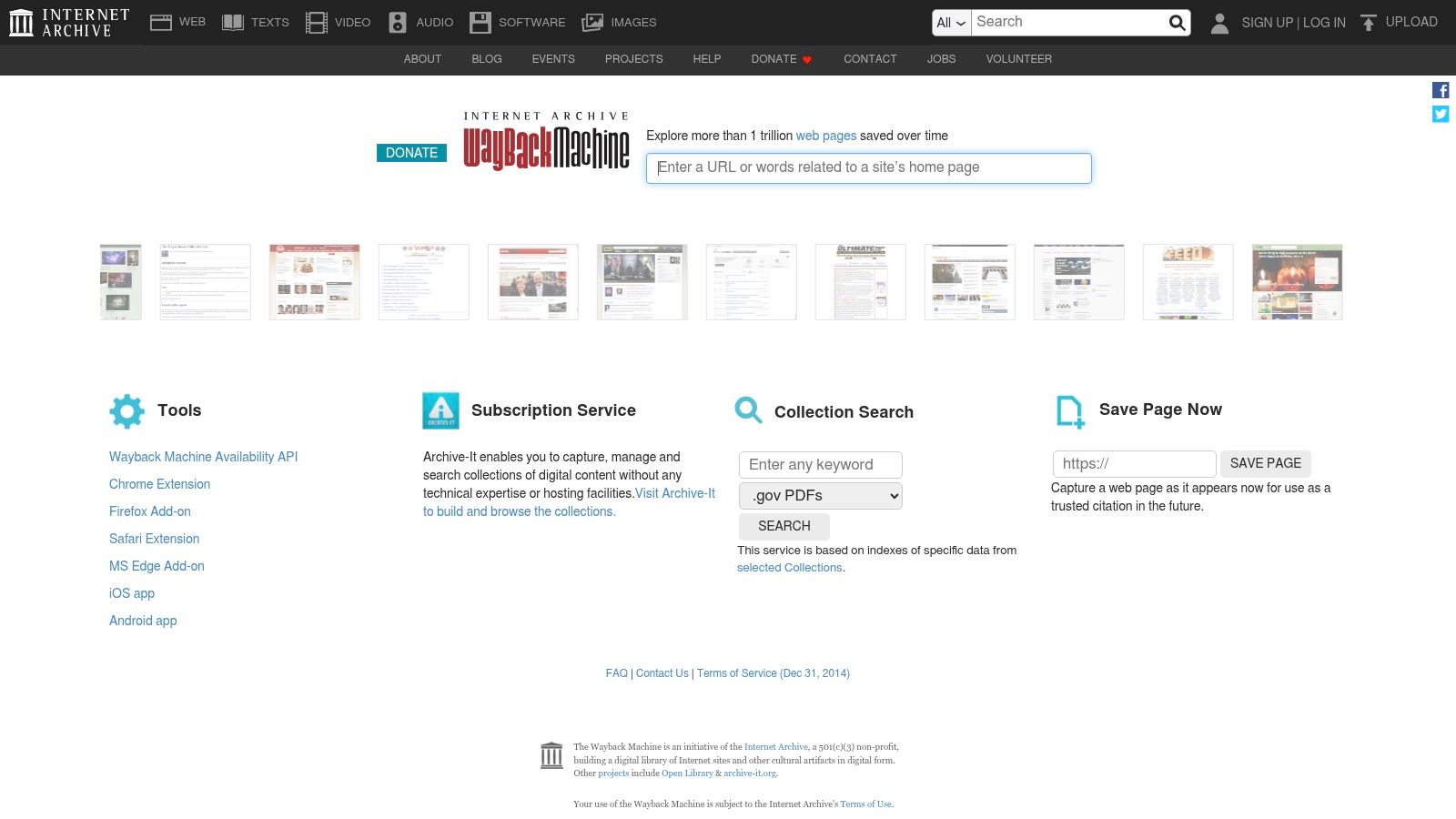
It's indispensable for accountability reporting and for sourcing claims to a specific date. A newsroom can use it to compare versions of a site, preserve a disappearing page, or show that a promise, correction, or claim changed over time. The browser extensions make it easy to save and retrieve pages in the middle of reporting.
The weakness is familiar to anyone who has archived a dynamic site. JavaScript-heavy pages, embedded media, and paywalled content may not capture cleanly, and a snapshot can miss material that loaded later. That means you still need to read the archive critically, not treat it as a perfect clone of the live web.
For a cleaner workflow, archive the page before the story leaves draft. If the page matters to your report, don't assume it'll still be there when editors ask for the source later.
To understand the date-side of this work more clearly, this guide to determining when something was created is a useful companion. The archive gives you the record, but your job is deciding whether the record is complete enough for publication.
9. Bing Visual Search
A second reverse-image engine matters more than many teams admit. Bing Visual Search often surfaces different hosts, crops, or related pages from Google and TinEye, which makes it a useful cross-check when the first search is inconclusive. Use it at Bing Visual Search.
Its best trait is variety. A reporter can upload, paste, drag and drop, or even use a webcam capture, then compare results against other engines. That can reveal alternate copies or a different publication trail that the first engine missed.
The weak point is privacy judgment. Microsoft notes that uploaded photos may be used to improve image-processing services, so you should think carefully before sending sensitive material through it. That matters in sensitive cases, especially if the image involves minors, victims, or unpublished material.
When I'd use it
Use Bing after Google or TinEye, not before them. If the first engine misses a match, Bing may catch a different crop or a different host. If it duplicates the same result, you've at least confirmed the provenance trail from another angle.
- Good for: second-opinion searches on suspect images.
- Bad for: sensitive uploads that can't leave the newsroom ecosystem.
- Do next: compare the result against archive evidence and visual inspection.
The key benefit is redundancy. One engine can miss, two can mislead, but three with the same answer are harder to ignore.
10. Meedan Check
When the workload stops being one suspicious file and becomes dozens of tips, Meedan Check is the collaborative system that helps a newsroom stay organized. It ingests tips from messaging apps, manages claims, annotates media, and supports verdict publishing, which makes it fit election desks and crisis coverage. Start at Meedan Check.
Its strength is coordination. Reporters, editors, and partner organizations can work from the same verification queue, which matters when tips arrive through WhatsApp, Telegram, Messenger, LINE, or Viber. For large-scale verification, the tool reduces the chaos that usually comes from splitting work across spreadsheets, inboxes, and chat threads.
The trade-off is access. It isn't a simple public signup product, and organizations usually arrange deployment and partnership terms directly. That makes it less convenient for a lone reporter, but far more useful for a newsroom or coalition that needs a shared verification stack.
Meedan Check is also the tool on this list that most clearly belongs at the center of a workflow, not the edges. Use it when the task is to coordinate evidence, label what each team member found, and publish a defensible result from a high-volume stream of claims.
For small desks, I'd skip it unless there's a real collaboration problem to solve. For election monitoring, crisis desks, or regional fact-checking partnerships, it can become the operating system for the whole effort.
Top 10 Fact-Checking Tools Comparison
| Tool | Core capability | Speed & accuracy | Target audience / use cases | Unique selling points | Pricing & privacy |
|---|---|---|---|---|---|
| AI Image Detector (Recommended) | Detects AI vs human images; confidence score & explanatory verdict | Results typically <10s (often <2s); claims high precision; probabilistic | Journalists, educators, artists, legal, trust & safety, marketplaces, developers (API) | Privacy‑first (no storage by default), visual indicators, real‑time analysis, API | Core detection free, no registration; accounts save history; supports JPEG/PNG/WebP/HEIC; 10–50MB notes |
| Google Fact Check Explorer | Aggregates ClaimReview fact checks across organizations | Fast triage; accuracy depends on partner coverage | Reporters, researchers, newsrooms | Consolidated reputable fact‑checks, shareable links, developer access via ClaimReview | Free; coverage limited to published ClaimReview items |
| InVID‑WeVerify (browser extension) | Multi‑tool for video/image verification (keyframes, reverse searches, metadata) | Quick for social video triage; some checks rely on external engines | Newsrooms and social‑video verification teams | Keyframe extraction, image forensics, browser extension for workflows | Free; some features depend on third‑party services/APIs |
| TinEye | Reverse image search to find earlier/edited copies and provenance | Strong at locating earlier instances and edited variants | Researchers, journalists, brands, rights holders | Large index, advanced sorting (oldest/biggest/changed), MatchEngine API | Free web search; commercial APIs available; privacy‑aware indexing |
| Google Images / Lens | Reverse image search + object recognition for provenance and similar images | Very broad index; quick but may surface similar images before exact matches | General users, journalists, researchers | Massive coverage, Lens mobile integration, GNI guidance for verification | Free; subject to Google data/use policies; may blend recognition with search |
| Amnesty YouTube DataViewer | Extracts exact upload timestamp and all generated thumbnails for YouTube | Fast and precise timestamp extraction | Video verifiers, journalists, investigators | Exact upload time to the second; thumbnails for reverse searches; no download needed | Free; narrow, focused scope |
| Hoaxy (IUNI OSoMe) | Visualizes spread and amplification of claims on social media | Research‑grade diffusion graphs; dependent on platform APIs | Researchers, reporters analyzing narrative spread | Claim diffusion visualizations; integration with OSoMe research tools | Free; limited to public data and available platform access |
| Internet Archive, Wayback Machine | Time‑stamped web page archives and "Save Page Now" preservation | Indispensable for historical sourcing; dynamic pages may not archive fully | Reporters, researchers, legal teams | Time‑stamped snapshots, diffs, browser extensions, archival preservation | Free; archival limits for JS/paywalled or dynamic content |
| Bing Visual Search | Reverse/visual image search alternative to Google (upload, webcam) | Useful second opinion; can surface different hosts/crops | General users, verifiers seeking cross‑validation | Multiple input modes (upload/webcam), complements other engines | Free; uploaded images may be used to improve Microsoft services (privacy caveat) |
| Meedan Check | Collaborative verification platform ingesting tips from messaging apps | Scales for high‑volume verification; AI‑assisted clustering | Newsrooms, NGOs, crisis/election teams, cross‑org projects | Tipline workflows, media handling, open‑source nonprofit stewardship | Deployment via partners; pricing/terms arranged with Meedan (not public) |
Turn the List Into a Repeatable Checklist
A good newsroom routine starts with the claim, not the tool. First, assign one reporter to check whether the claim has already been verified in a fact-check database. Second, assign another to trace the image or clip back through reverse search and archive checks. Third, assign a verifier to inspect the file itself for manipulation, source context, and timestamp evidence.
The sequence matters because it keeps people from confusing a fast answer with a final one. Google Fact Check Explorer handles prior checks, TinEye, Google Images, and Bing Visual Search handle provenance, YouTube DataViewer handles upload timing, Wayback Machine handles page history, InVID WeVerify handles social video triage, Hoaxy handles spread, and AI Image Detector handles image authenticity signals. Meedan Check is the coordination layer when the volume is too high for one person to hold in memory.
No verdict should go out on automated output alone.
That rule should sit in the editor's workflow notes. If a detector or search engine produces a strong signal, log the tool, the date, the exact file used, and the result in plain language. If the result is ambiguous, the reporter should keep the evidence trail open rather than forcing a clean answer from a noisy file.
Assign ownership the same way every time. One person checks provenance, one person checks timing, one person checks manipulation, and one editor signs off on whether the evidence is sufficient for publication. That keeps the process auditable later, which matters when readers, sources, or legal teams ask how the newsroom reached its conclusion.
The biggest mistake is treating verification like a single-click task. Real fact checking is a chain, and the chain only works when each tool does one job well and the newsroom knows when to move on.
If you need a fast first pass on a suspicious image, AI Image Detector gives you a privacy-first verdict with clear reasoning that fits the way journalists work. It pairs well with reverse-image search and archive checks, which makes it a strong part of a real verification stack rather than a standalone gimmick. Try it when you need to decide, quickly and defensibly, whether an image deserves a deeper newsroom review.
