

A Guide to Check Image Copyright and Avoid Legal Issues

It's so easy to grab a picture from the internet, but that simple act can be a legal minefield. Before you ever hit "save image as," you absolutely have to check image copyright. A few minutes of due diligence can save your blog, business, and brand from some seriously hefty fines and legal headaches.
Why You Must Check Image Copyright Before Using Any Picture
Finding the perfect image online is deceptively simple. That ease creates a false sense of security, but the truth is, nearly every image is born with copyright protection automatically assigned to its creator. Using a photo without permission isn't just rude; it's a direct infringement with potentially severe consequences.
Think about it. A marketing team pours its heart into a major campaign, only to have it derailed because a single background photo was used without a proper license. Or a blogger gets a demand letter for thousands of dollars over an image they naively pulled from a Google search. These aren't just hypotheticals—they happen every single day.
The Core Concepts You Need to Know
To navigate this landscape safely, you have to get familiar with the basic categories of image rights. They aren't complicated, but understanding the difference is what keeps you out of trouble.
- Copyright: This is the default. Assume every single image you find is fully copyrighted unless you can prove otherwise. The rights belong to the creator from the moment of creation.
- Public Domain: These are works where the intellectual property rights have either expired or been intentionally forfeited by the creator. They are completely free for anyone to use for any purpose, no permission needed.
- Creative Commons (CC): This is a more flexible system. A Creative Commons license lets creators allow others to use their work, but usually with specific conditions attached, like giving them credit (attribution) or prohibiting commercial use.
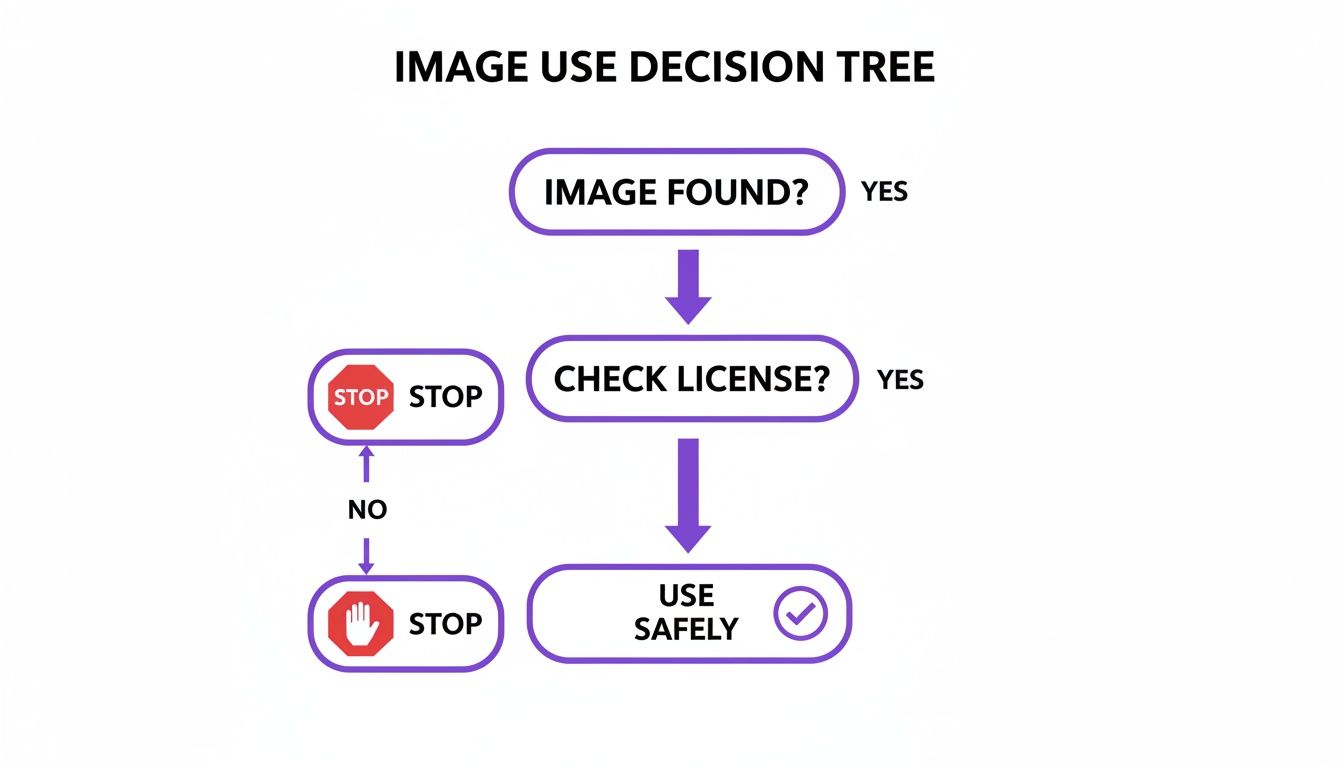
The rule of thumb is simple: unless an image is explicitly labeled as Public Domain or has a clear Creative Commons license that fits your exact needs, you must get permission. Anything else is a gamble. For more on this, check out our guide on preventing copyright violations.
AI Adds a Whole New Layer of Complexity
The challenge to check image copyright has gotten even trickier with the explosion of AI-generated images. The legal standing of AI art is still a gray area, and the models are often trained on vast datasets that may have included copyrighted material without consent.
This adds a brand-new question to your checklist: is this image even real? The need to verify an image's origin is driving massive growth in verification tools. In fact, the global AI detector market is projected to skyrocket to USD 4,623.46 million by 2033, which shows just how critical verifying content has become. You can discover more insights about this growing market and why it matters.
Using Reverse Image Search to Uncover an Image's Origin
When you find an image you want to use, your first move should always be a reverse image search. This isn't just about finding duplicates; it's a powerful way to trace an image back to its source. It helps you find the creator, see where else the photo has appeared online, and uncover who might own the rights.
Think of it like digital detective work. Let's say you find the perfect photo for a presentation. A quick search can tell you if it's from a personal blog where the owner might be happy to grant permission, or if it’s from a tightly controlled stock photo site. That one search can be the difference between a successful project and a costly legal headache later.
Kicking Off Your Investigation
The big search engines have some seriously powerful visual search tools, and each one has its own quirks and strengths. The basic idea is the same across all of them: you either upload the image file or paste its URL to see where else it lives on the web.
Here’s the familiar Google Images interface, where you just click the camera icon to get started.
This simple starting point can unlock an image's entire online history, giving you the information you need to make a smart decision. For developers needing to do this at scale, the Google Images API is an incredibly effective tool for bulk verification.
But don't stop with Google. Other platforms can often find things Google misses:
- TinEye: This is my go-to for finding the oldest indexed version of an image. Its "sort by oldest" feature is brilliant for cutting through all the noise from Pinterest re-pins and blog reposts to find what's likely the original source.
- Bing Visual Search: Bing’s strength is often in identifying specific objects within a photo. It can sometimes pull up a completely different set of results than Google, which makes it a great second opinion.
I’ve found that using a combination of these tools gives you the most complete picture of where an image has been. And if you want to get into more advanced techniques, it's worth learning how AI reverse image search is evolving this process even further.
My personal pro-tip: If I suspect an image has been passed around a lot, I start with TinEye. Finding the very first time it appeared online often leads me straight to the photographer's portfolio or the stock site where it was originally listed. It's a huge time-saver.
Reading Image Metadata and Watermarks for Clues
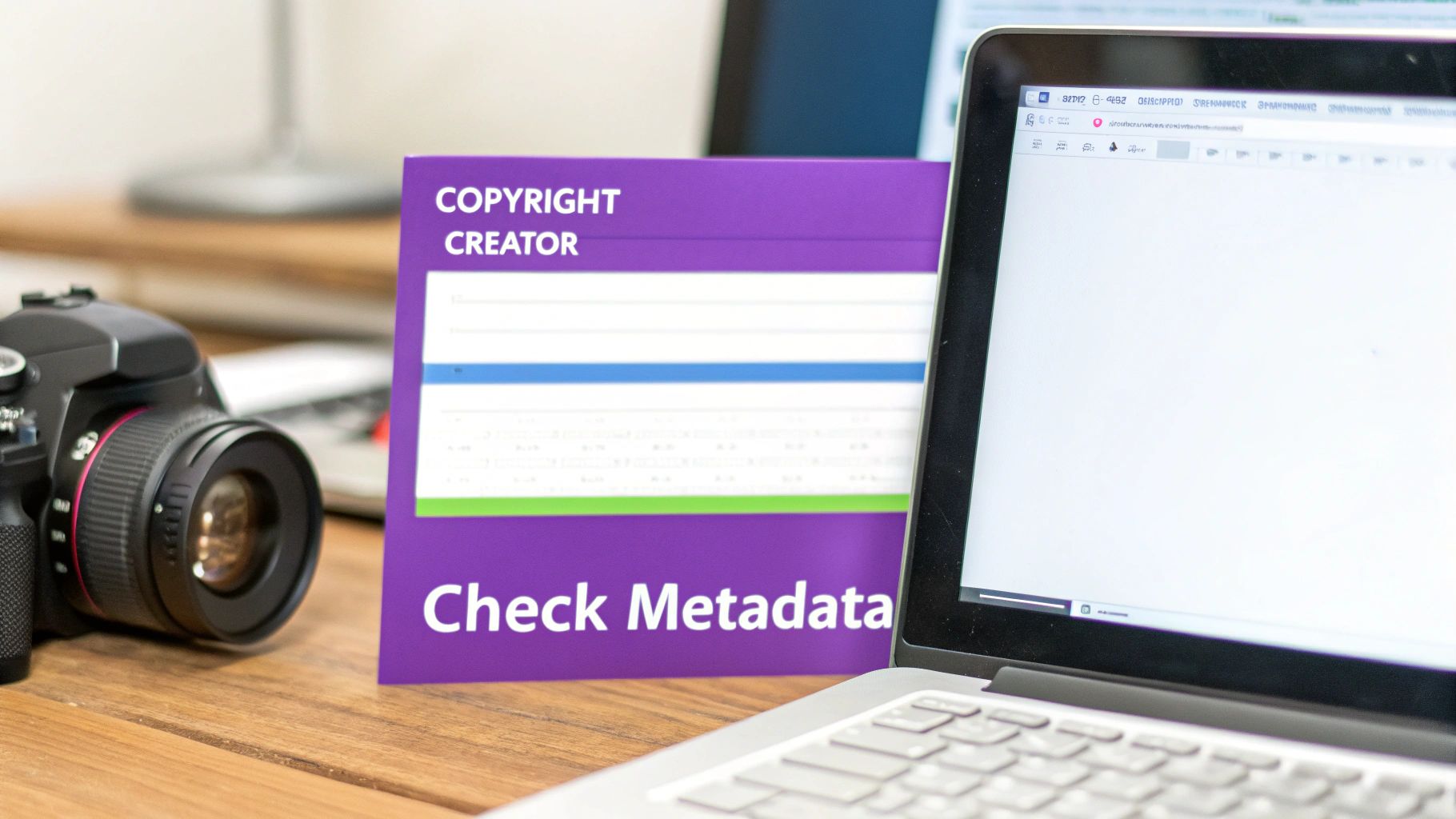
A reverse image search is a great first move, but the real detective work often happens inside the image file itself. Think of it like a physical photo with a note scribbled on the back—digital images carry their own hidden information called metadata. This digital footprint can tell you a surprising amount about the photo's origin, creator, and legal status.
Digging into this data is a non-negotiable step to properly check image copyright. You don't even need any fancy software. On a Windows PC, just right-click the image file, head to "Properties," and click the "Details" tab. If you're on a Mac, it's just as simple: right-click and select "Get Info." What you find there can often solve the ownership mystery in seconds.
Uncovering Copyright Information in Metadata
Once you open that properties window, you'll be met with a long list of fields. It can look a bit technical, but don't worry—you only need to zero in on a handful of key areas. Professional photographers and stock agencies are diligent about embedding this info to protect their work, so it's often your most reliable source.
To quickly find what you need, I've put together this table of the most common metadata fields related to copyright.
Key Metadata Fields for Copyright Checks
| Metadata Field | What It Tells You | Example |
|---|---|---|
| Copyright | The most direct clue. It explicitly states the copyright holder and terms. | © 2024 Jane Doe Photography. All Rights Reserved. |
| Creator/Author | The name of the photographer or the company that created the image. | Jane Doe |
| Contact Info | A way to get in touch with the owner, like an email, website, or phone number. | contact@janedoephoto.com |
| Source/Credit | Where the image came from, often a stock photo site or news agency. | Getty Images |
These fields are your bread and butter for verifying ownership. If you find any of them filled out, it's a solid sign the image is protected.
A word of caution: Just because you don't see any metadata doesn't mean the image is in the public domain. Many social media platforms and image compressors automatically strip this data to save space. Its absence is not a green light for free use.
For a more technical breakdown of the different data types, like EXIF and IPTC, you can explore our detailed guide on how to check image metadata.
The Clear Message of Watermarks
Sometimes, the clues aren't hidden at all. Watermarks are the most straightforward claim of ownership you'll find.
A visible watermark—like a semi-transparent logo or text overlaid on the image—is an unambiguous "hands-off" sign. Attempting to crop or edit one out is a major red flag, ethically and legally.
Creators also use invisible digital watermarks. You can't see them, but specialized software can detect this embedded code, providing undeniable proof of ownership in a dispute. Bottom line: if you see any type of watermark, your investigation is complete. The image is copyrighted, and you absolutely must get permission from the owner before using it.
How to Decode Image Licenses and Find the Rights Holder
So, you’ve done some digging and maybe found a creator’s name or a link back to a stock photo site. Now for the crucial part: decoding the image license to get a clear "yes" or "no" on whether you can legally use it.
This is where your detective work pays off. Licensing terms can feel like a maze of legal jargon, but they really just spell out the rules of the road for using someone else's creative work. Getting comfortable with this is non-negotiable, since misreading a license is just as bad as not checking for one in the first place. Think of it like a mini-contract; learning the basics of how to review a contract can actually give you a big leg up here.
A Quick Guide to Common License Types
Not all licenses are the same. They run the gamut from a total free-for-all to being locked down tight. Here’s a breakdown of the usual suspects you'll encounter.
Public Domain: This is the holy grail. An image in the public domain has zero copyright restrictions. This happens when the copyright expires or the creator intentionally puts their work out there for anyone to use. You can copy, change, and share it for any reason—no permission needed.
Creative Commons (CC): Think of this as a "some rights reserved" system. Creators can pick and choose which permissions they want to grant. You'll need to pay close attention to the specific type, like CC BY (you must give credit), CC BY-SA (credit the creator and any new work you make with it must have the same license), or CC BY-NC (no using it for commercial purposes). Always click through to read the fine print.
Royalty-Free (RF): A staple of stock photo sites. You pay once to get the right to use the image in multiple projects without forking over more cash for each use. But don't get too comfortable—there are almost always rules against reselling the image or using it in products for sale.
Rights-Managed (RM): This is the most restrictive and often the most expensive. You’re essentially renting the image for a very specific purpose—say, on a website's homepage for exactly one year. The price tag is based on how, where, and for how long you plan to use it.
Here's a key piece of advice: "free" rarely means there are no strings attached. A beautiful photo with a Creative Commons license might be free to download, but if it requires attribution and your design has no room for a credit line, you can't use it.
What to Do When You Can’t Find a License
If you've searched high and low and come up with nothing—no license, no terms, no clues—you have to make one critical assumption: the image is fully copyrighted and off-limits.
At this point, your goal changes from finding a license to finding the owner. Use the creator’s name or website from your earlier search to reach out directly. A simple, polite email is all it takes. Just explain who you are, how you’d love to use their work, and ask what their licensing fees are. It’s the professional and legally sound way to handle it.
This whole process of image verification is a huge deal. In fact, the global image recognition market was valued at USD 50.36 billion in 2024 and is projected to hit USD 163.75 billion by 2032. That explosion shows just how vital image analysis has become for everything from media ethics to copyright protection. The only way to stay safe is to make your decision based on a clear license or direct permission—anything else is a gamble.
Using AI to Verify Image Authenticity and Provenance
The whole game of checking image copyrights has a new, critical layer. It used to be all about tracking down the original photographer or artist. Now, you have to start with a more basic question: was this image even created by a human? This is exactly why AI detection has become a non-negotiable step in any modern verification workflow.
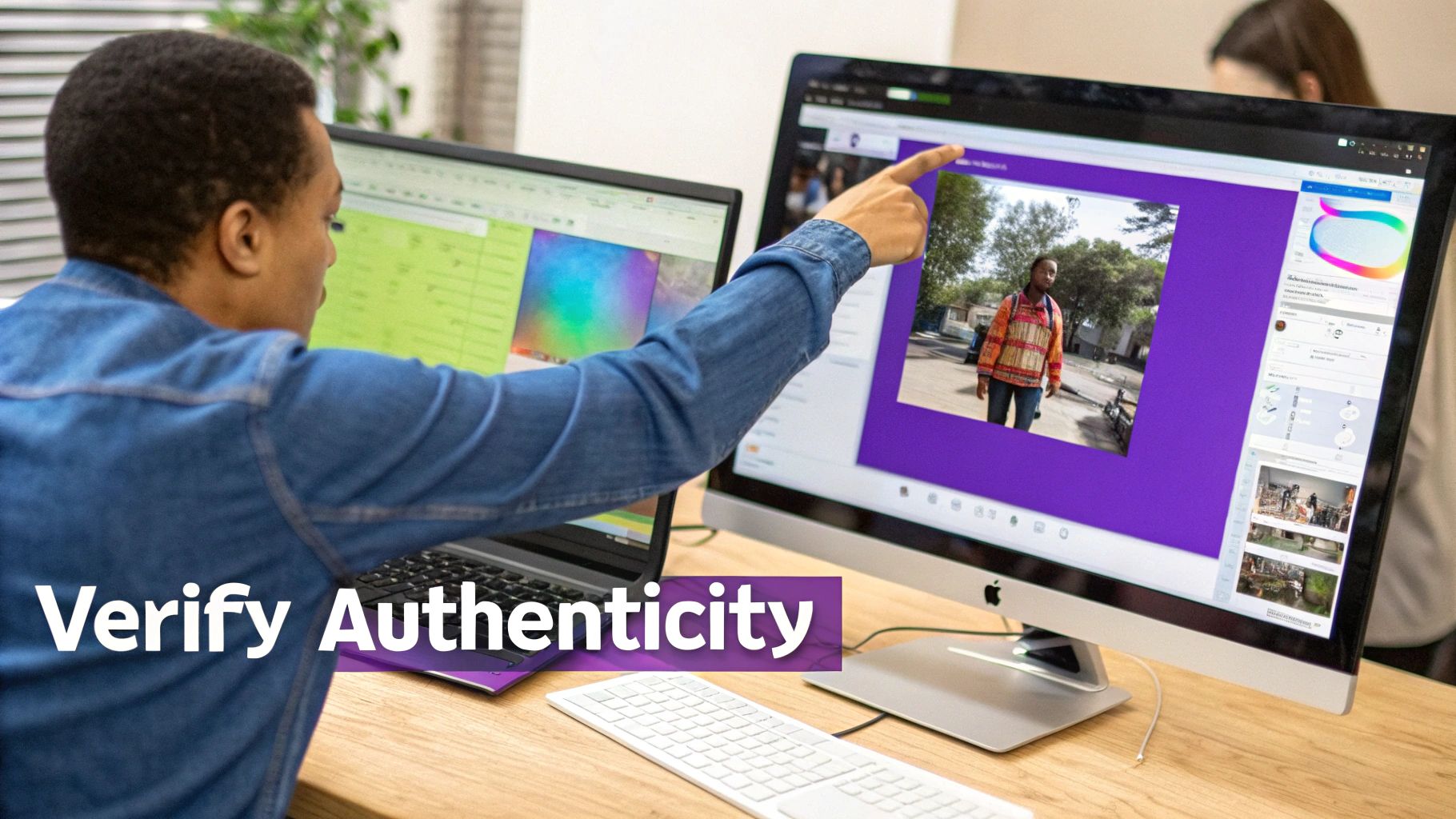
AI image detectors are built to find the tiny, often imperceptible tells that generative models leave behind. They scan for digital artifacts, bizarre lighting, textures that just feel off, and other subtle patterns your eyes would likely skim right over. It’s all about determining the image's true origin.
When AI Changes the Copyright Question
So, what happens when you run an image through a tool like our AI Image Detector and it flags it as "Likely AI-Generated"? Your entire investigation pivots. You can stop hunting for a photographer’s contact information.
Your new mission is to dig into the terms of service for the AI platform that likely created it. Some AI services, like Midjourney or DALL-E, give users pretty broad commercial rights for the images they generate. Others are far more restrictive. In this new world, the AI platform itself acts as the "creator," and its license agreement sets all the rules.
This shift isn't a small one. It's a direct response to the explosion of generative AI tools, which has created a booming market for detection technology. In fact, market projections show the AI detector sector is on track to grow from around $1 billion in the mid-2020s to over $13 billion by 2035. You can learn more about AI detector market growth to see just how essential this step is becoming for businesses.
Here’s a real-world example I've seen play out: A marketing team hired a freelance designer for a major campaign. The designer delivered a stunning, high-impact image. But the company has a strict policy on brand authenticity, so they ran the image through an AI detector as a final check. The result? "Highly Likely to be Human-Created." That simple, quick verification gave them the green light to proceed with confidence, knowing they could secure clear usage rights from a human artist and sidestep the legal gray area of synthetic media.
Your New Image Provenance Checklist
This new reality means you need a two-track mind for image verification. Depending on whether you suspect an image is human or AI-made, you’ll ask very different questions to nail down its provenance and figure out if you can legally use it.
To make sense of this, it's helpful to see the investigation paths side-by-side.
Human vs. AI-Generated Image Provenance Checklist
| Checklist Item | For Human-Created Images | For AI-Generated Images |
|---|---|---|
| Origin Search | Use reverse image search to find the original photographer or stock photo site. | Identify the AI tool used (e.g., Midjourney, DALL-E). Sometimes the tool's name is even in the file name. |
| Rights Holder | A specific person, agency, or company owns the copyright. | The AI platform's terms of service define what rights the user has. There is no single "owner." |
| Licensing Check | Look for familiar licenses like Creative Commons, Royalty-Free, or Rights-Managed. | Meticulously read the AI tool's terms on commercial use, attribution requirements, and other restrictions. |
| Contact Point | Reach out to the photographer or stock agency to negotiate permission or purchase a license. | There's no one to contact. Your usage is governed entirely by the platform's public terms. |
Ultimately, building AI detection into your process to check image copyright is no longer optional—it's a proactive move to maintain your legal and ethical footing. It ensures the authenticity of your visuals and shields you from the unique compliance headaches that come with AI-generated media.
Think of it less as a technical chore and more as a fundamental part of responsible content creation today.
Even after you get the hang of checking for image copyrights, you’ll inevitably run into some gray areas. The same "what-if" questions pop up all the time. Let’s clear up a few of the most common ones.
What Is Fair Use, Really? And Can I Rely On It?
Fair use is a legal concept that lets you use copyrighted material without permission in very specific situations, like for news reporting, commentary, or education. But here’s the thing: it’s not a free pass. It’s a legal defense, not an automatic right, and whether your use qualifies is decided in court, case by case.
Honestly, banking on fair use for a commercial project or even a public-facing blog is a huge gamble. There are no black-and-white rules. Sure, using a short movie clip in a critical review might fly. But grabbing a professional photographer’s work for your business website? That’s almost certainly not going to cut it.
My advice? It's always safer—and far more professional—to get a proper license or explicit permission. Assuming you're covered by "fair use" is a risk that just isn't worth taking.
If I Change an Image, Is It Mine Now?
Absolutely not. Editing, remixing, or altering someone else's image doesn't magically erase the original copyright. What you’ve created is called a "derivative work," and you still need the original creator's permission to make it and use it.
Simple changes like cropping, adding a filter, or tweaking the colors won't get you off the hook. The copyright on the original piece remains fully intact, and you could find yourself in hot water for using it without authorization.
What Happens If I Use a Copyrighted Image by Mistake?
Accidental infringement is still infringement. "I didn't know" unfortunately isn't a defense that holds up legally, and the consequences can be pretty painful.
The fallout can range from mild to severe:
- A Takedown Request: The best-case scenario is a simple email asking you to remove the image.
- A Demand Letter: More often, you’ll get a formal Cease and Desist letter, sometimes with an invoice for a retroactive license. These can run from a few hundred to thousands of dollars.
- A Lawsuit: In the worst cases, the rights holder might sue you for copyright infringement, which can result in massive financial penalties.
Be especially wary of "copyright trolls"—companies that specialize in aggressively pursuing payments. They send out intimidating demand letters by the dozen, hoping you’ll get scared and pay up quickly. This is exactly why doing your homework upfront is so important.
Are Images on Google or Social Media Free Game?
This is probably the most common—and most expensive—misconception out there. The short answer is no, images you find on Google or social media platforms are not free for the taking.
The vast majority of photos you see on Instagram, Pinterest, or a standard Google search are protected by copyright. Just because someone shares their work online doesn't mean they're giving up their ownership. While Google does have a tool to filter results by usage rights (like "Creative Commons licenses"), the default search shows you everything, and most of it is protected.
Always work from the assumption that an image is copyrighted unless you find a clear, explicit license that says otherwise. The responsibility to prove you have the right to use an image falls on you, not the person who created it.
Don't let copyright worries jeopardize your work. Adding a provenance check with the AI Image Detector gives you another crucial piece of the puzzle, helping you understand where an image truly came from before you hit publish. Get a clear verdict on image authenticity for free.