

Image Forensics Software in 2026: 10 Tools Compared

A viral image lands on a newsroom desk, or a suspicious upload enters a moderation queue. You have minutes to decide whether it was edited, generated, or just mislabeled. The wrong answer can publish misinformation, remove legitimate content, or damage someone's reputation.
No single piece of image forensics software answers every question. Metadata can reveal an editing path, but it can also be stripped. Pixel analysis can expose inconsistencies, but recompression and resizing can weaken the signal. Cryptographic provenance can document a file's recorded history, but it doesn't prove that the depicted event is true. NIST frames authentication as establishing that data accurately represents what it claims to represent, which is an evidentiary question, not visual certainty (NIST-linked digital investigation guidance).
The tools below are grouped by the verification job they perform: fast triage, lab-grade analysis, capture-time provenance, and batch pipelines. You'll find free browser tools, self-hosted systems, enterprise suites, and capture-based platforms. Each entry covers strengths, weaknesses, use cases, privacy and integration considerations, and the teams it suits best. If the file came from a damaged device or failing storage, preserve it before analysis and consider specialist hard drive data recovery.
1. AI Image Detector
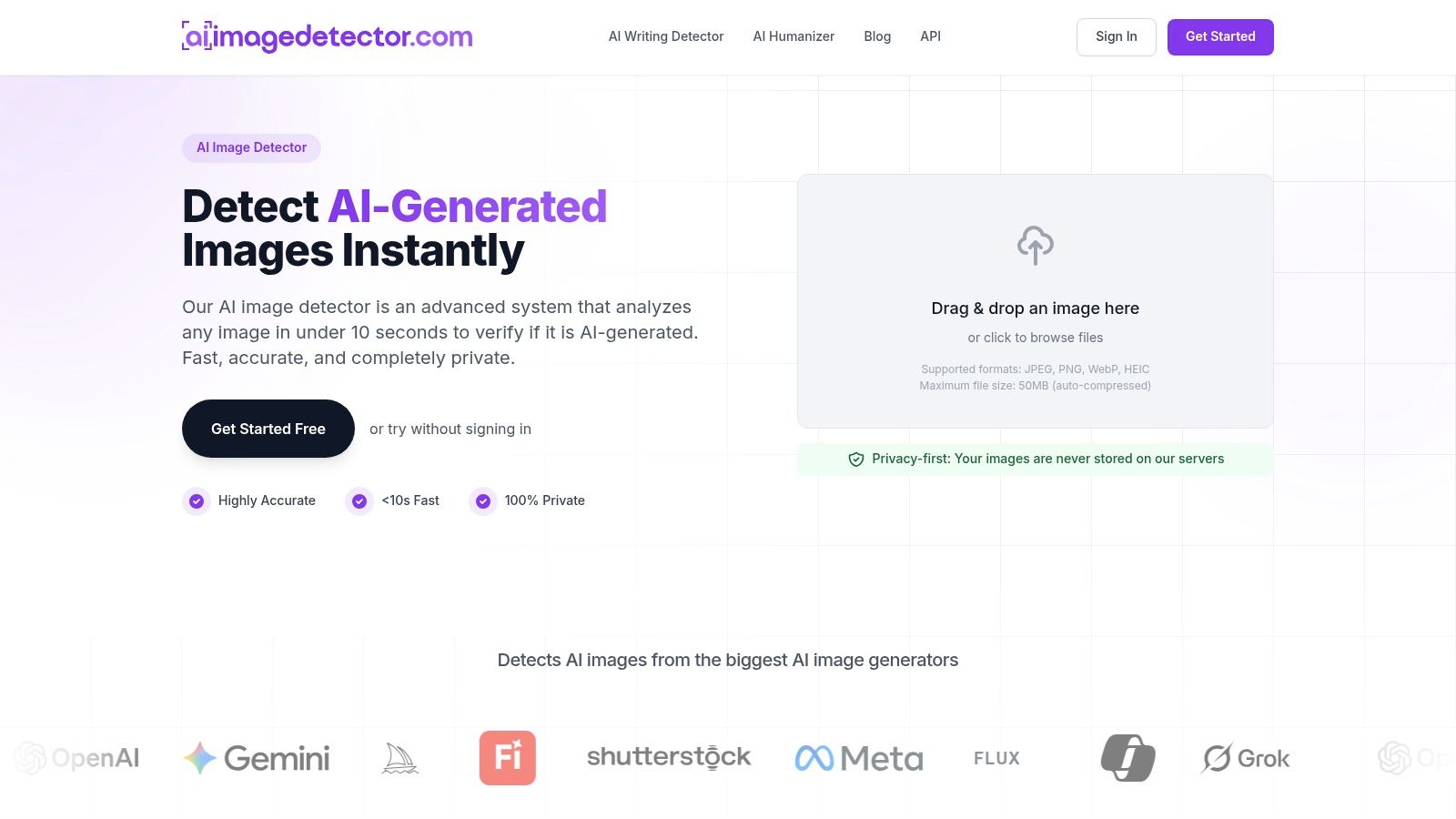
AI Image Detector is the quickest fit when the immediate question is whether an image shows signs of synthetic generation. It analyzes visual patterns associated with generated images, including lighting inconsistencies, texture behavior, and characteristic artifacts, then returns a classification, confidence score, and explanatory reasoning through a simple browser workflow. The interface ranges from Likely Human to Likely AI-Generated, with an unclear middle ground for files containing mixed or conflicting signals.
The tool is designed for journalists, educators, artists, trust and safety teams, and cautious consumers. Core detection is free and doesn't require registration. A free account adds saved history and faster workflows, while an API supports platform or internal integrations. It accepts JPEG, PNG, WebP, and HEIC files, with uploads up to 10MB according to the publisher's product information.
Where it works best
The strongest use case is fast triage. A fact-checker can screen an image before investing time in reverse-image searches, metadata review, or deeper pixel analysis. An educator can use it as an initial signal in an academic-integrity review. A marketplace or moderation team can route suspicious uploads for human assessment rather than treating the score as an automatic removal decision.
The publisher says analysis happens in real time and images aren't stored on its servers. That privacy model is useful for unpublished newsroom material, client files, and sensitive submissions. API and enterprise pricing isn't publicly listed, so teams should confirm limits, retention terms, support, and procurement requirements directly before building around it.
Practical rule: Treat the result as triage evidence, not proof of deception, especially when an image has been resized, filtered, screenshotted, or edited with generative tools.
Where it breaks down
AI detection becomes less decisive with mixed content. A human photograph modified with generative fill isn't the same evidentiary problem as a fully synthetic image. Compression, cropping, and export history can also obscure the artifacts that a detector needs. Independent evaluations show why confidence requires context: a 2026 study of pretrained AI-generated-image detectors found mean accuracy ranging from 37.5% to 75.0% across 2.6 million images, 291 generators, and 12 datasets (evaluation of AI-generated-image detectors).
Best for: journalists, educators, creators, moderators, and teams that need a private first pass with an accessible interface. Pair it with metadata and provenance checks when the decision has legal, financial, or reputational consequences.
2. Amped Authenticate
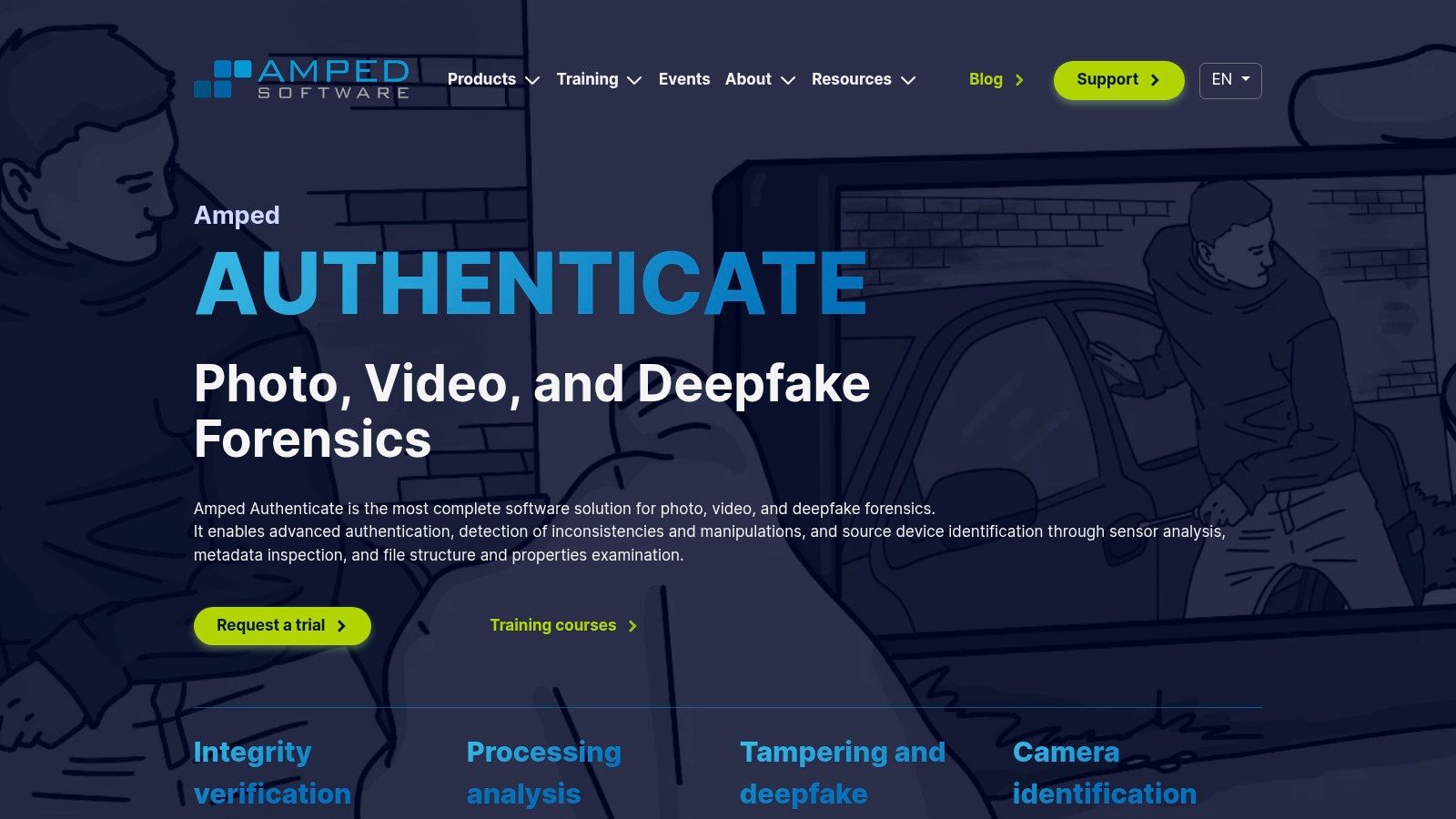
Amped Authenticate belongs in a forensic lab, not a casual browser tab. It combines classical image-authentication methods with workflows for assessing manipulation, acquisition history, camera characteristics, and synthetic media. Analysts can inspect noise behavior, resampling, JPEG blocking, compression ghosts, and device-related traces within a structured environment.
The suite's advantage is breadth. Instead of moving between disconnected utilities, an examiner can apply multiple filters, compare findings, preserve processing choices, and produce a report intended for professional review. That matters when another analyst, investigator, or court needs to understand how a conclusion was reached.
The trade-off
The software has a non-trivial learning curve. ELA, noise analysis, PRNU-related evidence, and resampling indicators don't become meaningful just because a filter produces a colorful map. An examiner must understand compression history, camera pipelines, image dimensions, and alternative explanations for an anomaly.
Amped also makes more sense for teams with formal procedures than for individuals checking a questionable social post. Pricing is quote-only, and the workflow is Windows-centric. That can complicate procurement for mixed operating-system environments or small organizations without a trained analyst.
Best for: law-enforcement units, government laboratories, forensic consultants, and legal teams that need repeatable analysis and defensible reporting. It's overkill for a quick newsroom screen, but it's far more suitable than a consumer detector when the file may become evidence.
3. Truepic Vision and Lens
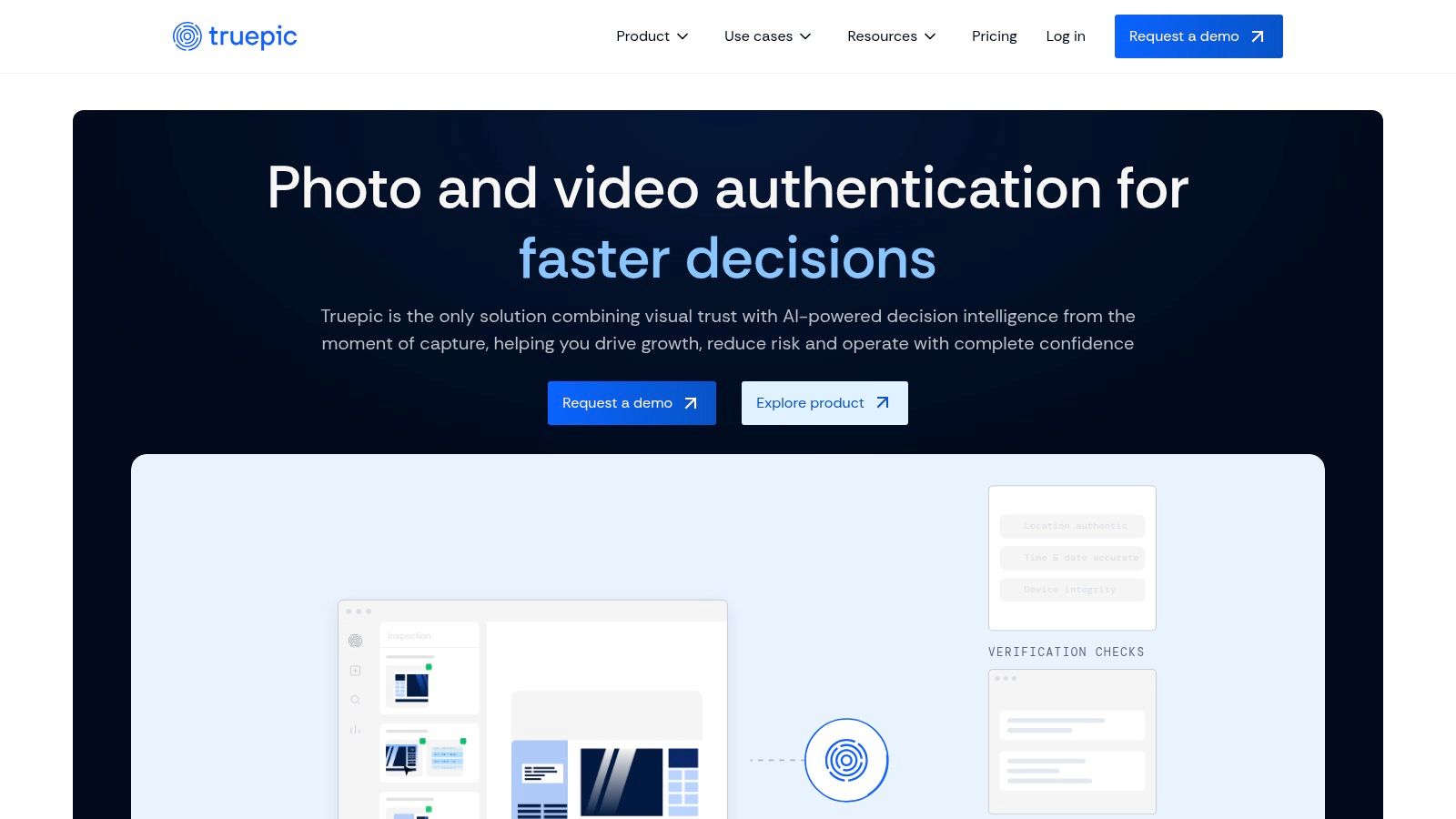
Most tools examine an image after someone has created and shared it. Truepic takes a different approach by moving authentication to capture time. Its Vision and Lens systems use controlled camera workflows, device-integrity checks, cryptographic signing, and Content Credentials based on the C2PA standard.
That distinction matters for insurance inspections, marketplace listings, field assessments, and other workflows where an organization can control how a photo or video is captured. The system can connect capture to verification analytics, task assignment, audit trails, and enterprise APIs. Instead of asking whether a downloaded file looks authentic, a business can require an authenticated capture process from the start.
What it doesn't do
Truepic isn't a universal post-hoc analyzer. It can't magically establish the origin of an image that arrived through an anonymous account, a messaging app, or a scraped website. Its value depends on adoption of the controlled capture workflow and preservation of the signed record.
Cryptographic provenance also has a defined limit. A signed manifest records documented history, not whether the scene itself is truthful (multimedia forensics and AI-generated-image detection). A genuine photograph can still depict a misunderstood event, a staged scene, or a misleading caption.
Best for: insurers, marketplaces, inspection teams, and platforms that can enforce capture requirements. Enterprise pricing isn't publicly published, so buyers should ask about deployment, SDK support, data handling, audit retention, and verification access.
4. InVID-WeVerify Verification Plugin
InVID-WeVerify is built for the messy first minutes of verification. It's a free browser toolbox for journalists and fact-checkers that combines reverse-image searches, metadata inspection, OCR, video keyframe extraction, and basic forensic filters. That combination makes it more useful than a standalone detector when the actual question is whether an image has appeared elsewhere, been taken out of context, or originated from an older event.
The plugin can work with local files and online media. Its ELA, JPEG ghost, copy-move, and magnification features provide quick visual clues. Reverse-search access across multiple engines is often the more valuable function, especially when a supposedly current image has an older source.
Why newsrooms keep it nearby
The tool fits a browser-based workflow and has a broad training ecosystem. A reporter can extract video frames, search them, inspect available metadata, and flag suspicious areas without opening a specialist lab suite. That speed is useful when editors need an initial answer before publication.
The limitation is interpretation. Basic ELA and clone checks can suggest where to look, but they don't establish that a file was manipulated. The plugin's deepfake screening function is experimental and shouldn't serve as an evidentiary conclusion. Social platforms also alter files, which can erase or introduce artifacts that confuse a quick filter.
Best for: reporters, editors, OSINT researchers, and fact-checkers who need a free first-pass toolbox. Use it to generate questions and leads, then preserve the original and escalate consequential findings.
5. Forensically
Forensically is a strong teaching and exploration tool for people who want to see how common image-forensics signals behave. The browser workbench includes clone detection, ELA, noise and level analysis, a magnifier, metadata inspection, and C2PA Content Credentials reading. It runs in a modern browser without a conventional installation, which lowers the barrier for students, researchers, and investigators learning the basics.
The clone detector is useful for testing suspected copy-move regions. Noise inspection can expose areas that behave differently from surrounding pixels. Metadata and C2PA inspection add context that a purely visual tool would miss.
The practical limitation
A browser result is easy to overread. ELA highlights differences in recompression behavior, not a guaranteed edit. Clone detection can produce false matches in repetitive textures, and noise differences can come from natural scene content, sharpening, or a prior export. The tool's own method explanations are valuable, but the analyst still has to connect an anomaly to a plausible editing event.
For a deeper introduction to the process, the image forensics analysis guide is a useful companion to hands-on testing. For sensitive investigations, verify how the selected workflow handles the original file and whether your browser environment meets your organization's privacy requirements.
A highlighted region is a lead. It becomes evidence only after you explain the file history and rule out ordinary processing.
Best for: training, OSINT, classroom work, and fast exploratory checks. It isn't a replacement for chain-of-custody documentation or lab-grade reporting.
6. FotoForensics
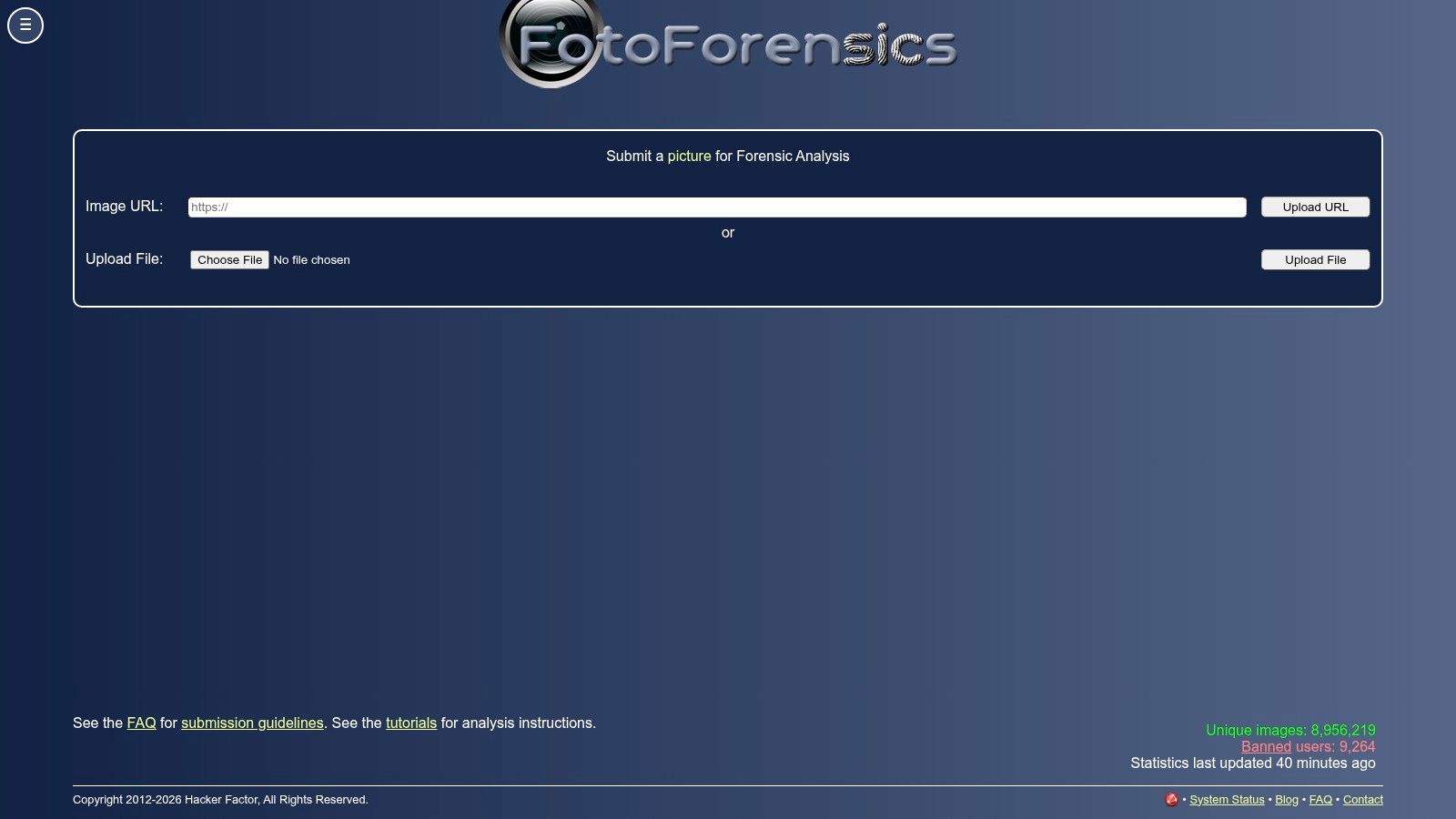
FotoForensics remains one of the simplest ways to introduce a newsroom or classroom to Error Level Analysis. It places the original beside an ELA visualization and helps users see how different regions respond to recompression. The site also exposes available EXIF and basic metadata and provides tutorials that make the first experiment approachable.
Its usefulness is narrow but real. An obvious splice, pasted region, or differently compressed element may deserve closer examination. The side-by-side view can help a non-specialist understand why an analyst is asking for the original file rather than relying on a screenshot.
Don't mistake ELA for a verdict
ELA is highly sensitive to file history. A region can look different because it was edited, but it can also look different because of texture, lighting, prior saves, or uneven compression. Images downloaded from social platforms may already have been resized and recompressed, reducing the value of the output.
That makes FotoForensics a signal generator, not a standalone authenticator. Use it alongside reverse-image research, metadata review, source interviews, and an original-file request. Don't publish “fake” because one bright area appears in an ELA image.
Best for: educators, journalists, NGOs, and beginners who need a quick visual demonstration. It's less suitable for privacy-sensitive files or decisions that require formal reporting unless your organization has reviewed the service's current handling terms.
7. Ghiro
Ghiro is aimed at teams that need to process more than one file and retain the results. It's an open-source, self-hosted image-forensics platform with a web interface, task queues, metadata extraction, thumbnail handling, hashes, fingerprint comparisons, and case organization. That makes it a better fit for DFIR teams and labs than for an individual checking a single JPEG.
The self-hosted design gives administrators more control over where evidence resides. Teams can build repeatable ingestion procedures, assign cases, and preserve results in a central system rather than scattering screenshots and notes across personal machines. Its API and plugin model also support extensions when the default workflow doesn't cover a particular need.
The operational cost
Self-hosting shifts responsibility to you. Someone must install the platform, secure the server, maintain dependencies, manage access, back up case data, and validate upgrades. Documentation is basic, and support is community-based. Ghiro also doesn't offer the same depth of manipulation localization as a commercial forensic suite.
Its strength is repeatability, not magic detection. A batch pipeline can identify metadata anomalies, compare hashes, and organize material for later analysis. It won't remove the need for human interpretation, and it won't turn weak source files into strong evidence.
Best for: DFIR teams, research groups, and organizations with technical staff that need an open-source, self-hosted pipeline. It's a poor choice if you need vendor-backed deployment or advanced courtroom reporting out of the box.
8. ExifTool
If you work with image evidence regularly, ExifTool deserves a place in your standard toolkit. It reads and writes EXIF, IPTC, XMP, MakerNotes, and many other metadata families across image, video, and document formats. Its command-line design makes it especially useful for batch processing, JSON or CSV export, and automated comparisons across a collection.
Metadata can reveal a camera model, editing application, timestamp, GPS field, or export path. Those clues help test whether a file's technical history is compatible with the source's story. A timezone mismatch, a software tag that doesn't fit the claimed camera, or a missing field may justify further questions.
Metadata is context, not proof
ExifTool can read what remains in a file. It can't tell you whether a metadata field is truthful. Editors can alter metadata, applications can rewrite it, and platforms can strip it during upload. The absence of EXIF doesn't prove manipulation, just as a plausible timestamp doesn't prove an image was captured then.
Teams that need a practical metadata workflow can use this guide to checking image metadata alongside ExifTool's output. Preserve the original, record the hash, export the results, and compare metadata with independent evidence such as the source device, message history, or published context.
Evidence discipline: Metadata should support a conclusion, not carry it alone.
Best for: analysts, developers, investigators, and organizations building repeatable provenance checks. It's free, fast, and scriptable, but users who dislike command lines will need a wrapper or a documented internal procedure.
9. JPEGsnoop
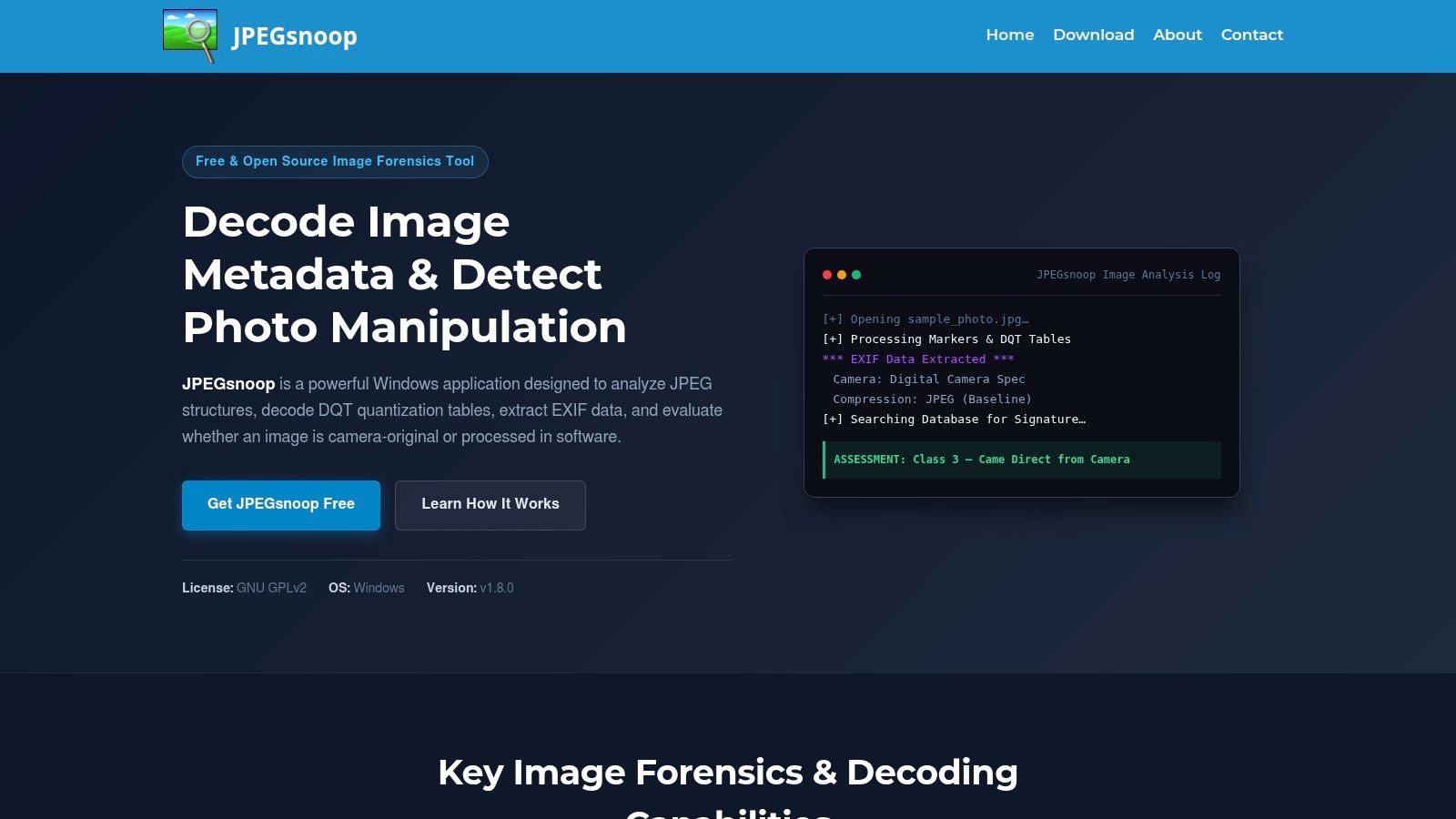
JPEGsnoop is a focused utility for technical checks on JPEG files. It inspects markers, quantization tables, EXIF, and compression signatures, then compares those characteristics with known patterns to offer clues about the camera or software pipeline. It's small, portable, and quick enough for field use.
That narrow scope is its advantage. When a JPEG arrives with a questionable editing history, JPEGsnoop can provide a fast sanity check before an analyst opens a larger forensic package. It may indicate that a file has passed through an editor or that its compression behavior resembles a particular source family.
Use signatures carefully
A signature match is a heuristic indicator. It isn't a camera certificate, and it doesn't establish who saved the file or whether the visible content is genuine. JPEGsnoop also focuses on JPEG, so it won't be your main tool for PNG, WebP, HEIC, or a mixed media collection.
The JPEG image analysis guide can help practitioners understand why compression clues need to be combined with other evidence. Compare the output with ExifTool, source records, and pixel-level observations rather than presenting a database match as a final answer.
Best for: Windows users, field investigators, and analysts who need a lightweight JPEG sanity check. It's not a batch platform or a substitute for Amped Authenticate.
10. Adobe Content Credentials Inspect
Adobe's Content Credentials Inspect addresses a different question from ELA, clone detection, or AI classifiers. When a file contains a valid C2PA manifest, the inspector can display signed provenance information such as the creating application or device, recorded edits, AI-tool involvement, and the manifest's integrity status.
That signed history is stronger than ordinary EXIF because it uses cryptographic verification and trust relationships. It can help a newsroom trace how a file moved through supported creation and editing workflows. It also complements capture-based provenance systems and other C2PA issuers.

The absence of credentials means little
Content Credentials only help when they're present and intact. Many publishing, messaging, and social workflows can remove or fail to preserve them. A file without a manifest isn't automatically fake, and a signed history doesn't prove that the scene itself is accurately captioned.
The inspector also doesn't localize every manipulation. It belongs beside classical image-forensics software, not instead of it. Use the Adobe Content Credentials inspector to verify the record, then compare it with metadata, pixels, source testimony, and the original acquisition context.
Best for: newsrooms, creative teams, publishers, and organizations using C2PA-compatible workflows. It's a valuable provenance layer, but it can't solve post-hoc verification when the chain starts with an unsigned download.
Top 10 Image Forensics Tools, Feature Comparison
| Product | Target audience / use cases | Key features | Speed & UX | Privacy / Price & USP |
|---|---|---|---|---|
| AI Image Detector (Recommended) | Journalists, educators, artists, trust‑&‑safety teams, developers | Confidence score, visual spectrum (Likely Human → Likely AI), explanations, accepts JPEG/PNG/WebP/HEIC, API | Sub‑10s (often <2s), drag‑and‑drop, core use free/no signup | Privacy‑first (no images stored); core free; account/API for workflows; fast, easy verification |
| Amped Authenticate (Amped Software) | Law enforcement, government labs, forensic analysts | Manipulation localization, device/PRNU analysis, deepfake screening, court‑ready reports | Windows lab workflow; professional UI; steep learning curve | Quote‑only (expensive); lab‑defensible, peer‑reviewed filters |
| Truepic Vision + Lens | Insurers, marketplaces, enterprise platforms | Capture‑time signing, secure camera SDKs, C2PA support, verification APIs | Upstream verification at capture; enterprise dashboards | Enterprise pricing (not public); cryptographic provenance at source |
| InVID‑WeVerify Plugin | Journalists, fact‑checkers, newsroom triage | ELA, JPEG ghosts, reverse‑image searches, EXIF/metadata, OCR | Browser plugin; instant triage; free | Free; quick triage tool, not lab‑grade, experimental deepfake module |
| Forensically (29a.ch) | Trainers, OSINT analysts, educators | Clone detection, ELA, noise analysis, C2PA reading; runs client‑side | Fast in‑browser tool; no install | Free and local (browser); great for learning, not evidentiary |
| FotoForensics | Journalists, NGOs, educators | ELA side‑by‑side, EXIF parsing, tutorials | Simple web UI; fast entry point | Free; useful demo tool but ELA can be misread |
| Ghiro | DFIR teams, labs, case management workflows | Batch ingest, EXIF/XMP, hashes, report generation, API/plugins | Self‑hosted web UI and task queue; scalable pipelines | Open‑source self‑hosted (free); requires setup and maintenance |
| ExifTool (Phil Harvey) | DFIR analysts, developers, investigators | Comprehensive EXIF/XMP/IPTC parsing & editing, batch CLI, JSON/CSV output | Command‑line, scriptable, very fast | Free, industry standard; metadata can be forged, use with other checks |
| JPEGsnoop | Field techs, analysts needing quick JPEG checks | JPEG quantization, marker inspection, compression signature DB, EXIF | Lightweight Windows portable; very fast | Free; narrow focus on JPEG, heuristic indicators only |
| Adobe Content Credentials "Inspect" (C2PA) | Creators, newsrooms, platforms | Verify C2PA manifests, show creation/edit provenance & signing | Web‑based inspector; integrates with Creative Cloud | Free web tool; provides cryptographic provenance when present (not universal) |
Matching Your Verification Workflow to the Right Tool
Start with the question you need to answer. If the first question is “Should a human review this image?”, use a fast triage tool such as AI Image Detector, InVID-WeVerify, or Forensically. These tools help surface synthetic-image signals, older sources, suspicious regions, and missing context. They're efficient because they narrow the investigation, not because they eliminate uncertainty.
If the file may support a legal, investigative, or regulatory decision, add a metadata pass with ExifTool. Then use pixel-level analysis from FotoForensics or a professional suite such as Amped Authenticate. The combination matters because metadata, compression traces, sensor patterns, and editing inconsistencies answer different questions. Established workflows examine multiple signals, preserve the original, document anomalies, and communicate uncertainty rather than treating one artifact as definitive (academic review of practical image-forensics methods).
Provenance needs its own branch in the decision tree. Use Adobe Content Credentials when a C2PA manifest exists. Use a capture-based system such as Truepic when your organization can control the acquisition process. Neither method proves that a depicted event is true. They establish a documented or cryptographically signed history, which is valuable but narrower than factual authentication.
The biggest mistake is treating a detector score as a universal verdict. Traditional systems can report high accuracy on curated datasets while performing poorly on unfamiliar manipulations, resized files, and social-media images. A separate evaluation of AI-generated-image detectors also found a wide spread in performance across generators and datasets (review of generalization in image forensics). Real publishing workflows create exactly the conditions that weaken benchmark results.
Test two or three tools on the same sample set before adoption. Include original files, recompressed copies, screenshots, resized images, known edits, and known synthetic images. Document where the tools disagree. Confirm privacy terms, storage behavior, API limits, support, and pricing directly with each vendor before using the workflow for journalism, legal review, or moderation. Teams that publish images at scale should apply the same discipline they use when evaluating content creation platforms for teams, with clear ownership for evidence preservation and escalation.
AI Image Detector gives teams a fast, privacy-first screen for synthetic or human-created images, with confidence scoring and explanatory reasoning rather than a bare label. Use it as the first step in a broader verification workflow, then visit AI Image Detector to test a file without registration and see how it fits your review process.
