

Photo Authentication Software: 10 Tools Worth Trusting

An editor receives a dramatic photograph minutes before publication. The caption places it at a breaking-news event, the source insists it's genuine, and the picture looks convincing. Publishing a fabricated image would be damaging, but rejecting a real photograph on the strength of an unreliable detector could be just as serious.
The practical question isn't whether the image looks artificial. You need to establish where it came from, what changed, and whether the accompanying claim holds up. Even ordinary commercial imagery can complicate that assessment, as realistic corporate portraits from AiHeadshots illustrate.
Photo authentication software takes several distinct approaches:
- AI classification looks for patterns associated with synthetic images.
- Provenance inspection examines signed records of creation and editing.
- Watermark detection checks for signals embedded by supported generators.
- Manual forensics helps investigators examine compression, metadata, repeated regions, and context.
These methods aren't interchangeable. A classifier can flag suspicious pixels without identifying their creator, while a credential inspector can document an editing history without proving that a caption is accurate.
The tools below are organized around those methods and their actual workflow fit. The useful comparison isn't a promised accuracy ranking. It's whether each tool provides interpretable evidence, handles your files, protects sensitive material, supports integration where needed, and gives you a sensible next step when the answer is uncertain.
1. AI Image Detector
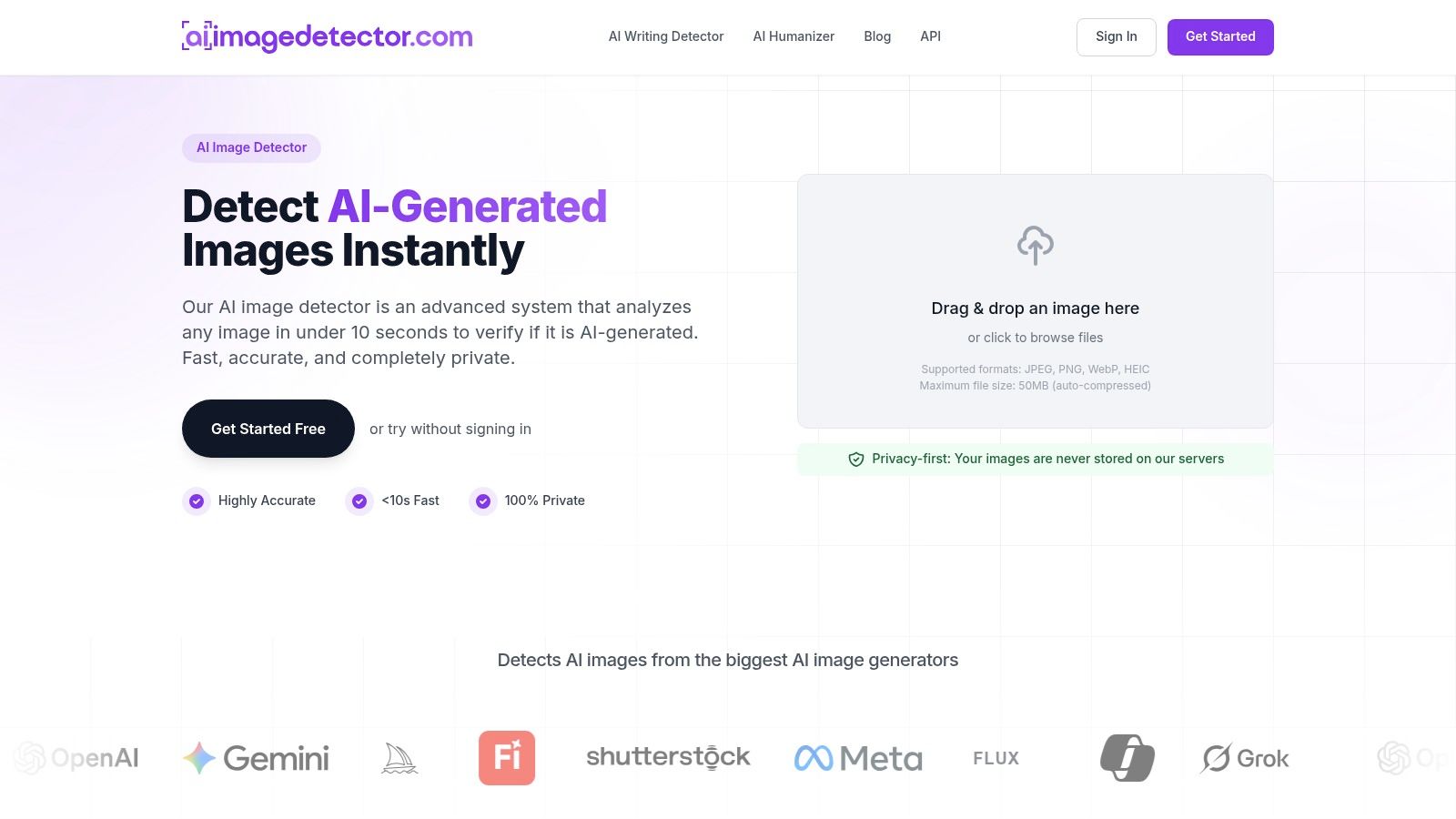
Method: AI classification. Best fit: fast initial screening.
Our tool is a practical starting point when you have an image but no reliable creation history. Upload a JPEG, PNG, WebP, or HEIC file, and the analysis returns a confidence score, visual indicators, and an explanation of signals associated with AI generation.
Basic detection is free and doesn't require registration. Analysis takes under 10 seconds, and our privacy-first handling includes no image storage. Accounts let you save analysis history, while API integration supports workflows beyond individual browser uploads.
What the result can tell you
The score estimates whether the analyzed image is likely AI-generated, not whether its caption is truthful. Our scale identifies 0–30% as likely human and 70–100% as likely AI-generated, with uncertain or mixed signals requiring closer investigation.
That distinction matters for a real photograph containing generative fill. A plausible background and a synthetic face don't necessarily produce the same evidence as a completely generated picture.
- Strength: Explanatory results give journalists, educators, and moderators more to investigate than a bare binary label.
- Limitation: There's no independent validation supplied that establishes performance across every generator, edit type, or distribution channel.
- File handling: Our current maximum upload size is 50MB, and files are auto-compressed. Preserve your untouched original separately.
I'd use this as a triage tool, especially for suspicious listings, profile photographs, or incoming news imagery. An unclear result should lead to provenance checks and source questions, not repeated uploads until a preferred answer appears.
Practical rule: A high synthetic-image score is a reason to investigate. It isn't sufficient evidence to accuse a student, reject a contributor, or certify a document.
2. Truepic Lens
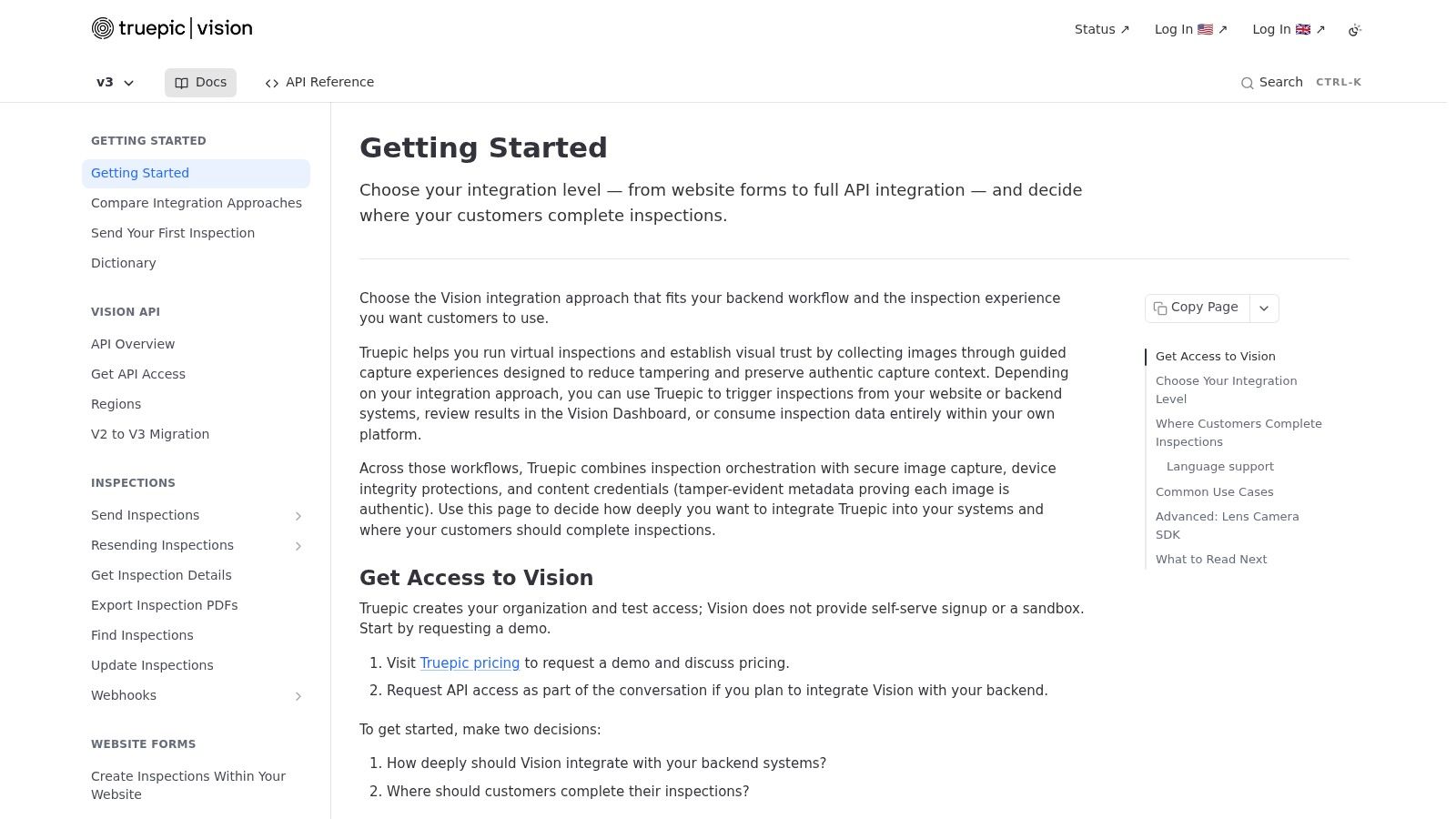
Method: capture provenance and signing. Best fit: organizations collecting evidence through their own applications.
Truepic Lens addresses a different need from an upload-and-score detector. Its API, SDK, and browser-library options let developers build media verification and signing into an image collection workflow.
This approach fits organizations that control how photographs enter their systems. For example, a marketplace can guide sellers through photographing an item in its submission process. Capturing supported details at that point gives reviewers evidence that may be missing from an exported image sent by email.
Stronger collection, more integration work
Truepic supports C2PA-compliant provenance workflows, including signing and timestamping supported media in customer infrastructure. The resulting evidence depends on how the workflow is designed and how identities, files, and associated records remain connected.
- What works: Systematic capture and signing can support repeatable evidence collection.
- What takes work: Developers need to integrate the service and determine how reviewers will interpret its outputs.
- What remains unproven: A signed photograph can still show a staged scene or accompany a misleading description.
Request current pricing directly from Truepic. Evaluate it as infrastructure: integration effort, supported capture environments, record export, and access controls all affect whether it fits your workflow.
Choose Truepic when you can influence how evidence is created, rather than only inspect images after they arrive.
3. AP Verify
Method: investigator-led contextual verification. Best fit: collaborative newsrooms.
A photograph can be authentic and still mislead. An old flood image attached to a current emergency needs contextual checking, not just a test for AI generation or editing.
AP Verify is built for that broader newsroom task. Its browser-based workspace brings together reverse image search, frame-by-frame video analysis, AI-assisted geolocation, object and landmark detection, transcription, and other investigative functions. These tools help investigators find leads and assess the context around an image.
The shared workspace suits cases where a reporter, visual editor, and standards editor need to examine the same evidence. Saved investigations give colleagues a record to review, rather than an unexplained detector score or screenshot.
Keep automated suggestions subordinate to evidence
The Tow Center's chatbot provenance test examined seven chatbots across 280 queries in 2025. Only 14 answers correctly identified an image's location, date, and photographer. That result concerns chatbot verification, not AP Verify, but it shows why generated explanations need corroboration before they support a publication decision.
- Useful output: Earlier appearances, matching landmarks, extracted frames, and documented investigative notes.
- Required judgment: Determine whether those findings support the claimed location, date, and event. A match or automated suggestion is a lead, not proof.
- Access: Confirm licensing and rollout terms directly with AP before planning newsroom-wide use.
AP Verify is a newsroom investigation workspace, not a forensic certificate. Choose it when the core question is whether an image supports a publishable claim, particularly when several people need to review the evidence and document their reasoning.
4. InVID-WeVerify Verification Plugin
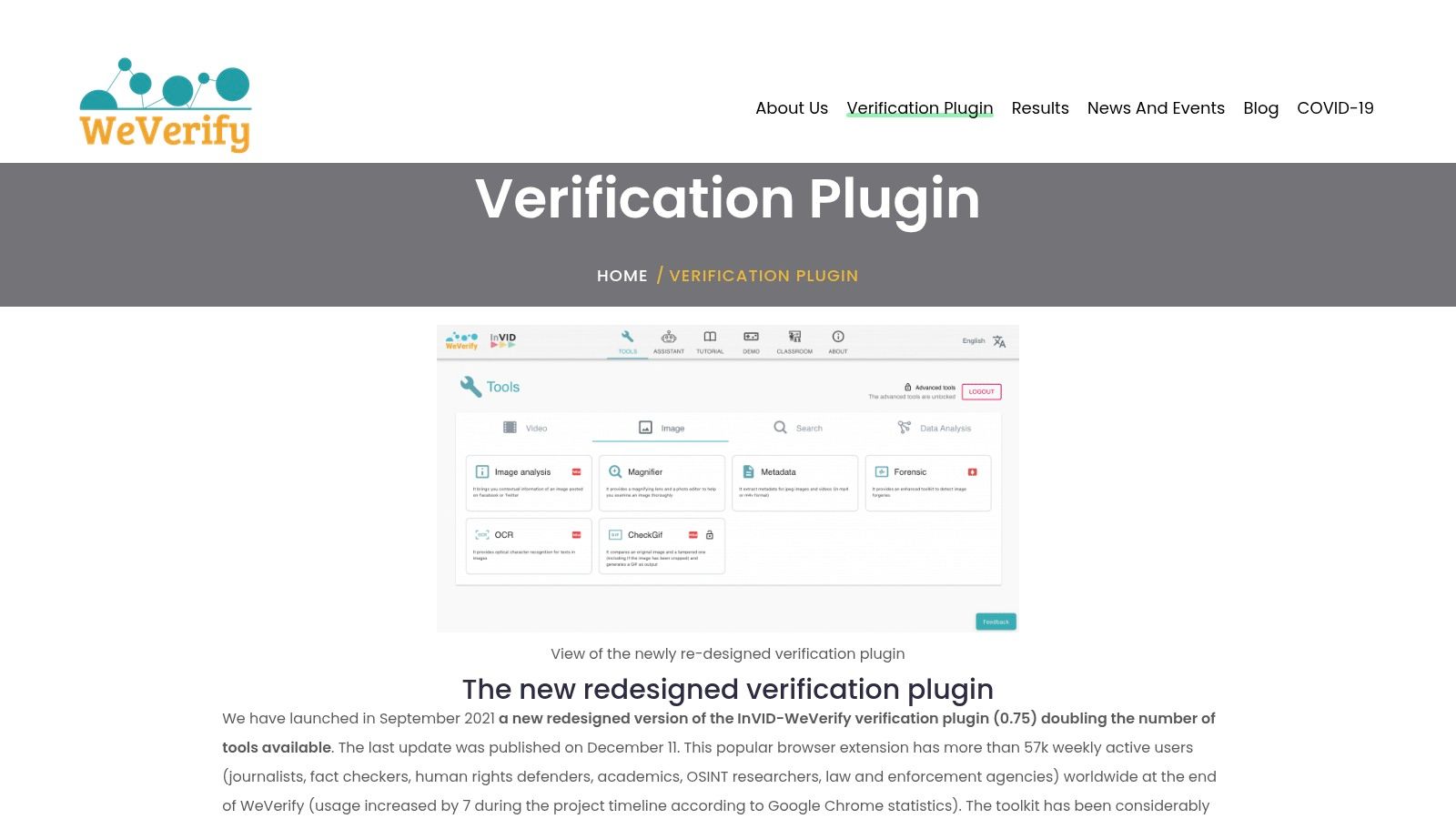
Method: contextual investigation and manual forensics. Best fit: browser-based fact-checking.
Start with the circulating post, not just the downloaded image. The InVID-WeVerify Verification Plugin helps investigators move between web context, reverse searches, video keyframes, and forensic views without treating each task as a separate investigation.
It's particularly useful when a photograph looks ordinary but its claimed origin is doubtful. Finding an earlier publication can settle a recycled-image claim more directly than asking a synthetic-image classifier to examine it.
Use heatmaps as leads
The plugin's forensic algorithms can highlight areas worth inspecting. Those views need interpretation: an unusual region may reflect compression, processing, or legitimate editing rather than deceptive manipulation.
A sensible browser workflow is to:
- Preserve context: Save the post, caption, account details, and acquisition information.
- Search earlier uses: Compare reverse-search matches and investigate the earliest credible appearance.
- Inspect selectively: Use forensic views to test a specific suspicion, rather than treating every bright area as tampering.
For footage accompanying the photograph, this guide to checking whether a video is real provides a complementary investigation path.
Unlike a team-oriented verification dashboard, a browser extension puts more responsibility on the individual investigator to organize findings. Check current distribution and maintenance information before making it a dependency in a newsroom workflow.
Its strongest role is context checking with forensic support, not automatic authentication.
5. Adobe Content Authenticity Inspect

Method: Content Credentials inspection. Best fit: reviewing documented origin and edits.
Adobe Content Authenticity Inspect lets you examine supported files or screenshots for Content Credentials. When available, those records can expose creator information and changes recorded by participating tools.
This is a different kind of evidence from a classifier's inference. You're examining an attached provenance record rather than asking a model whether pixels resemble generated content.
According to Adobe's Content Credentials update, Leica introduced the M11-P in October 2023 as the first camera with built-in Content Credentials. Capture-stage support matters because provenance can begin before the editing and distribution process.
Read the history, not just the badge
A credential deserves inspection, not automatic acceptance. Examine who signed the record, what operations are documented, and whether that history answers your actual question.
- Useful evidence: Documented creation and editing information associated with the file.
- Missing evidence: An absent credential doesn't establish AI generation or dishonesty.
- Remaining question: Even a well-documented image can show a staged event or carry an inaccurate caption.
For a broader process, combine credential inspection with a structured image analysis workflow.
I'd prioritize Inspect when a photographer or organization supplies credential-bearing originals. It's less decisive for screenshots and redistributed copies whose history may no longer be available.
6. Google SynthID Detector
Method: embedded watermark detection. Best fit: checking suspected output from supported generators.
Google SynthID Detector looks for a particular signal: the SynthID watermark embedded in supported AI-generated media. It isn't a general-purpose test of whether every image is artificial.
That narrow scope is useful. A supported watermark provides a different line of inquiry from visual artifacts, especially when a convincing image gives a classifier little obvious material to work with.
Positive and negative results aren't symmetrical
A detected watermark can support an attribution to the supported generation ecosystem. No detected watermark leaves several possibilities open, including content made with an unsupported tool.
No watermark detected means no supported signal was found. It doesn't mean a camera captured the scene.
The portal supports images, video, and audio, and can highlight areas more likely to contain the watermark. Google states that processing happens in real time and that the original is deleted after results are returned.
- Strength: It checks an embedded signal rather than relying solely on appearance.
- Blind spot: It can't identify every generator or establish the truth of the depicted event.
- Operational check: Review current sign-in requirements, quotas, supported uploads, and privacy terms before submitting sensitive files.
Use SynthID detection when you have a reason to suspect supported AI output. Pair a positive result with a preserved copy and a clear explanation of what was detected, rather than labeling the entire image history as settled.
7. OpenAI Verify
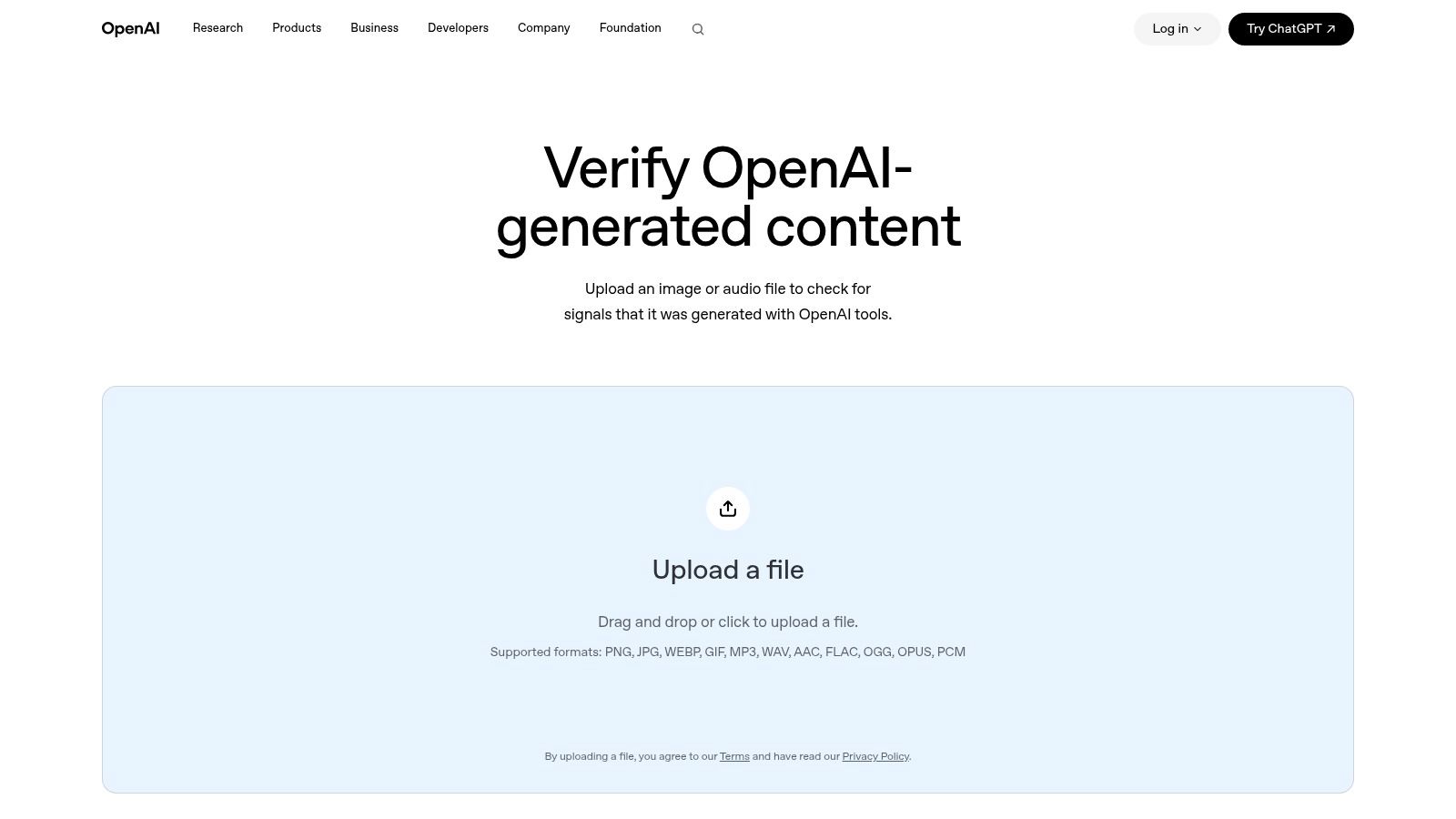
Method: C2PA provenance checks. Best fit: investigating suspected output from a specific provider.
OpenAI Verify checks supported image and audio files for provenance signals associated with OpenAI-generated content, including C2PA Content Credentials. It examines whether supported evidence is present in the submitted file. It is not a general-purpose AI classifier, and it cannot establish the origin of every image.
Match the tool to the attribution question
If a contributor says a suspicious image did not come from a particular service, a supported provenance check can help examine that claim. A missing signal does not establish human origin. The file may lack readable provenance information, including after redistribution, editing, or sharing.
- Good fit: Checking files suspected to originate from OpenAI's supported generation ecosystem.
- Poor fit: Screening a mixed-source collection as if every image carries the same provenance signals.
- Integration option: API documentation is available for qualifying organizational use cases; eligibility affects access.
Keep the original file and record the result precisely. “Supported C2PA signal detected” is narrower and more defensible than calling an image authentic or fake. Provenance can inform an attribution decision, but it does not settle whether the depicted scene is genuine.
For automated review, confirm supported formats, access conditions, and response fields before building a moderation rule around the service. A successful check may still return too little evidence to support the business decision, so define how your workflow handles inconclusive results.
8. Runway C2PA Verifier
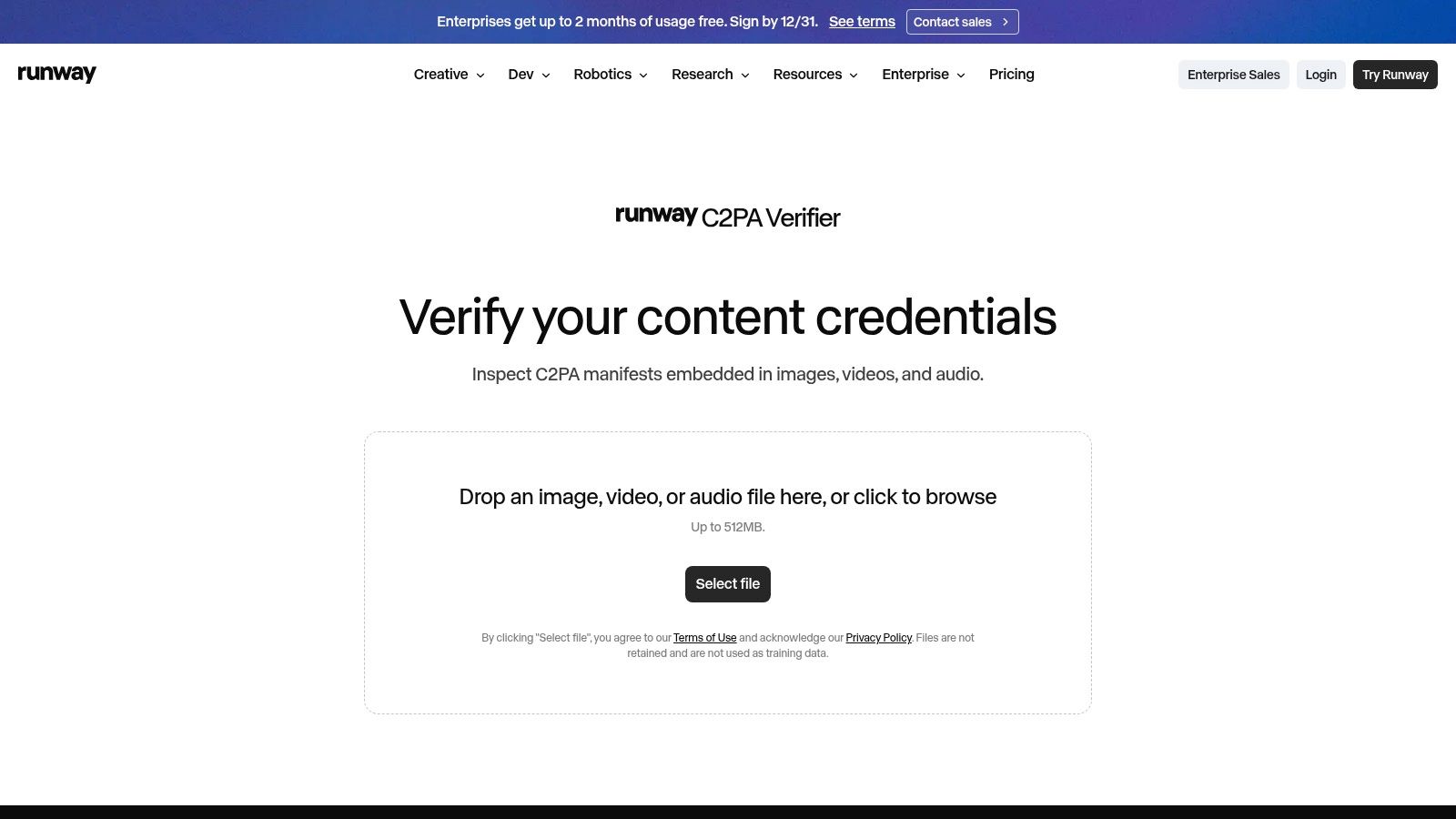
Method: C2PA manifest inspection. Best fit: straightforward, cross-media provenance review.
The Runway C2PA Verifier provides browser-based inspection of C2PA manifests in images, video, and audio. It's useful when you already have a file and want to see whether supported provenance information accompanies it.
Unlike capture infrastructure, this tool doesn't control how the media was made. Unlike a classifier, it doesn't infer synthetic origin from the visual content.
Preserve the file before inspecting it
Use the original download where possible. A screenshot of a preview isn't a substitute for the file that may contain the manifest.
Runway states that uploads aren't retained or used for training. Sensitive investigations still warrant a review of current terms, authorized access, and the consequences of uploading material to an external service.
- Advantage: Basic inspection doesn't require installing a desktop application.
- Constraint: Useful results depend on relevant, readable credentials being present.
- Interpretation: Missing or invalid manifests can reflect metadata loss or processing, not necessarily deception.
Teams comparing still-image and moving-image production can also explore Runway's video workflow, but production capability and provenance verification answer different questions.
I'd use this verifier as a focused credential-inspection option, particularly for mixed-media investigations. Record what the manifest states and avoid extending that conclusion to claims about the scene, the caption, or events outside the file's documented history.
9. FotoForensics
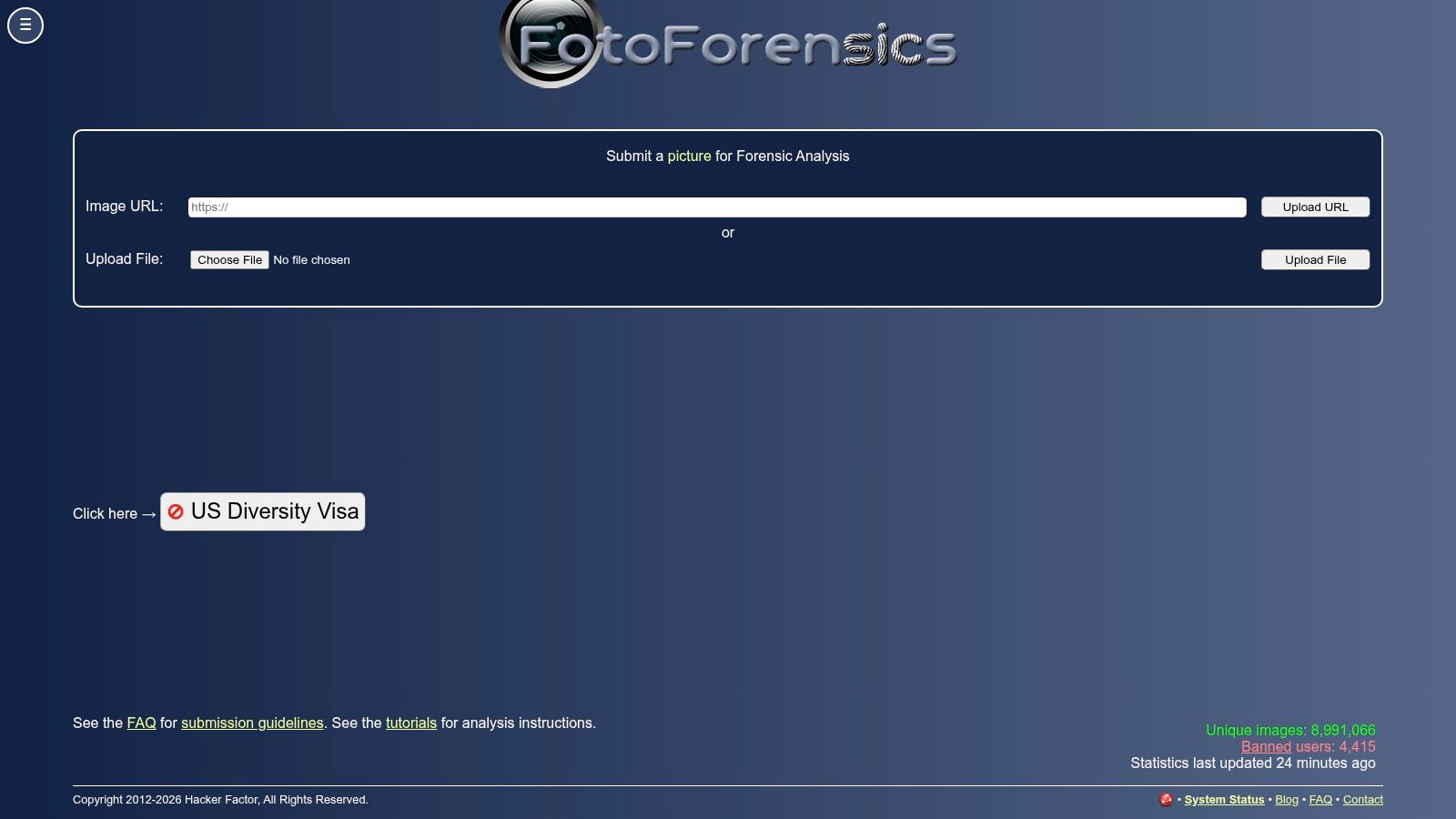
Method: manual image forensics. Best fit: investigating suspected editing.
Bright regions in an error level analysis view aren't a verdict. FotoForensics provides ELA and metadata inspection, but the investigator must distinguish meaningful anomalies from ordinary compression and processing effects.
The early image-authentication framework by Swaminathan and colleagues treated camera-pipeline characteristics as forensic evidence rather than relying on appearance alone. That principle remains useful: examine several compatible clues before reaching a conclusion.
Ask a specific forensic question
Say a product photograph appears to contain a replaced label. Compare the suspected label region with nearby edges, inspect available metadata, and request the original file or adjacent photographs.
Don't begin with the assumption that an unusual ELA pattern proves insertion. Recompression, sharp edges, and different image textures can complicate interpretation.
- Useful: Compression views and metadata can suggest where to investigate next.
- Not supported: A universal AI-versus-human verdict or conclusive proof of tampering.
- Privacy concern: Uploads may be publicly visible, so review current terms before submitting confidential material.
The service's tutorials are part of its practical value. Work through interpretation guidance before using its visualizations in a publication or disciplinary process, and use this overview of online photo forensics to place individual techniques in context.
FotoForensics fits an investigator's toolkit. It doesn't replace an examiner's reasoning, and its public-upload implications can rule it out for sensitive evidence.
10. Forensically
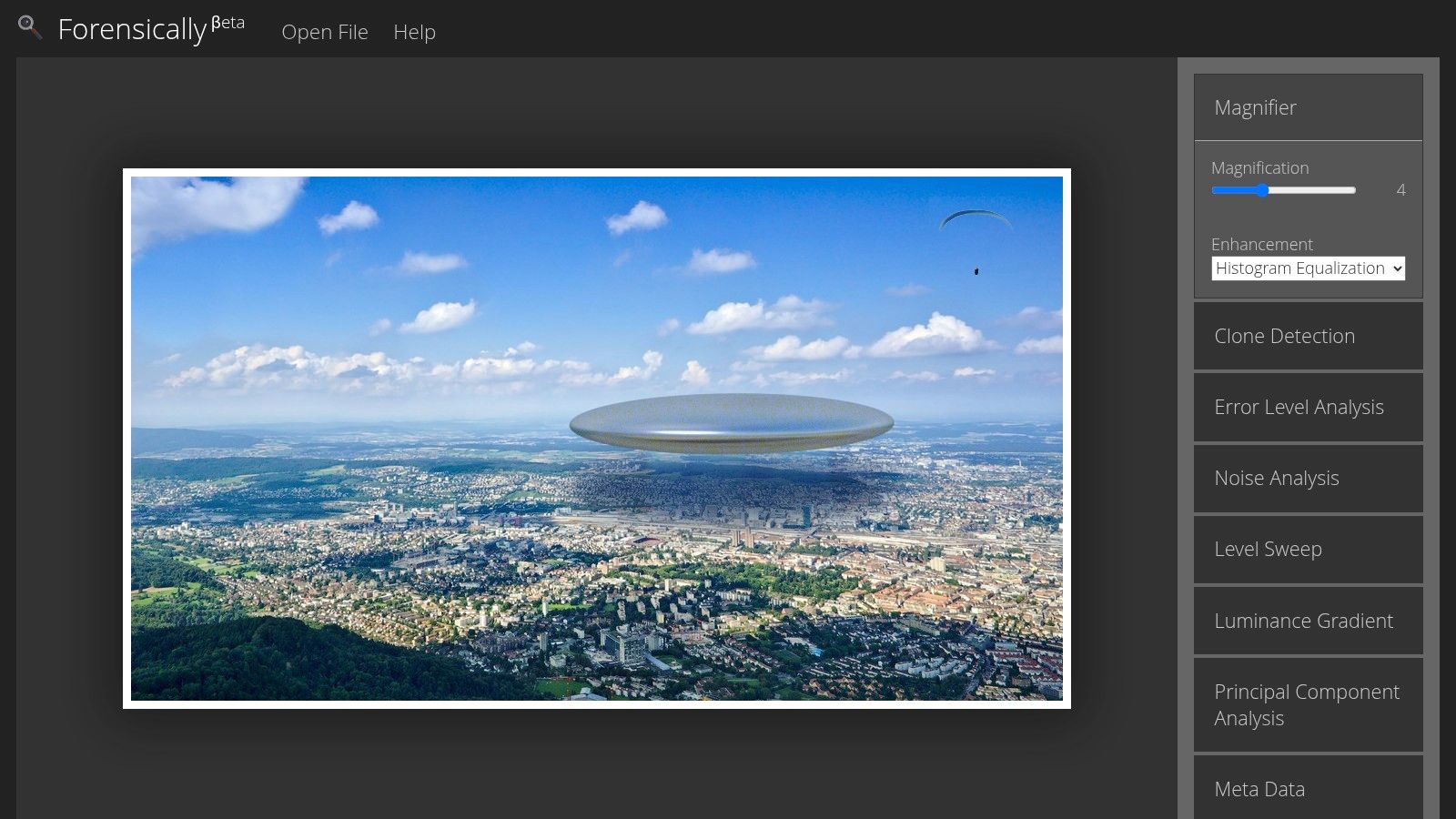
Method: hands-on forensic analysis with provenance inspection. Best fit: detailed examination of suspicious regions.
Forensically, created by Jonas Wagner, combines clone detection, noise analysis, ELA, magnification, metadata, geotags, and C2PA inspection. It's free to access and doesn't require a desktop installation.
Its advantage is the ability to compare different views of the same suspicion. If an object appears duplicated, clone detection may suggest repeated regions; magnification and noise analysis can help you decide whether the match deserves closer attention.
Compare explanations, not just outputs
Repeated patterns aren't automatically cloned objects. Windows, tiles, foliage, and manufactured surfaces can create legitimate similarities.
Likewise, missing geotags don't prove concealment. Image-sharing workflows may remove metadata, and photographers may intentionally avoid exposing location information.
- Start with a hypothesis: Identify the region and the alteration you suspect.
- Compare independent clues: Check repeated structure, noise, compression behavior, and available provenance.
- Preserve uncertainty: Describe findings as consistent with a possible edit unless stronger evidence supports a firmer conclusion.
Provenance4Trust's guidance on AI-modified images explains why cropping, resizing, retouching, and partial modification complicate detection. That makes original files particularly valuable.
Forensically suits patient investigation better than deadline triage. It offers useful views, but the quality of the conclusion still depends on the question, the source file, and the investigator's ability to test alternative explanations.
Photo Authentication Tools at a Glance
These tools use different evidence, so the right choice depends on the question and workflow. AI classifiers estimate whether an image is synthetic; provenance tools inspect credentials attached to media; watermarks identify supported generated content; manual forensics help examine editing clues. A method's limits matter as much as its output.
| Item | Detection Method | Best For | Free Access | API Available |
|---|---|---|---|---|
| AI Image Detector | AI-pattern analysis with a confidence score and visual indicators | Quickly checking whether an image is likely AI-generated | Free basic checks; no registration required | Not specified |
| Truepic Lens | Signed capture records, timestamps, and C2PA provenance | Integrating media capture verification into products and workflows | Not specified | Yes |
| AP Verify | Reverse search, video analysis, AI-assisted investigation, and collaboration tools | Newsrooms and professional verification teams | Not specified | Not specified |
| InVID-WeVerify Verification Plugin | Reverse search, video keyframes, context checks, and forensic heatmaps | Journalists and fact-checkers investigating online visuals | Not specified | Not specified |
| Adobe Content Authenticity Inspect | Checks Content Credentials and available provenance history | Reviewing documented creation and editing history | Not specified | Not specified |
| Google SynthID Detector | Detects SynthID watermarks in supported media | Checking media made with supported Google AI tools | Not specified | Not specified |
| OpenAI Verify | Checks for supported C2PA and SynthID provenance signals | Checking suspected OpenAI-generated images or audio | Not specified | Yes, for eligible organizations |
| Runway C2PA Verifier | Inspects embedded C2PA manifests | Reviewing provenance in supported image, video, and audio files | Basic check available | Not specified |
| FotoForensics | Error level analysis and metadata review | Investigating possible image editing clues | Not specified | Not specified |
| Forensically | Clone detection, ELA, noise, metadata, geotags, and C2PA inspection | Hands-on image forensics and editing-clue analysis | Free | Not specified |
The table distinguishes tool functions from access details. “Not specified” means this comparison does not establish whether access is free or an API is available; it is not a claim that a feature is unavailable. For a deadline check, a classifier gives a quick likelihood score, while provenance and watermark checks depend on supported credentials or generators. Manual forensic tools provide clues to investigate, not a verdict on their own.
For a newsroom, start with reverse search and context checks, then use a classifier or provenance check to answer the specific concern. For product workflows, prioritize capture credentials or API access where established. For closer examination of possible edits, use manual forensic tools and interpret their outputs cautiously.
Building a Verification Workflow That Holds Up
The strongest photo authentication software workflow combines classification, provenance, and contextual investigation. Begin by preserving the original file and its acquisition details, then run a fast classifier while checking available credentials and metadata.
Use watermark detection when the suspected generator supports it. If the concern involves a localized edit, inspect that region with forensic tools rather than expecting a whole-image score to explain exactly what changed.
The SAFE Image Authenticity Challenge illustrates the distinction: a combined system achieved 0.89 accuracy for fully AI-generated images but 0.24 accuracy for AI-based edits. Those are benchmark results for that system, not performance estimates for the tools listed here.
Choose a stack around the decision
Different audiences need different escalation paths:
- Journalists: Start with AP Verify or InVID-WeVerify plus a fast classifier. Confirm location, timing, source identity, and earlier appearances before publication.
- Educators: Start with our free browser classifier, then request source files and a creation explanation. Don't turn a detection score into an automatic misconduct finding.
- Platforms: Start with API-capable classification, adding capture provenance where you control submission. Route uncertain and consequential cases to trained reviewers.
- Legal and compliance teams: Preserve originals, document custody and handling, and involve a qualified examiner when a contested image has material consequences.
For API integration, keep the submitted original separate from analysis derivatives. Associate results with a file identifier, record available detector versions and settings, and store the reviewer's decision separately from the machine score.
Set escalation rules using representative uploads, including resized images, screenshots, legitimate edits, and known synthetic examples. A threshold suitable for queue prioritization may be inappropriate for account suspension or an accusation.
Decision standard: Let software prioritize the investigation. Require corroborating evidence before taking an action that could harm someone.
Abstention is a useful outcome. If the tools disagree or the original is unavailable, record insufficient evidence and specify what would resolve the uncertainty.
Commercial workflows need the same discipline. Teams using product image editors for Shopify should distinguish permitted background editing from changes that misrepresent the item being sold.
The honest takeaway is that layered verification beats any single tool. A defensible decision explains what was checked, what each method established, and what remains unknown.
Our tool offers free, registration-free image screening with a confidence score, explanatory visual indicators, and privacy-first handling with no image storage. Visit AI Image Detector to check a suspicious photograph, then use the result to guide provenance checks and further investigation rather than treating it as a final verdict.
