

10 Photo Forensics Online Tools Compared for 2026

A viral image lands in the channel, a student turns in a photo that looks too polished, or a marketplace listing shows a product that may not exist. In each case, photo forensics online is the right starting point, but a single tool rarely answers the full question. Visual judgment is unreliable on its own, and even trained viewers miss manipulated images often enough that forensic analysis adds value by checking details people can't consistently assess, such as compression behavior, duplicated regions, inconsistent lighting, resampling traces, metadata, and synthetic artifacts. The better move is to match the tool to the question, then combine results instead of trusting one verdict.
1. Forensically for pixel-level triage
When a file needs pixel-level triage, I start with Forensically. The browser suite answers a narrow question well, “Does this file show signs of manipulation?” It suits newsroom and OSINT work where you need to sort suspects quickly. Many functions run in modern browsers with client-side processing, so an image can be inspected without sending it to a server, a real privacy advantage for sensitive material. Forensically also works well as a teaching tool because its output makes classical forensic signals visible instead of abstract.

What it's good at
ELA, clone detection, noise and luminance gradient analysis, thumbnail inspection, strings and hex views, and metadata display let you test the same file from several angles. That layered approach fits the core lesson from media-forensics research, no single signal proves authenticity. A tool should help you gather evidence, and a bright patch or smooth area should never hand you false certainty. The product's documentation and examples also help analysts avoid the common mistake of reading contrast alone as proof of editing.
Practical rule: Use Forensically as a first-pass examiner, then corroborate anything suspicious with provenance and reverse-image checks before you write up a conclusion.
The limitation matters. ELA and related pixel analyses work best on JPEGs, and they become much less useful on heavily recompressed or already transformed files. If you want a broader workflow map, the image forensics software guide is a useful companion read.
2. FotoForensics for quick ELA reading
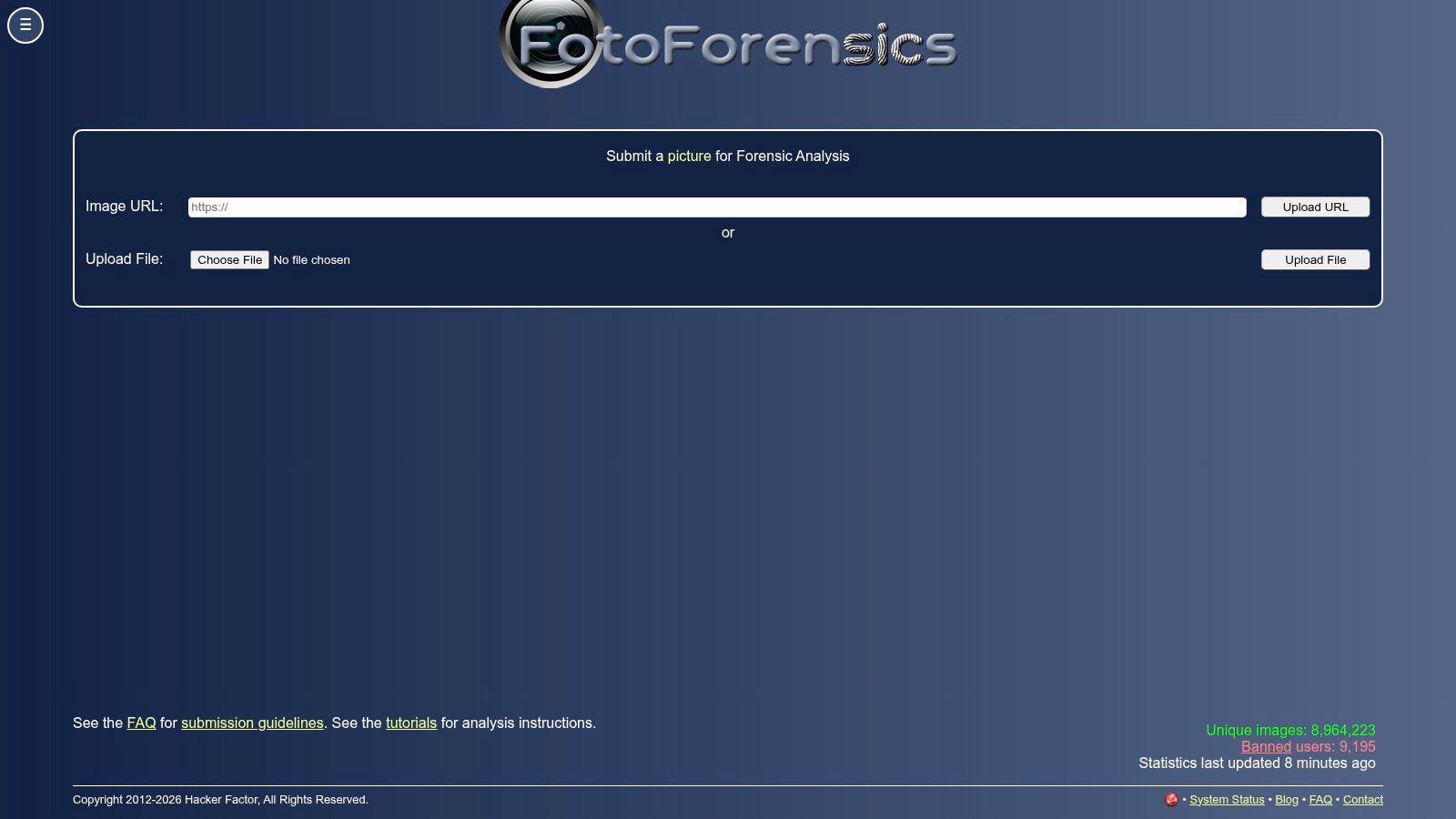
Most editors meet Error Level Analysis through FotoForensics, and for good reason: it makes the pattern easy to see and easy to discuss. That matters on deadline, when a caller needs a quick visual explanation instead of a long technical write-up. The site also offers metadata viewing and educational material, which helps because ELA gets misread often. A noisy patch can come from compression history, not editing, so the interpretation has to stay disciplined.
Where it fits in a desk workflow
I reach for this when someone on the desk wants a fast sanity check and a familiar interface. The public tutorials and challenge exercises are useful because they train analysts to stop treating a bright area as automatic proof of tampering. That makes FotoForensics a strong teaching tool, and a weaker final arbiter.
Limit first: Treat ELA as a clue. Compression history, cropping, and messaging-app resaves can produce output that looks noisy for reasons unrelated to tampering.
The trade-off is scale. Manual use is straightforward, but the public site is not built for high-volume automation or batch review. If you are screening many uploads, use FotoForensics as one lens among several rather than the main gate.
3. InVID and WeVerify for newsroom verification
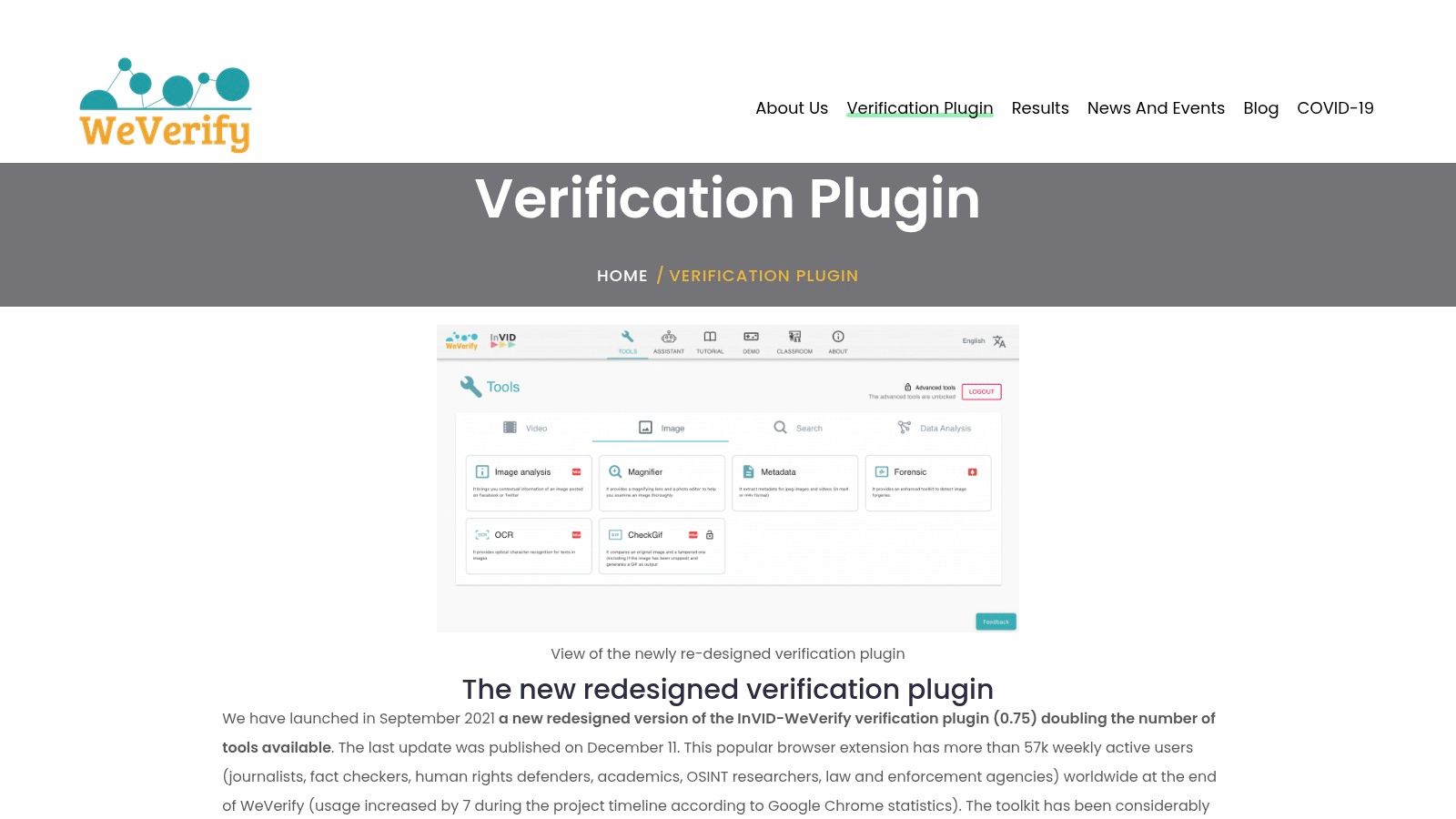
Hand a breaking-news image to InVID & WeVerify and you get a newsroom workflow in one browser tab. Keyframe extraction, reverse image search, metadata reading, magnification, OCR, and context checks sit together, which matters because image verification often breaks when an analyst stops after the first clue. Keeping those steps in one place saves time and reduces the chance of missing a mismatch between the file and the story around it.
Best use and main weakness
For newsroom triage, this extension earns its place fast. If the image comes from a video frame, or if you need nearby posts and matching variants to test the claim, it keeps the work inside the browser and cuts down on tab-hopping. I also find it useful for training, because the verification chain stays visible instead of being hidden behind a single output screen.
The useful question here is rarely “Is it fake?” It is “Where else has this appeared, and what supports or weakens the claim?”
The trade-off is reliance on outside services. Reverse search engines and platform features change, and that can interrupt part of the workflow without warning. The tool also has enough depth that casual users can miss what it offers, so it rewards practice and a clear method. For desks that want speed with accountability, it remains one of the most practical photo forensics online options.
4. TinEye for origin and variant search
A reverse image search answers a question the pixel tools cannot: where has this image already been used? TinEye is built for that job. It maps circulation history, finding earlier postings, resized copies, crops, and other variants across the web. It will not inspect tampering inside a single file unless a similar copy already exists online.

How to use it without overclaiming
TinEye is strongest during provenance checks. If a photo appears in a claim thread, run it through TinEye to see whether the same visual has shown up before, and whether the current caption matches the older context. That makes it useful for circulation tracing, especially when you need to separate first publication from later reuse.
It also has practical value for teams that watch brand, compliance, or IP misuse, because the enterprise options support alerts rather than one-off searches.
The limit is simple. Reverse search can show a match history, but it does not prove authenticity on its own. The reverse image search process compares appearance across the web, so it should sit beside metadata checks, context review, and pixel-level analysis, not replace them.
5. Content Credentials Verify for provenance inspection
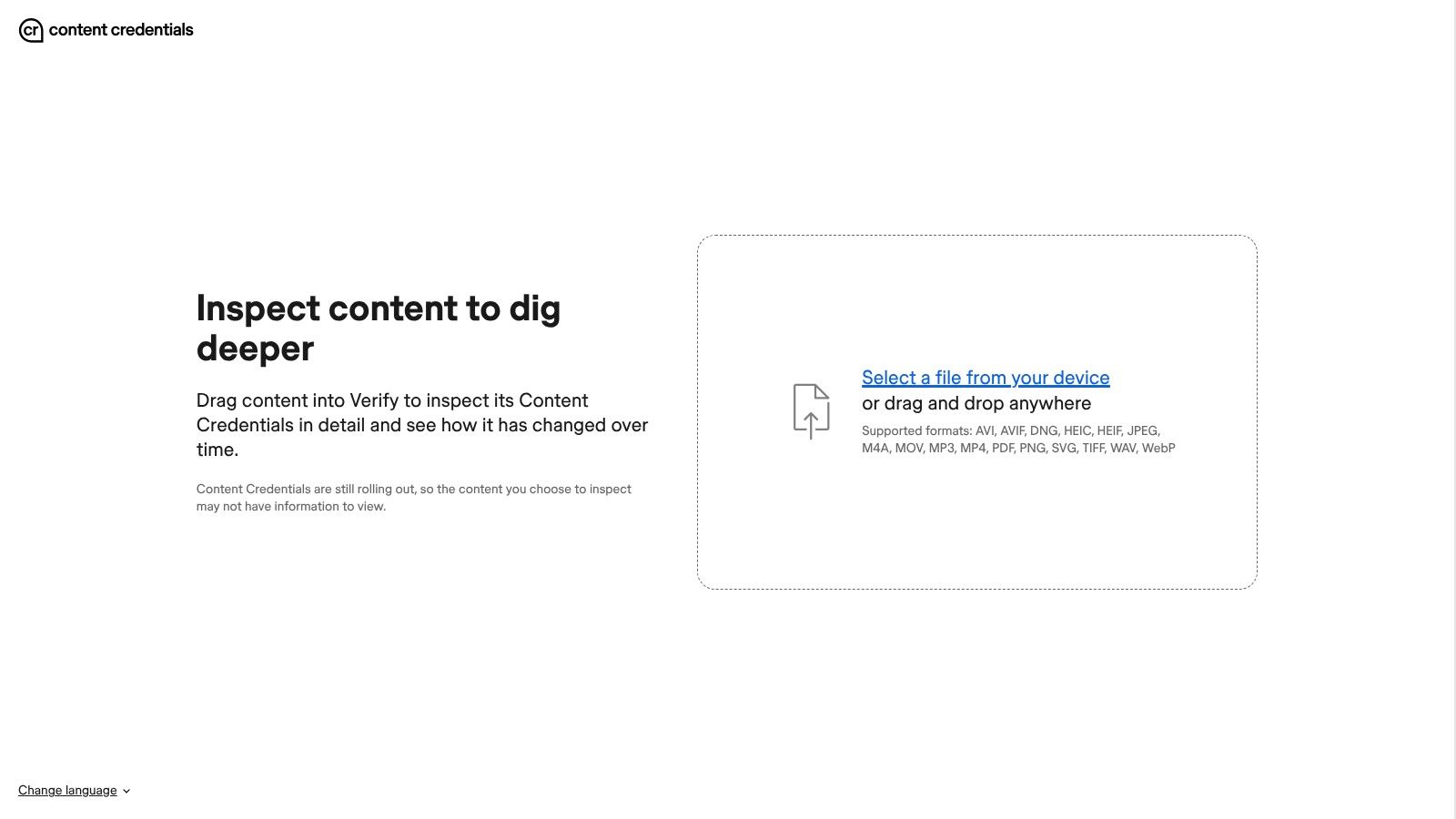
If a file carries C2PA provenance, Content Credentials Verify reads the signed history and shows the creation and edit timeline, signing entities, and trust status. That gives editors a cryptographic provenance trail they can inspect before they decide how much weight to give the file. Pixel-level tools cannot supply that kind of evidence.
What it tells you and what it doesn't
When Content Credentials are present and valid, the tool can confirm that the file has a signed provenance record. That helps in editorial review, brand workflows, and any setting where chain of custody matters. The timeline can also show ingredients and edits, which makes the file's history easier to read than a simple yes-or-no check.
The limits matter just as much. Provenance does not prove factual truth, and unsigned content still needs normal verification. Metadata can also disappear in transit, so missing credentials are not automatically suspicious. Use Verify as one layer in a broader workflow, not as a shortcut around it. For a practical companion explanation, how to analyze an image covers the handoff between provenance and pixel-level review.
6. Truepic for chain-of-custody capture
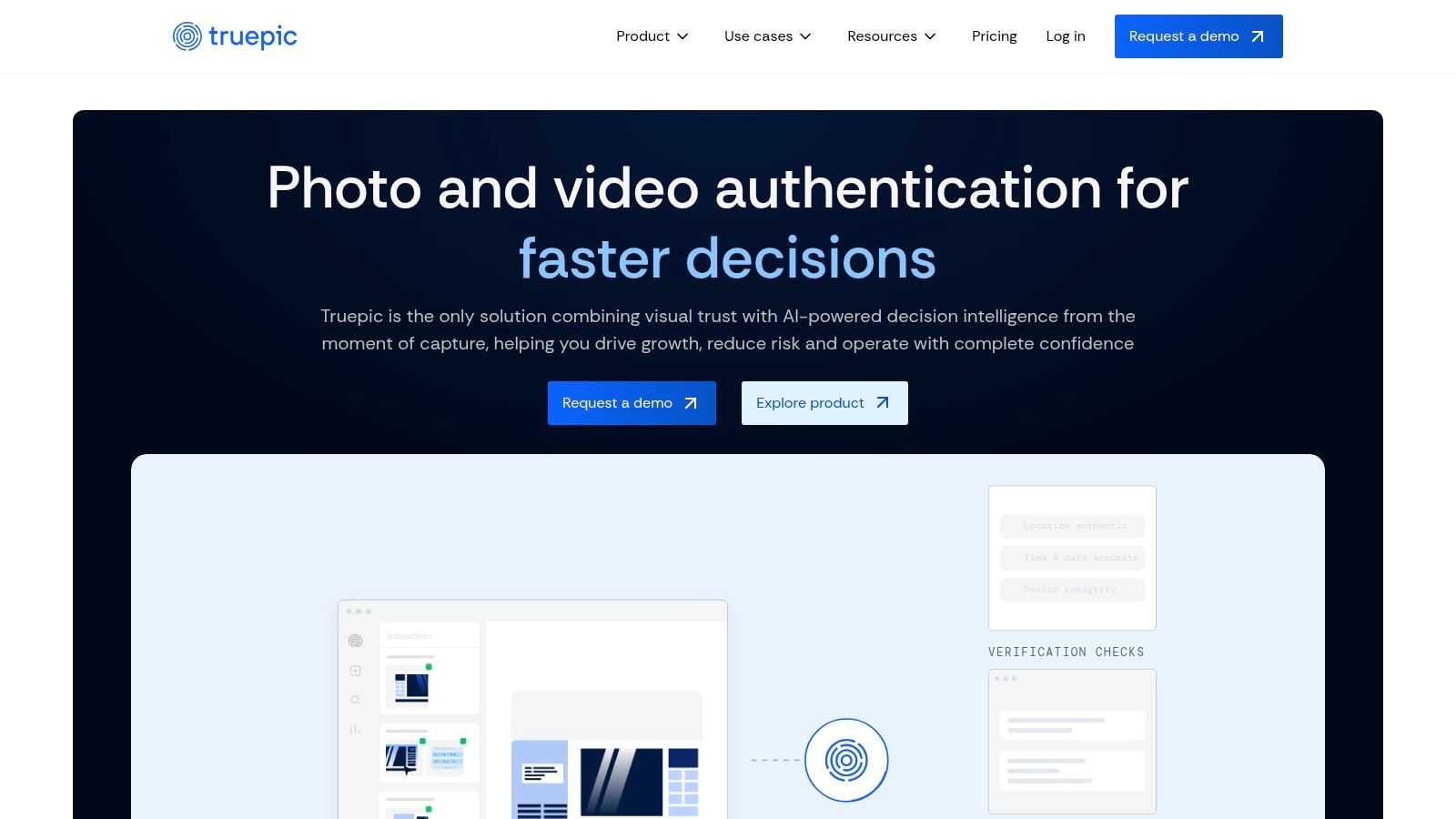
Some verification work has to start before the image becomes a file. Truepic binds device, time, location, and sensor signals to the image at capture time, which makes it useful for insurance, marketplaces, compliance, and other workflows where capture context matters as much as the picture itself. Generic photo review starts after upload. Truepic reduces ambiguity at the moment of capture, which cuts the detective work afterward.
Where enterprise value shows up
The value is operational control. Dashboards, workflows, and APIs let enterprises scale review instead of handling each file as a one-off. For regulated or high-stakes use, that matters because the capture trail is clearer before an analyst ever opens the file.
The trade-off is plain. This is enterprise software, so it is too heavy for casual checks and probably excessive if you only need to inspect a few suspicious uploads. Larger deployments also require sales scoping, which makes it less agile than a browser utility. For teams building a capture-first workflow, though, it is one of the clearest options in this category.
7. Serelay for provenance from the start
Serelay approaches the provenance problem from the other end. Its SDKs and trusted capture workflow let product teams build creation context into the file at capture time, so recipients can inspect provenance and edit history later. That is useful for platforms that handle user-submitted evidence, proof-of-condition photos, or regulated documents, where the capture trail matters as much as the image itself.
Why teams pick it
The main appeal is control at the source. Instead of waiting until a file is uploaded and then trying to reconstruct context, Serelay lets developers bake trusted capture into their own products. For teams that need a clearer record later, that can reduce disputes and cut down on manual follow-up.
The trade-off is reach. Serelay is SDK-centric and aimed at enterprise workflows, so it is less convenient than a drag-and-drop tool for someone checking a single image. Pricing and deployment details also tend to require sales contact, which slows adoption for lighter use cases.
If your workflow starts with capture, a provenance-first tool like this can save time later. If your workflow starts with an image already circulating online, use pixel analysis plus reverse search instead.
Serelay closes provenance gaps at the source.
8. Sensity AI for synthetic media detection
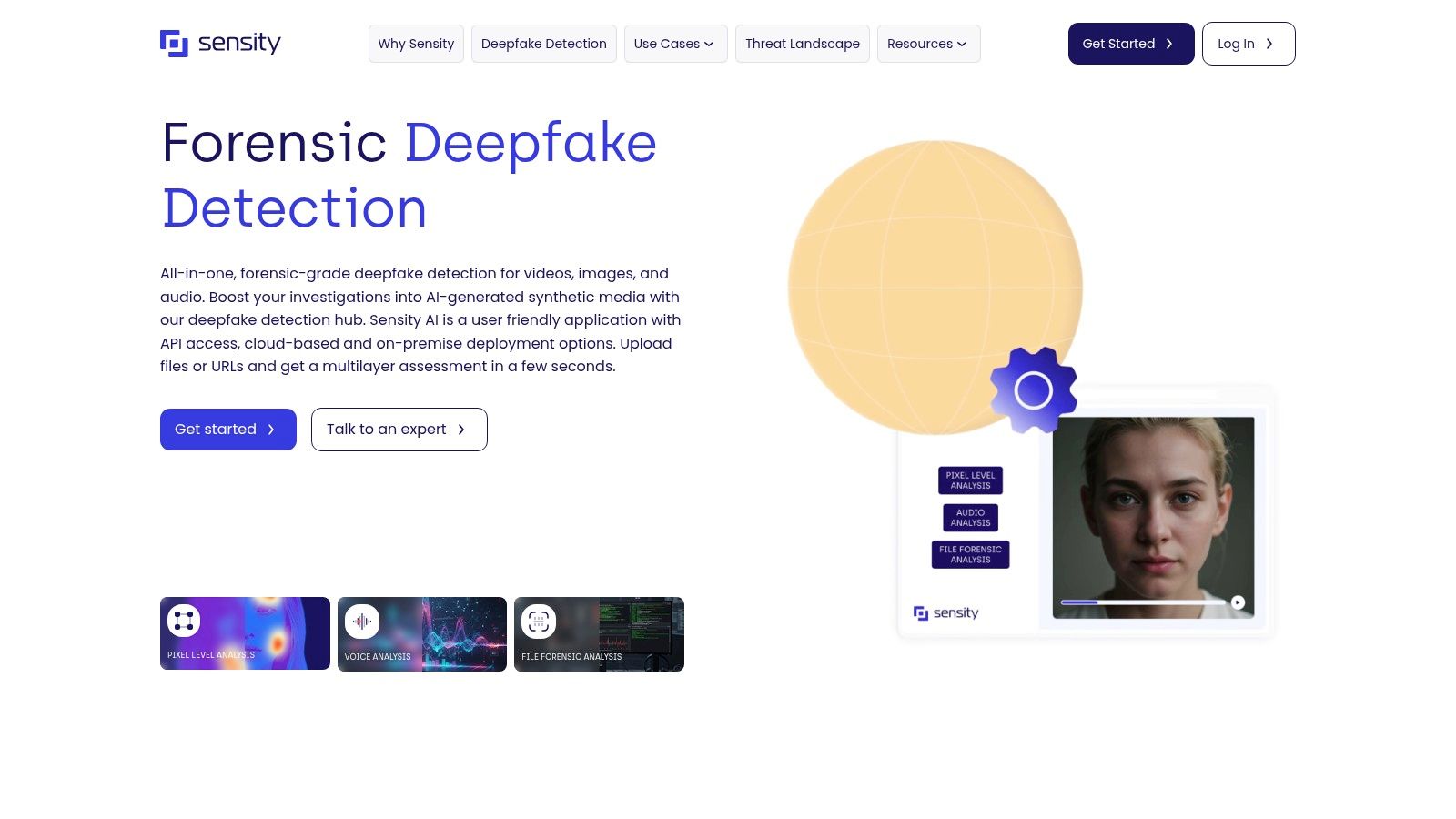
A metadata checker cannot tell you whether a face swap or generative edit is present. For AI-era manipulations, you need a purpose-built detector, and Sensity AI is built for synthetic media screening across images, video, and audio. Its API-first setup fits enterprise platforms that want automated checks inside moderation or risk workflows.
When to trust it and when to be cautious
Sensity is useful when the question is whether content may have been generated or altered by AI. It gives trust-and-safety teams a detector they can call programmatically, which is more practical than manual review for large queues.
The limitation is the model boundary. Machine-learning detectors can be hard to inspect, so they need validation on your own material before anyone treats the output as final. Performance can also drop when realistic evidentiary images replace clean test sets, especially with localized edits, recompression, or mixed human-plus-AI content. Benchmark Sensity against the kinds of files your team sees, then use its output as one input to validation.
9. Reality Defender for enterprise moderation
Moderation teams rarely want one vendor per medium. Reality Defender covers images, video, audio, and text behind a single RealAPI and analyst dashboard, which suits queues that need to route different file types through one workflow. The ensemble approach also fits this field, because generative methods shift fast and a single detector can go stale.
Operational fit matters more than feature count
Reality Defender's programmatic setup works well for trust and safety teams that handle high-volume uploads. When analysts need to sort incoming content, a central interface with model updates is more practical than a standalone demo page. That is the genuine appeal of this class of tool.
The trade-off is transparency. It is built for enterprise use, pricing comes through sales, and the underlying model details are not fully public. Internal validation, human review, and a clear appeals path for edge cases should stay in place. Expect the tool to sort the queue, while your analysts still own the decisions.
10. EXIF.tools for sensitive metadata checks
EXIF.tools is the fastest answer when the question is “What metadata is still attached, and can I inspect it without uploading the file?” It runs client-side, uses ExifTool logic in the browser, and parses EXIF, XMP, and IPTC data for a wide range of formats. That makes it especially useful for sensitive images, because the analysis stays local instead of making a server round-trip.
Why metadata still matters
Metadata can reveal camera details, timestamps, GPS coordinates, and editor traces, which can quickly support or weaken a claim. It's also the first place many desks look when they need a rapid reality check. If the file has odd timestamps, stripped fields, or software tags that don't fit the story, you've got a lead.
The limit is built into the medium. Metadata can be stripped, spoofed, or lost in ordinary sharing, so it should never stand alone. It also doesn't do pixel tamper analysis, so you'll still need a forensic tool for manipulation checks. In a layered workflow, though, it's one of the cleanest and most privacy-preserving options available for photo forensics online.
Top 10 Online Photo Forensics Tools Comparison
| Tool | Core focus / Detection method | Target audience / Use cases | Privacy & workflow | Key strengths / USP | Pricing / Access |
|---|---|---|---|---|---|
| Forensically (29a.ch) | Pixel-level forensics (ELA, clone detection, noise, luminance) | Journalists, OSINT, educators for triage & teaching | In-browser client-side processing for many tools; no server storage for those tools | Free, fast, practical help pages; widely used in fact‑checking | Free; no account required |
| FotoForensics | Error Level Analysis (side-by-side ELA) + metadata view | Newsrooms and analysts building visual intuition | Web-based ELA service; uploads to public site | Long-running ELA resource with extensive tutorials | Free public ELA; limited automation |
| InVID / WeVerify (extension) | Video keyframe extraction, reverse search, OCR, basic forensics | Journalists and fact-checkers needing integrated verification | Browser extension; some features rely on third‑party services | One-stop verification toolbox inside browser | Free |
| TinEye | Web-scale reverse image matching and alerts | Investigators, brand/IP protection, provenance checks | Manual free searches; enterprise APIs and monitoring for automation | Best-in-class matching; Alerts and MatchEngine for enterprise | Free manual search; paid enterprise services |
| Content Credentials "Verify" (C2PA) | Cryptographic provenance validation and timeline visualization | Users verifying signed media provenance (publishers, platforms) | Browser drag-and-drop verifier; reads embedded C2PA credentials | Cryptographic integrity checks and clear provenance display | Free; works only if C2PA credentials present |
| Truepic | Tamper-evident capture & chain-of-custody (mobile SDKs) | Enterprise: insurance, marketplaces, compliance workflows | Capture at source via SDK/apps; dashboards and APIs; C2PA-aligned | Strong chain-of-custody, enterprise SLAs and scale | Enterprise pricing; contact sales |
| Serelay | Trusted capture + verification workflows and SDKs | Developers and enterprises needing end-to-end provenance | Capture SDKs and recipient verification; C2PA-aligned tooling | End-to-end provenance from capture to verification; dev resources | Enterprise pricing; contact sales |
| Sensity AI | ML-based deepfake/synthetic media detection (images, video, audio) | Platforms, moderation teams, enterprises needing scaled detection | REST API; cloud or on‑prem deployments for enterprise | Purpose-built for generative/manipulation detection; API-first | Enterprise pricing; contract-based |
| Reality Defender (RD) | Ensemble detectors across image, video, audio, text; RealAPI | Trust & safety, moderation, analyst teams at scale | Programmatic RealAPI and analyst console; continuous model updates | Broad media coverage and scalable moderation workflows | Enterprise pricing; contact sales |
| EXIF.tools | Full EXIF/XMP/IPTC parsing in-browser (ExifTool logic) | Investigators and journalists needing sensitive metadata triage | Client-side processing in browser; no server round-trip | Fast, privacy-preserving full metadata inspection | Free; no upload required |
Build a layered workflow before you trust any verdict
Start with provenance by checking C2PA credentials and metadata, run pixel-level analysis such as ELA with a training-aware reading, and confirm origins through reverse image search. Log what each tool could and could not show before you decide. That discipline matters because visual judgment is unreliable on its own, and forensic signals only make sense when you know what kind of question you're asking.
For suspected manipulation, pair a classical tool like Forensically or FotoForensics with EXIF.tools and TinEye. For provenance-rich media, use Content Credentials Verify or an enterprise capture system like Truepic or Serelay. For AI generation questions, use a dedicated detector such as AI Image Detector, which adds a confidence score and explanatory reasoning, with core detection that's free, requires no registration, and doesn't store uploaded images.
The biggest mistake I see on desks is treating one output as a final ruling. A detector can flag a pattern, provenance can confirm a signed history, and reverse search can show prior circulation, but none of those alone proves the whole story. Layered verification is slower than a single click, but it's the only workflow that survives real-world images, broken metadata, and adversarial edits.
If you're building a repeatable review process for your team, start with one provenance check, one pixel-level check, and one origin check for every sensitive image, then document the limits of each result before you publish or act on it. For researchers who need a credibility lens on source evaluation, how Contesimal helps researchers is a useful adjacent read.
If you want a faster first pass on whether an image looks human-made or AI-generated, visit AI Image Detector and use it alongside your provenance and reverse-search checks. It's built for quick screening, clear reasoning, and private handling of uploads, so it fits naturally into a layered photo forensics workflow rather than replacing it.
