

The 12 Best Software for Image Recognition in 2026: A Complete Guide

In a world saturated with visual data, the ability to automatically understand, categorize, and verify images is no longer a niche capability, it's essential. From journalists verifying the authenticity of a photo to developers building the next smart application, the right software for image recognition can unlock unprecedented insights and efficiencies. But the market is crowded with options, ranging from powerful cloud APIs and comprehensive MLOps platforms to specialized, privacy-focused tools. This guide cuts through the noise.
We'll explore 12 of the best solutions available today, breaking down their core strengths, ideal use cases, and critical limitations. We provide direct links and screenshots for each platform to simplify your evaluation. Whether you're detecting AI-generated fakes, moderating user content, building a custom computer vision model, or simply curious about the technology, this list will help you find the perfect tool for the job.
Beyond general-purpose platforms, specialized AI tools are emerging for niche applications, such as in design, where advanced image recognition helps visualize concepts, as seen in various AI landscape design apps. Our focus here, however, remains on foundational software that serves a broad range of professional needs. From the privacy-first approach of AI Image Detector to the massive scale of Google Cloud Vision AI and the open-source flexibility of OpenCV, we cover the spectrum of what's possible. This comprehensive resource is designed to help you make an informed decision and select the software that best aligns with your project's specific goals, budget, and technical requirements.
1. AI Image Detector
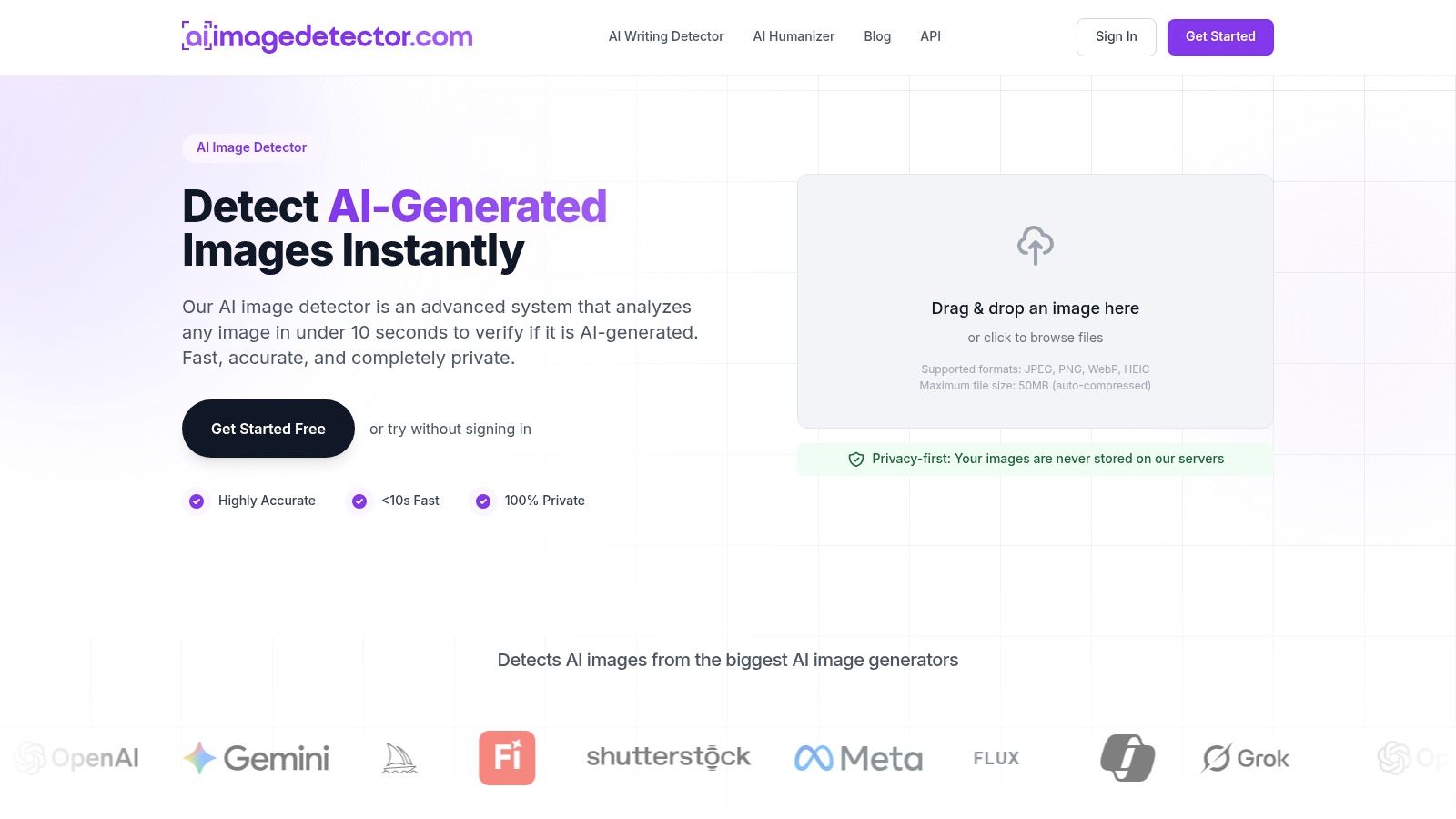
AI Image Detector stands out as a premier choice in software for image recognition, specifically tailored for the critical task of discerning AI-generated images from human-created ones. It offers a powerful, streamlined solution for professionals who require rapid and dependable image authenticity verification. The platform’s core strength lies in its specialized focus, delivering clear, actionable insights without unnecessary complexity, making it an essential tool for maintaining digital integrity.
Its advanced models analyze submitted files for subtle artifacts, unnatural lighting, and other telltale signs of synthetic generation. The tool then provides a transparent confidence score, classifying the image along a spectrum from "Likely Human" to "Likely AI-Generated." This explainable output empowers users to make informed judgments quickly.
Core Features and Key Advantages
AI Image Detector is engineered around four key principles: privacy, speed, accessibility, and integration.
- Privacy-First Architecture: In a significant departure from many cloud-based tools, images are analyzed in real time and are not stored on the platform's servers. This design is critical for journalists, legal teams, and researchers working with sensitive or proprietary content.
- Exceptional Speed: The platform consistently delivers results in under ten seconds, with many analyses completing in less than two. This rapid turnaround is invaluable for high-volume workflows, such as content moderation or fact-checking breaking news.
- User-Centric Interface: A simple drag-and-drop interface supports common formats like JPEG, PNG, and WebP. The core detection service is completely free and requires no registration, removing barriers to access for quick checks.
- Developer-Friendly API: For organizations needing to build detection into their own systems, an API is available. This allows marketplaces, social platforms, and news organizations to automate image verification at scale, protecting their communities from manipulated media.
Practical Use Cases and Implementation
The tool is purpose-built for a wide range of professional applications where image authenticity is paramount.
- Journalism and Fact-Checking: Editors and reporters can quickly vet images submitted by sources or found online to prevent the spread of misinformation.
- Education: Educators can use the tool to teach digital literacy, helping students identify synthetic media and understand the technology behind it.
- Trust & Safety: Platform moderators can integrate the API to flag potentially deceptive user-generated content, from fake profiles to fraudulent product listings.
- Creative and Legal: Artists can verify the originality of works, while legal teams can use it as a preliminary check when assessing evidence.
For advanced and specialized applications, such as in wildlife management, the integration of dedicated AI image detector solutions utilizing advanced AI Species Identification Technology is becoming standard. Understanding the fundamentals of how these systems operate is key; you can delve deeper into the technical aspects by exploring how AI can analyze an image for patterns and artifacts.
Pricing and Access
AI Image Detector’s core service is 100% free with no registration required. Users can create a free account to unlock an analysis history and benefit from faster workflows. The platform promotes unlimited detections for signed-in users, and currently, no paid or enterprise tiers are publicly listed.
Website: https://aiimagedetector.com
2. Google Cloud Vision AI
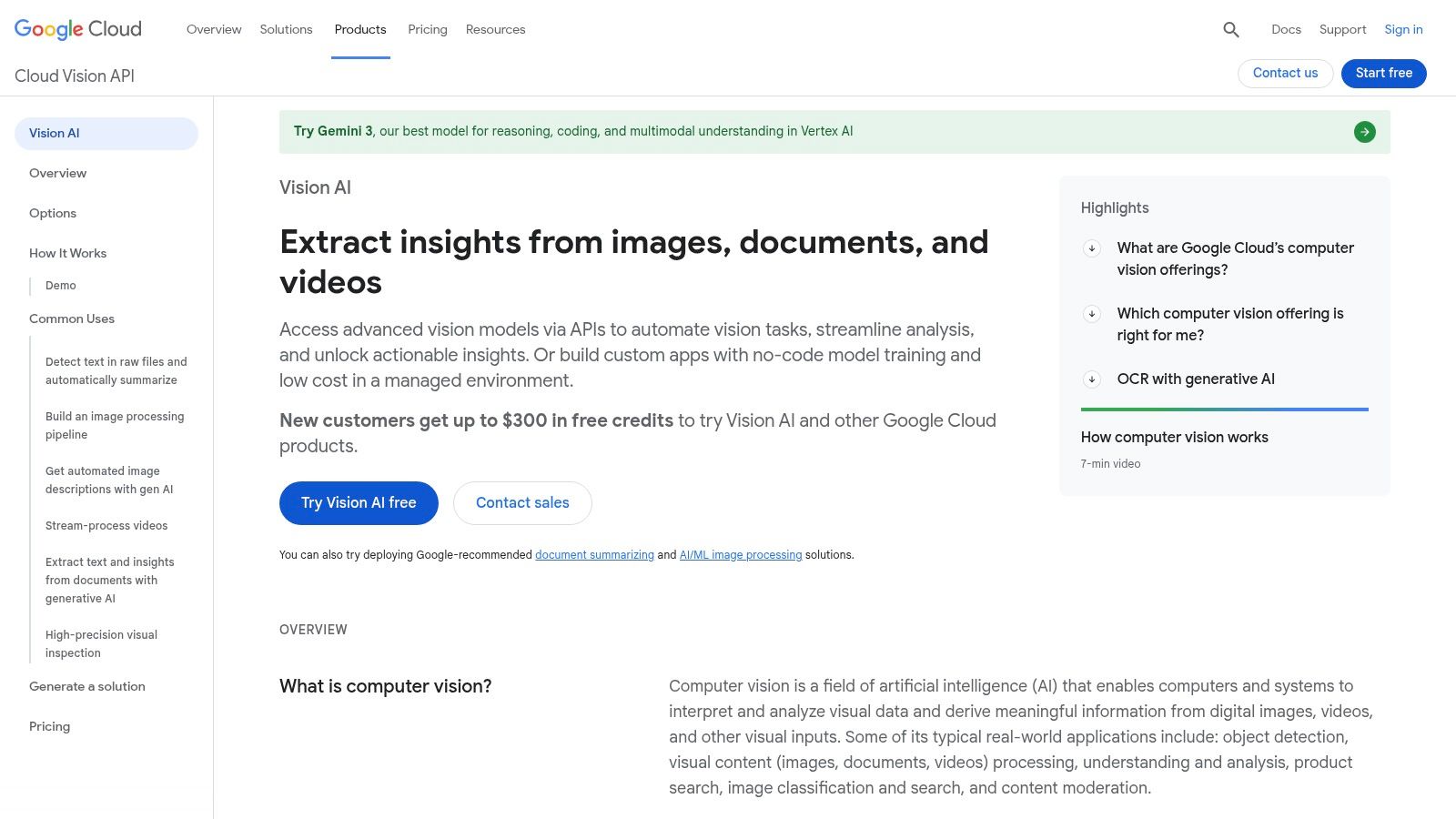
Google Cloud Vision AI is a powerful, developer-focused suite of pre-trained models accessible via APIs. It serves as a foundational tool for organizations needing to integrate robust image analysis capabilities directly into their applications and workflows without building models from scratch. Its strength lies in its extensive range of features and its seamless integration within the broader Google Cloud ecosystem, making it a go-to choice for fast prototyping and scalable production use.
This platform excels at providing granular data about an image’s content. Developers can use it to detect labels, read text with Optical Character Recognition (OCR), locate objects, and even identify well-known logos or landmarks. This makes it an ideal piece of software for image recognition for diverse applications, from cataloging vast digital asset libraries to powering content moderation systems with its SafeSearch feature. The pay-as-you-go model, with a generous free tier of 1,000 units per feature monthly, allows for cost-effective experimentation.
Key Features and Considerations
The platform's primary advantage is its accessibility through simple REST and RPC APIs, supported by excellent documentation and SDKs for popular programming languages. This developer-first approach significantly lowers the barrier to entry for implementing sophisticated image analysis.
- Primary Use Cases: Automated content moderation (using SafeSearch), digital asset management, brand monitoring (logo detection), and accessibility tools (OCR for screen readers).
- Pricing: Pay-per-use, billed per feature (e.g., label detection, face detection) after the initial 1,000 free units each month. While transparent, estimating costs for high-volume, multi-feature analysis can become complex.
- Limitations: The face detection feature is designed to locate faces and their attributes (like joy or sorrow) but is explicitly not for facial identification or recognition, a crucial policy distinction for privacy and safety.
For a deeper comparison of tools like this, you can explore more options in our comprehensive guide to image recognition software.
Website: https://cloud.google.com/vision/
3. Amazon Rekognition (AWS)
Amazon Rekognition is a mature, production-grade image and video analysis service deeply integrated into the Amazon Web Services (AWS) ecosystem. It provides ready-to-use APIs for a wide array of analysis tasks, making it a powerful choice for developers building scalable applications that rely on understanding visual content. Its key differentiator is its seamless connection with other AWS services like S3 for storage and Lambda for event-driven processing, which simplifies building robust, end-to-end media analysis pipelines.
This platform empowers developers to detect objects, scenes, and text; perform content moderation; and analyze facial attributes. A standout feature is its Custom Labels capability, which allows users to train bespoke models to identify objects and scenes specific to their business needs, like company logos or unique product parts. This makes it an excellent piece of software for image recognition for organizations that need both general analysis and highly tailored detection capabilities within a single, unified environment.
Key Features and Considerations
Rekognition's deep integration within AWS is its greatest strength, offering a production-ready path for complex system design. Developers can trigger analysis automatically on image uploads to S3, creating highly efficient and scalable workflows.
- Primary Use Cases: Content moderation for user-generated content, media asset management and cataloging, public safety applications (e.g., PPE detection), and creating searchable face collections for media or verification purposes.
- Pricing: Follows a tiered, pay-as-you-go model with a perpetual free tier for a limited number of monthly analyses. Costs for features like facial metadata storage are billed separately, requiring careful cost modeling for high-volume use.
- Limitations: While powerful, the pricing model can become complex. Charges are grouped by functionality (e.g., Image APIs, Custom Labels), and separate costs for storing face metadata can accumulate unexpectedly.
For a deeper comparison of tools like this, you can explore more options in our comprehensive guide to image recognition software.
Website: https://aws.amazon.com/rekognition/
4. Microsoft Azure AI Vision & Custom Vision
Microsoft Azure AI Vision offers a comprehensive suite of image analysis tools designed for enterprise-level applications. The platform is split into two primary offerings: AI Vision, which provides powerful pre-trained models for common tasks, and Custom Vision, which allows users to easily build, deploy, and refine their own image classifiers. This dual approach makes it an excellent choice for organizations that need both out-of-the-box functionality and the flexibility to train models on their specific datasets.
The platform's deep integration with the broader Azure ecosystem is its defining characteristic, providing enterprise-grade security, compliance, and scalability. This makes it a compelling piece of software for image recognition for businesses already invested in Azure services. Custom Vision, in particular, stands out for its user-friendly, no-code training interface, which enables teams without deep machine learning expertise to develop and iterate on highly specialized models quickly.
Key Features and Considerations
Azure's strength lies in its robust SDKs and seamless connection to other Azure services like Azure Functions and Azure Kubernetes Service (AKS), facilitating complex, automated workflows. The platform is structured to support both rapid prototyping and production-scale deployments.
- Primary Use Cases: Retail inventory management (custom object detection), manufacturing quality control (identifying defects), digital asset management (automated tagging), and medical image analysis.
- Pricing: A generous free tier is available for experimentation, followed by a pay-as-you-go model priced per 1,000 transactions. Users should note that pricing and feature availability can vary by region, requiring careful selection.
- Limitations: While powerful, the platform's cost structure and regional feature gating can add complexity. Navigating the pricing pages requires confirming your specific Azure region to get accurate estimates.
The ability to export trained models from Custom Vision for edge or on-premise deployment provides significant flexibility for diverse operational needs.
Website: https://azure.microsoft.com/en-us/products/ai-services/ai-vision/
5. Clarifai
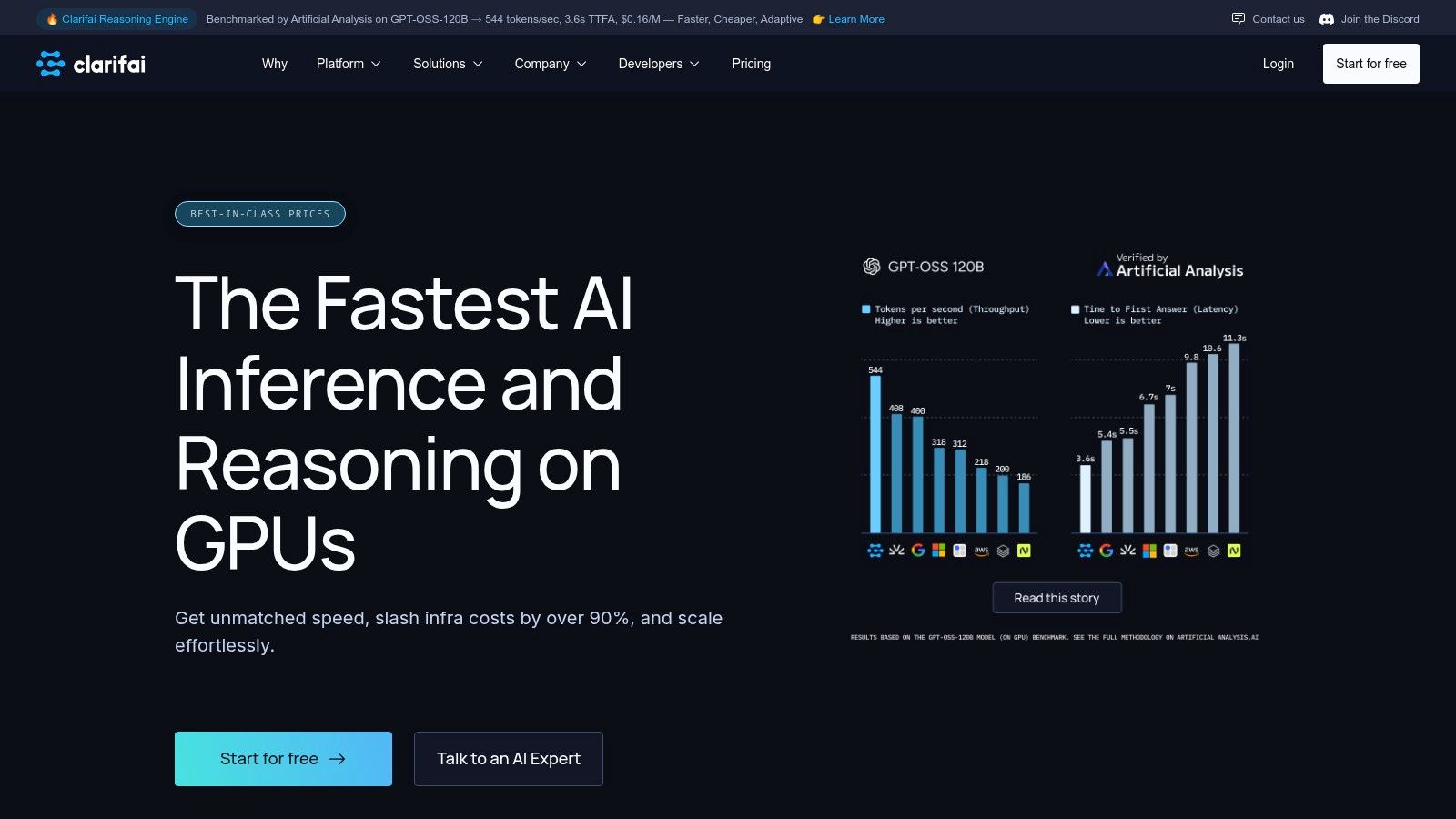
Clarifai offers a full-stack AI platform that extends beyond pre-trained models, providing tools for the entire machine learning lifecycle. It caters to enterprises and developers who need not only to analyze images but also to build, train, and deploy custom models in flexible environments. Its key differentiator is the ability to manage data pipelines, train models with a low-code UI, and deploy them anywhere from the cloud to on-premise servers or edge devices.
This platform is a comprehensive piece of software for image recognition that supports complex, regulated use cases where data sovereignty and performance control are critical. Users can leverage over 500 pre-built models for tasks like classification and object detection or upload their own data to train a model tailored to their specific needs. With both serverless inference and options for dedicated GPU nodes, Clarifai provides a scalable solution that grows with an organization's demands, from initial prototyping to high-throughput production workloads.
Key Features and Considerations
Clarifai's strength lies in its end-to-end capabilities, combining robust APIs and SDKs with user-friendly interfaces for data labeling and model training. This dual approach serves both developers who need programmatic access and teams that prefer a visual workflow.
- Primary Use Cases: Custom industrial defect detection, content moderation with tailored rules, retail product recognition, and government or defense applications requiring on-premise deployment.
- Pricing: Model training is billed by the hour, while inference has published per-request pricing. Enterprise plans with dedicated compute nodes require direct consultation and careful cost management for high-volume use.
- Limitations: The platform's most powerful features, particularly dedicated deployment and advanced GPU nodes, are geared toward higher spending tiers. This can make it less cost-effective for small-scale projects compared to simpler pay-as-you-go APIs.
For a deeper comparison of tools like this, you can explore more options in our comprehensive guide to image recognition software.
Website: https://www.clarifai.com/
6. Roboflow
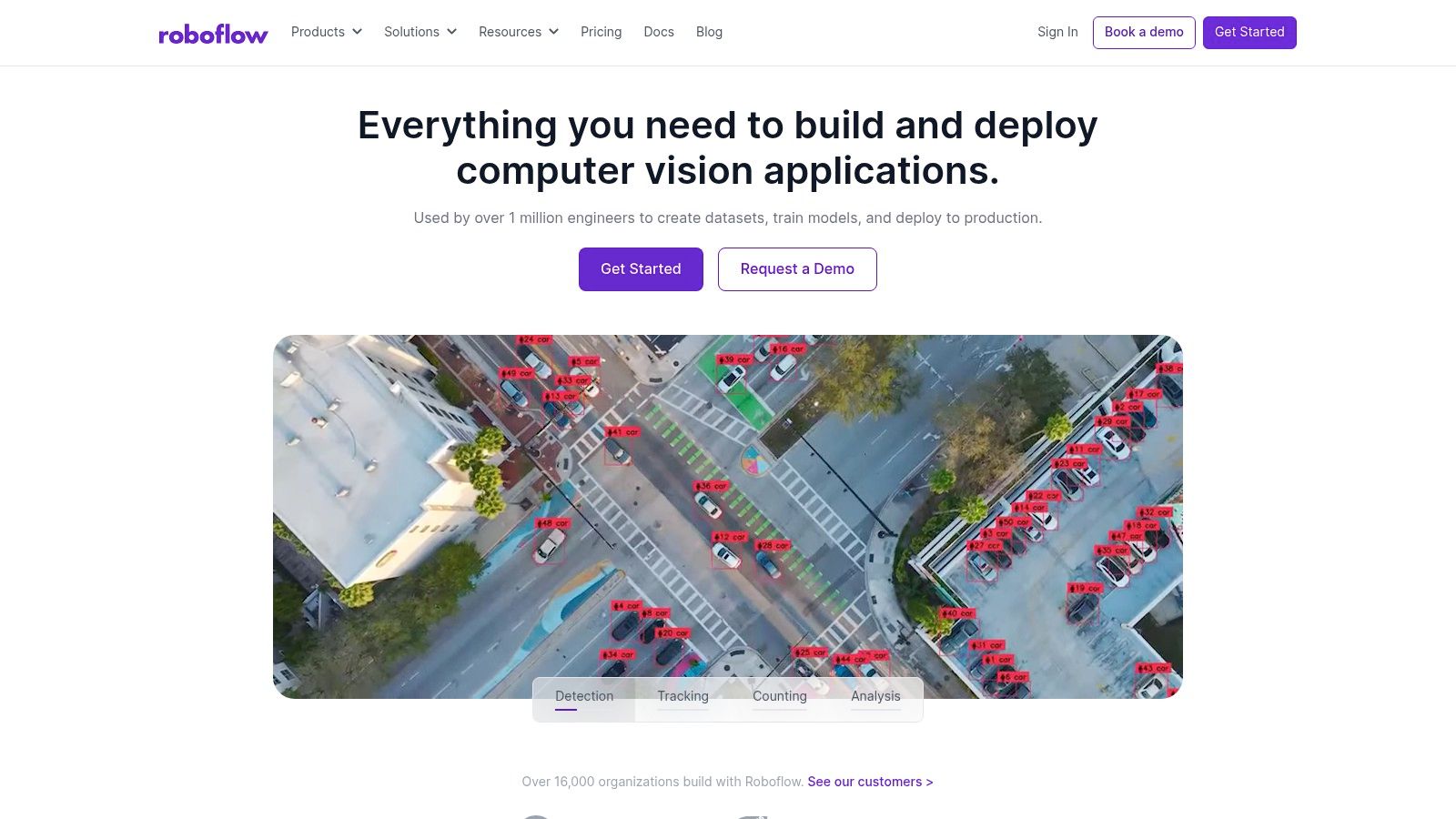
Roboflow is an end-to-end platform designed to streamline the entire computer vision lifecycle, from dataset management and annotation to model training and deployment. It empowers developers and teams to build and deploy custom vision models with remarkable speed, abstracting away much of the complex MLOps infrastructure. Its strength lies in its integrated workflow and a vast community-driven ecosystem of public datasets and pre-trained models.
This platform is particularly valuable for users who need to create bespoke solutions for specific use cases, rather than relying on pre-trained, general-purpose APIs. Roboflow provides the tools to label images, augment datasets to improve model robustness, and train custom object detectors, classifiers, or segmentation models. This makes it an excellent piece of software for image recognition for projects requiring specialized knowledge, such as identifying unique manufacturing defects, tracking specific wildlife, or analyzing retail shelf inventory. The platform offers a generous free public plan, making it accessible for open-source projects and initial learning.
Key Features and Considerations
Roboflow’s primary advantage is its user-friendly, web-based interface that guides users from raw images to a deployable API endpoint. The Roboflow Universe, a repository of over 200,000 public datasets, provides a massive head start for many projects, saving countless hours of data collection and labeling.
- Primary Use Cases: Rapid prototyping of custom object detection models, agricultural tech (crop monitoring), retail analytics (shelf-stocking), and academic research where custom datasets are essential.
- Pricing: Offers a free tier for public projects. Paid plans are required for private work and are structured around a credit-based system that can cover image processing, training, and hosting.
- Limitations: The credit-based usage model can be confusing to estimate for new users. While it simplifies deployment, teams with existing, complex MLOps pipelines may find it less flexible than building from scratch.
For a deeper comparison of tools like this, you can explore more options in our comprehensive guide to image recognition software.
Website: https://roboflow.com/
7. Hugging Face (Model Hub & Inference Endpoints)
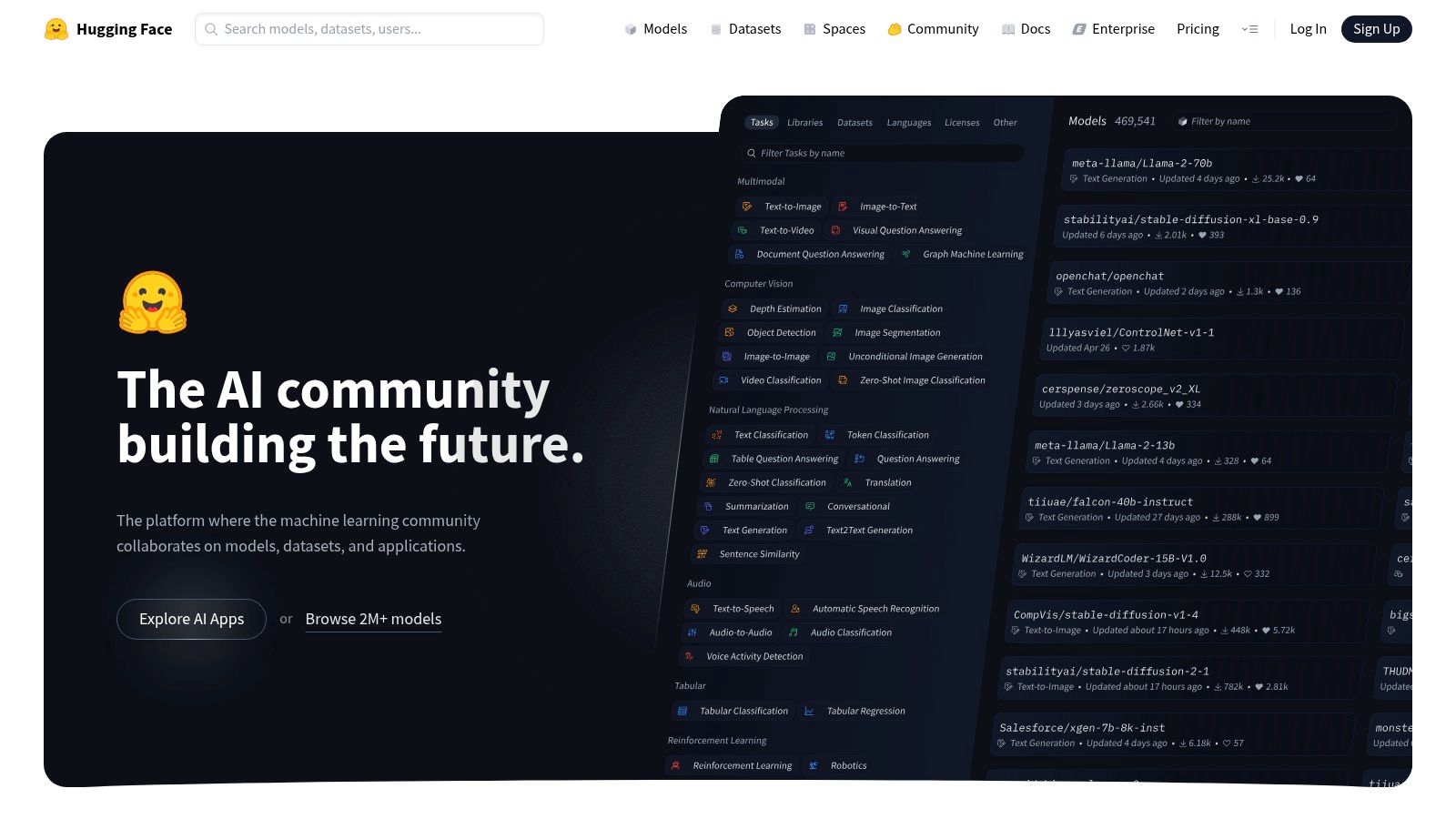
Hugging Face is not a single tool but a massive, open-source ecosystem centered around a repository of pre-trained models. For those with technical expertise, it serves as a crucial hub for accessing, testing, and deploying the latest research in image classification, object detection, and vision-language tasks. Its strength lies in its community-driven model sharing and the powerful, managed Inference Endpoints for putting these models into production.
This platform excels at providing unparalleled flexibility and access to state-of-the-art models. Users can browse thousands of open-source models, filter them by task, and experiment directly in their browser. For production needs, the Inference Endpoints service allows for one-click deployment with autoscaling, making it a powerful piece of software for image recognition for teams that want control over their infrastructure and model choice. This approach bridges the gap between cutting-edge research and practical application.
Key Features and Considerations
The platform's primary advantage is its vast selection of open models combined with a streamlined deployment path. This empowers developers to avoid vendor lock-in and select the best possible model for a specific job, from general-purpose image classifiers to highly specialized vision transformers.
- Primary Use Cases: Custom model deployment, academic research and experimentation, specialized image analysis (e.g., medical image segmentation), and building applications with unique vision-language capabilities.
- Pricing: The Model Hub is free to use. Inference Endpoints are priced based on the instance type (GPU, CPU) and usage time, with transparent hourly rates. Costs can vary significantly depending on the hardware and scaling needs.
- Limitations: This platform is highly technical and requires knowledge of machine learning concepts. Users are responsible for selecting the right model, managing instance sizing, and monitoring performance, which involves a steeper learning curve than fully managed APIs.
For a deeper comparison of tools like this, you can explore more options in our comprehensive guide to image recognition software.
Website: https://huggingface.co/
8. OpenCV
OpenCV (Open Source Computer Vision Library) is the foundational open-source library for anyone building computer vision applications from the ground up. Instead of a pre-packaged API, it provides a comprehensive toolkit of over 2,500 algorithms for developers working in C++, Python, or Java. Its strength lies in its complete flexibility, offering the building blocks for creating highly customized image analysis and machine learning solutions.
This library is the ultimate DIY software for image recognition, giving developers full control over their projects. It's not a ready-to-use service but a powerful engine for tasks like object detection, facial recognition, and image processing. While the core library is free, OpenCV also offers paid commercial consulting and training courses through OpenCV.AI and OpenCV University, providing expert support for teams that require it.

Key Features and Considerations
OpenCV's primary advantage is its zero-cost, permissive license combined with cross-platform support that spans desktop, mobile, and embedded systems. This makes it an incredibly versatile choice for both academic research and commercial product development.
- Primary Use Cases: Building custom computer vision applications, academic research, robotics, interactive art installations, and developing specialized AI image identification tools.
- Pricing: The library itself is completely free to use. Support is community-driven through forums and extensive documentation, with optional paid training and consulting available for enterprise needs.
- Limitations: This is not a plug-and-play solution. Users must have strong programming skills to implement, train, and deploy their own models. The steep learning curve and reliance on community support can be challenging for beginners.
To understand more about the technical aspects of these systems, you can learn more about AI image identification in our detailed guide.
Website: https://opencv.org/
9. MathWorks Computer Vision Toolbox (MATLAB)
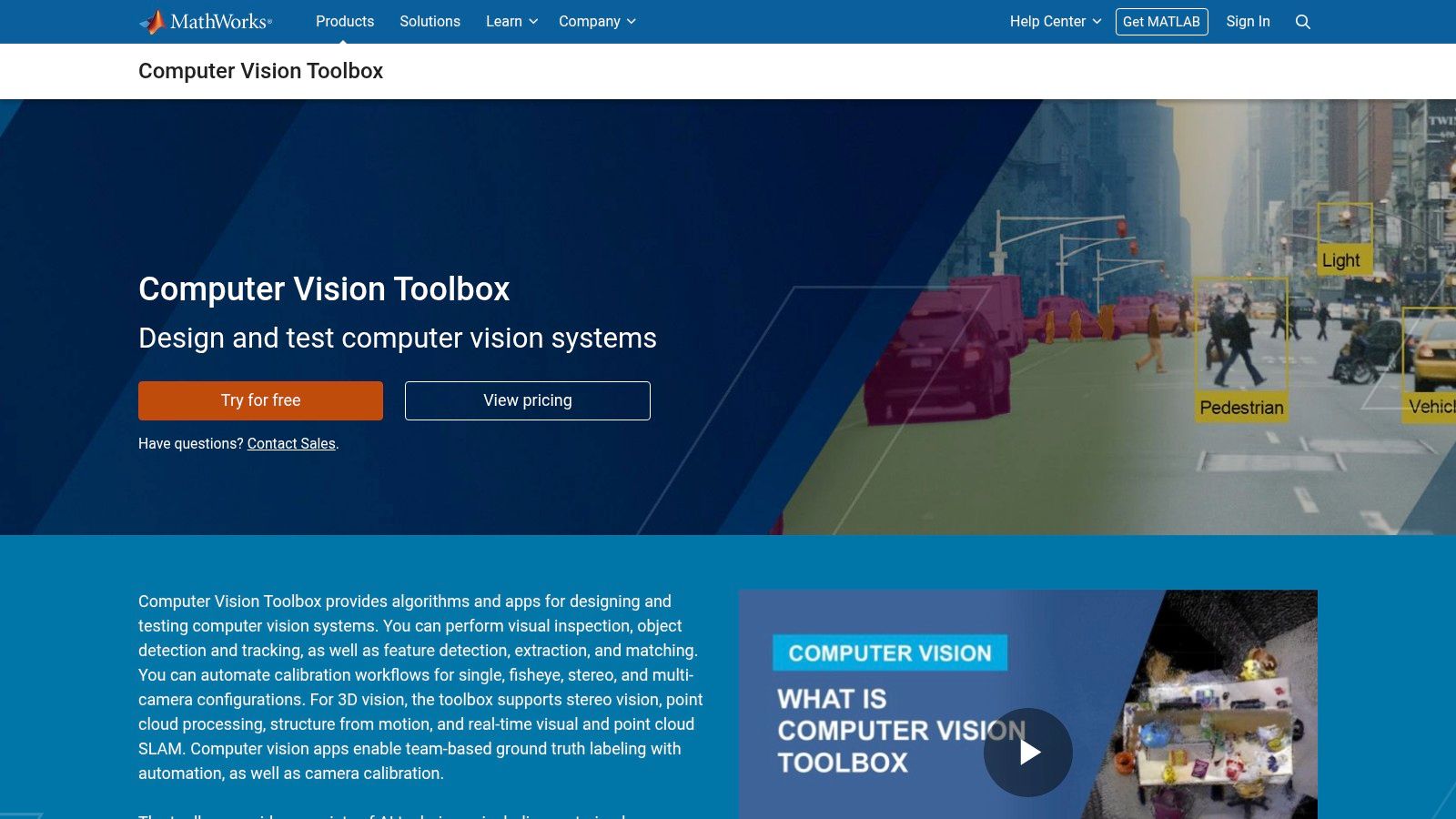
MathWorks offers its Computer Vision Toolbox as an extension to the MATLAB environment, providing a comprehensive and integrated platform for engineers and researchers. It is designed for those who need to design, test, and deploy custom image recognition systems from the ground up. The toolbox's strength is its self-contained workflow, from data labeling and camera calibration to model training and deployment, making it ideal for industries with stringent validation requirements.
This platform provides a robust environment for developing sophisticated software for image recognition applications. Users can leverage pretrained models for classification, detection, and segmentation, or train their own using popular deep learning architectures like YOLO and U-Net. The toolbox is particularly valuable for its ability to generate C/C++ or CUDA code directly from MATLAB algorithms, streamlining the transition from prototype to production-ready embedded systems.
Key Features and Considerations
The primary advantage of the Computer Vision Toolbox is its deep integration within the MATLAB ecosystem, complete with extensive documentation, examples, and dedicated support. This makes it an excellent choice for teams already proficient with MathWorks tools or for academic and research settings where MATLAB is a standard.
- Primary Use Cases: Automotive systems (like autonomous driving), industrial automation, medical imaging analysis, and academic research requiring reproducible, well-documented workflows.
- Pricing: Requires a MATLAB license plus the cost of the specific toolbox. Pricing is quote-based and varies significantly for commercial, academic, and student use, which can represent a substantial investment.
- Limitations: The ecosystem is fundamentally MATLAB-centric, which may create a steep learning curve or integration challenges for teams that primarily use Python-based frameworks like TensorFlow or PyTorch.
For users seeking an all-in-one development environment with strong enterprise backing, this toolbox is a powerful, albeit specialized, option.
Website: https://www.mathworks.com/products/computer-vision.html
10. NVIDIA TAO Toolkit
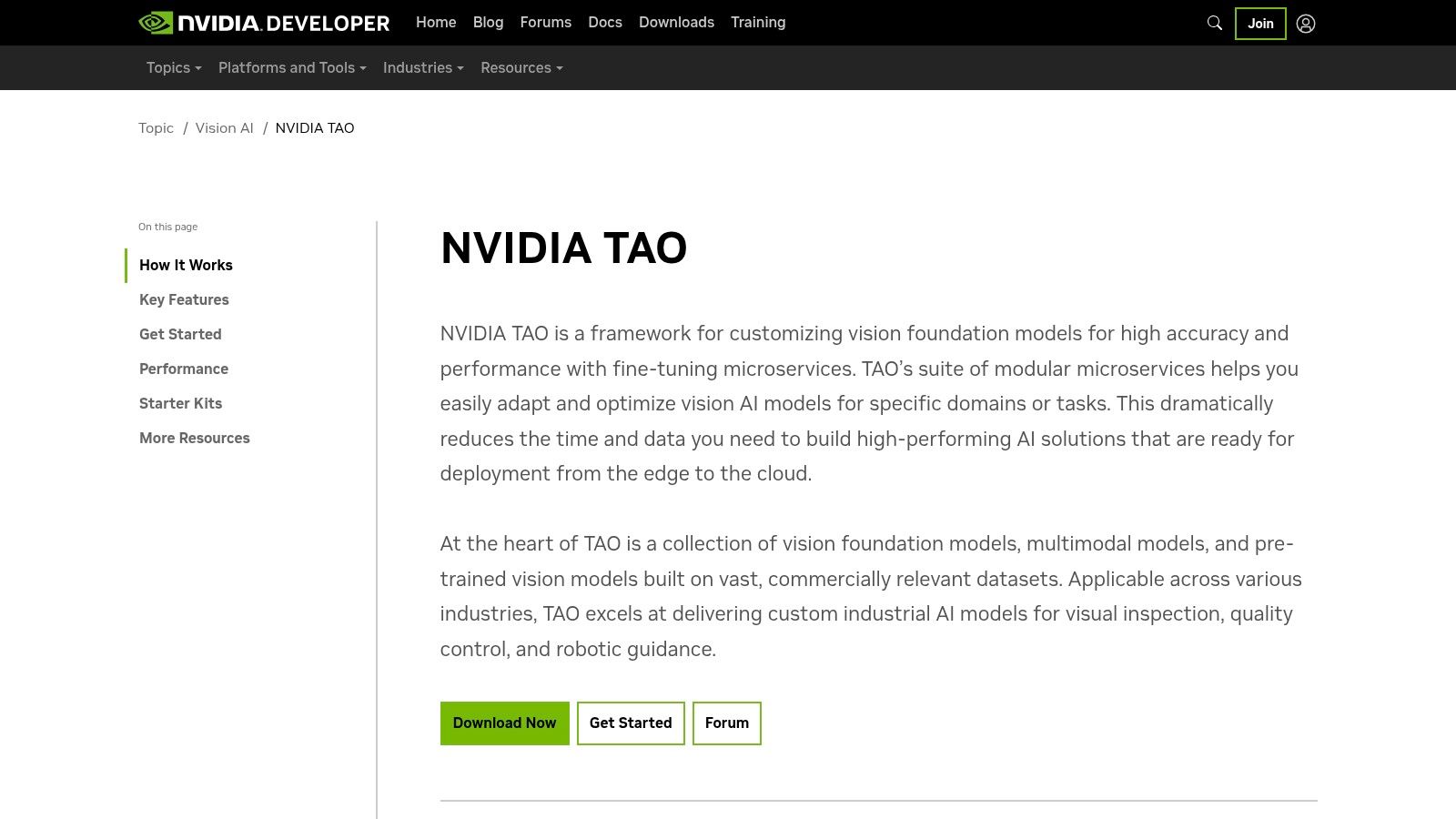
NVIDIA TAO Toolkit is a low-code AI model development solution designed to accelerate the creation of production-ready computer vision models. It simplifies and streamlines the complex process of building and fine-tuning AI by leveraging transfer learning. This allows teams to take high-quality, pre-trained NVIDIA models and adapt them to their specific datasets with minimal coding, significantly reducing development time and the need for deep AI expertise.
The toolkit is ideal for developers and enterprises already invested in the NVIDIA ecosystem, particularly those targeting edge devices. It provides a clear, optimized path from training to deployment on platforms using NVIDIA GPUs, TensorRT, and DeepStream. As a specialized piece of software for image recognition, it bridges the gap between pre-built APIs and building a model from scratch, offering a powerful middle ground for creating custom, high-performance vision applications like object detection, instance segmentation, and action recognition.
Key Features and Considerations
The primary strength of the TAO Toolkit is its focus on efficiency and performance within the NVIDIA hardware ecosystem. It abstracts away much of the complexity of AI frameworks, allowing users to focus on data and model optimization through simple configuration files and commands.
- Primary Use Cases: Custom object detection for retail analytics, industrial defect inspection, public safety monitoring, and intelligent video analytics (IVA) on edge devices.
- Pricing: The TAO Toolkit is available for free. However, it requires NVIDIA GPU hardware to run, and users may incur costs associated with cloud computing instances if not using local hardware.
- Limitations: The toolkit is heavily optimized for and often requires NVIDIA GPUs, which creates vendor lock-in. It also has a notable learning curve for users unfamiliar with Docker, command-line interfaces, and the specific NVIDIA driver and container setup.
Website: https://developer.nvidia.com/tao-toolkit
11. Intel OpenVINO Toolkit
The Intel OpenVINO Toolkit is a free, open-source toolkit designed for developers who need to optimize and deploy pre-trained deep learning models. Rather than providing models, it acts as a performance accelerator, enabling models built in frameworks like TensorFlow or PyTorch to run with significantly lower latency on Intel hardware, including CPUs, integrated GPUs, and specialized Vision Processing Units (VPUs). Its core function is to bridge the gap between model training and efficient real-world deployment.
This toolkit excels at making sophisticated software for image recognition practical for edge computing and on-premise servers where performance and resource efficiency are critical. By converting and quantizing models, OpenVINO reduces their footprint and speeds up inference, which is vital for applications like real-time video analysis, industrial automation, and interactive retail experiences. It empowers developers to take a powerful, research-grade model and make it run effectively on a wide array of devices without costly cloud processing.
Key Features and Considerations
OpenVINO’s main advantage is its ability to unlock hardware-specific acceleration on ubiquitous Intel chips, making high-performance AI more accessible. The toolkit comes with extensive documentation, tutorials, and pre-trained models to help users get started quickly with its optimization workflows.
- Primary Use Cases: Edge AI applications (smart cameras, robotics), industrial quality control, retail analytics (people counting, shelf monitoring), and optimizing inference performance for server-side applications running on Intel architecture.
- Pricing: Completely free and open-source, providing a powerful, cost-effective solution for performance tuning without any licensing fees.
- Limitations: Its primary strength is also its main limitation; the performance gains are most significant on Intel hardware. While it can run on other platforms, the acceleration benefits will be minimal, making it a specialized tool for specific hardware ecosystems.
For developers aiming to deploy models on Intel-based devices, OpenVINO is an essential tool for maximizing efficiency.
Website: https://www.intel.com/developer/tools/openvino-toolkit/overview.html
12. Sighthound
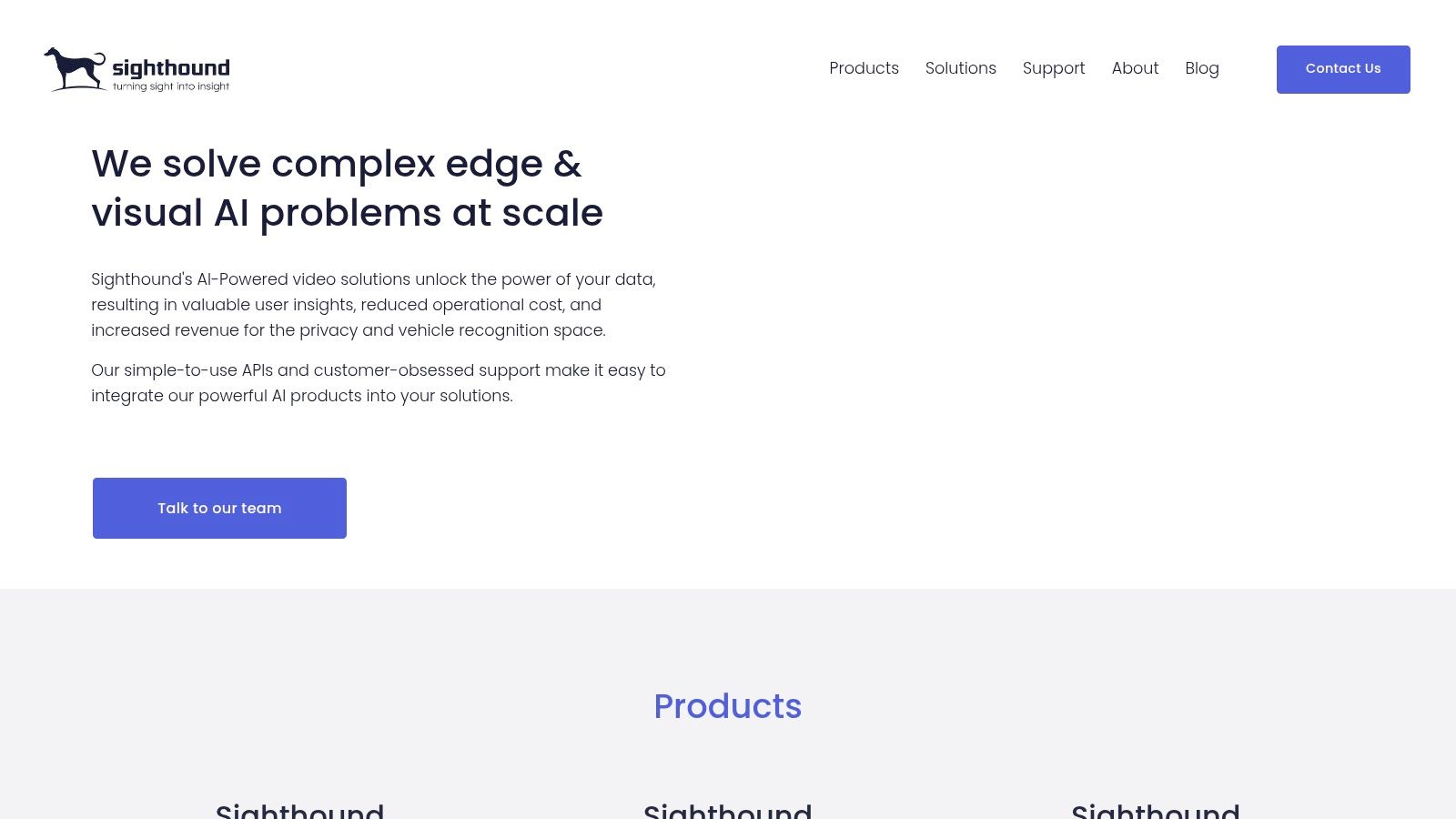
Sighthound offers a focused suite of on-device and cloud-based computer vision tools tailored for security, monitoring, and business analytics. It stands apart from large-scale cloud providers by offering straightforward, self-contained solutions like Sighthound Video, a desktop NVR (Network Video Recorder) application with built-in person and object detection. This makes it an accessible entry point for small businesses or individuals needing video surveillance analytics without complex cloud integrations.
The platform provides two primary deployment options: a downloadable desktop app for on-premise video analysis and a cloud API for developers. This hybrid approach makes it a flexible piece of software for image recognition, catering to both those who prioritize data privacy by keeping analysis local and those who need scalable cloud processing. Its simple, camera-based licensing tiers and available starter trials allow users to test its capabilities quickly and cost-effectively for specific security and monitoring needs.
Key Features and Considerations
Sighthound's main advantage is its simplicity and focus on practical security applications, making advanced video analytics available without requiring a deep technical background. The platform is designed for immediate use in real-world monitoring scenarios.
- Primary Use Cases: Small business security, home monitoring with smart alerts, vehicle tracking in parking lots, and custom analytics for retail environments.
- Pricing: Sighthound Video is licensed per camera with basic and pro tiers. Cloud API pricing is usage-based. This model is straightforward for smaller deployments but may not scale as cost-effectively as hyperscale providers for massive projects.
- Limitations: The platform offers a narrower range of pre-trained models compared to giants like AWS or Google. Its enterprise API and feature set are less extensive, making it better suited for specific, defined tasks rather than broad, multi-purpose AI development.
For a deeper comparison of tools like this, you can explore more options in our comprehensive guide to image recognition software.
Website: https://www.sighthound.com/
Top 12 Image Recognition Tools — Feature Comparison
| Product | Core features | Privacy & storage | Target users / Use cases | Pricing & deployment | Unique selling point |
|---|---|---|---|---|---|
| AI Image Detector | Explainable AI verdicts; confidence score; visual indicators | Privacy-first: real-time analysis; images not stored on servers | Journalists, fact-checkers, educators, marketplaces, trust & safety, developers | Core detection free & no registration; optional free account for history; API available | Fast (<10s, often <2s), explainable results and privacy-focused workflow |
| Google Cloud Vision AI | Labels, OCR, faces, web detection, image properties; Vertex AI integration | Cloud processing under Google Cloud policies | Prototyping to production; web & enterprise apps | Pay-as-you-go per feature; free tier (1,000 units/month) | Broad feature set and strong Google Cloud ecosystem |
| Amazon Rekognition (AWS) | Labels, moderation, text, face metadata, Custom Labels | Cloud processing on AWS; storage billed separately | Production-grade deployments; media, moderation, indexing | Tiered usage pricing; free tier for new accounts; additional storage charges | Deep AWS integration and mature SLAs |
| Microsoft Azure AI Vision & Custom Vision | Prebuilt tagging, OCR, people detection; custom training | Cloud processing with Azure compliance options | Enterprise apps, regulated industries, quick custom models | Pay-as-you-go per 1,000 transactions; free trial tier | No-code custom training + enterprise compliance |
| Clarifai | Prebuilt models, custom training, segmentation, on-prem options | Cloud or dedicated/on-prem deployments available | Enterprises needing flexible deployment and throughput control | Per-request pricing; hourly training for models; enterprise plans | Flexible deployment (cloud, dedicated, local runners) |
| Roboflow | Dataset management, annotation, hosted training, edge deployment | Hosted service; private projects kept on paid plans | Rapid prototyping to production; teams needing MLOps-lite | Free public plan; paid plans for private projects and compute | Fast dataset-to-deployment flow + large public dataset ecosystem |
| Hugging Face (Model Hub & Inference) | Large model hub, VLMs, managed inference endpoints | Cloud hosting; private VPC options for privacy | Research, experimentation, custom model deployment | Instance/hour pricing; managed endpoints autoscale | Massive model selection and easy experimentation to deployment |
| OpenCV | 2,500+ CV algorithms; DNN modules; cross-platform libs | Local/on-prem use by default (no cloud storage) | Developers building custom vision pipelines; embedded systems | Free open-source library; paid consulting/training optional | Zero-cost toolkit with extensive community and examples |
| MathWorks Computer Vision Toolbox (MATLAB) | Labeling apps, pretrained models, code generation for C/C++/GPU | On-prem/cloud per MATLAB licensing; enterprise support | Regulated industries, researchers, teams using MATLAB workflows | Commercial licensing per seat; toolboxes extra | Integrated MATLAB workflow and production code generation |
| NVIDIA TAO Toolkit | Transfer learning for NVIDIA models; export to TensorRT/DeepStream | Local or cloud with NVIDIA infra; containers on NGC | Teams using NVIDIA GPUs for training and edge inference | Free toolkit; requires NVIDIA hardware and container setup | Optimized fine-tuning and deployment path for NVIDIA GPUs |
| Intel OpenVINO Toolkit | Model conversion, quantization, cross-platform runtime | Local/on-prem runtime optimized for Intel hardware | Edge and server deployments on Intel CPUs/VPUs | Free and open-source | Improves inference on Intel hardware with model optimizations |
| Sighthound | On-device NVR analytics; cloud APIs; starter trials | On-device options reduce cloud exposure; cloud APIs available | Security, monitoring, small businesses, camera-based deployments | Simple camera-based licensing and trials | Easy on-device video analytics with simple licensing |
Making Your Choice: From APIs to Custom Models
The landscape of software for image recognition is vast and varied, stretching from simple, drag-and-drop tools to complex, code-intensive libraries. As we've explored, the "best" solution is not a one-size-fits-all answer but a tailored choice that aligns with your specific objectives, technical resources, and project scope. Your journey into leveraging this technology begins not with picking a tool, but with clearly defining your problem.
The key takeaway from this comprehensive review is the critical importance of matching the tool to the task. Are you a journalist on a deadline needing to verify the authenticity of a potentially AI-generated image? A specialized, privacy-first tool like AI Image Detector provides a direct, secure, and immediate answer. This focused approach saves time and protects sensitive source material, a stark contrast to using a general-purpose API for a highly specific need.
Conversely, large enterprises needing to integrate broad image analysis capabilities, like object detection or text extraction, into their existing cloud infrastructure will find powerful allies in Google Cloud Vision AI, Amazon Rekognition, and Microsoft Azure AI Vision. These platforms offer immense scalability and a wide array of pre-trained models, but they require a certain level of technical integration and a clear understanding of their pricing structures.
Navigating the Path to Implementation
Once you have a shortlist, the next step is to evaluate the practicalities of implementation. This decision-making process can be broken down into a few core considerations:
- Ease of Use vs. Customization: Platforms like Clarifai and Roboflow strike a balance, offering user-friendly interfaces for building custom models without requiring a deep machine learning background. For maximum control, however, developers and researchers will naturally gravitate towards the power and flexibility of open-source libraries like OpenCV or specialized toolkits from NVIDIA and Intel, which provide unparalleled customization at the cost of a steeper learning curve.
- Privacy and Data Handling: Where does your data go? For users in journalism, legal compliance, or trust and safety, this is a non-negotiable question. Tools that process images locally or have explicit, transparent privacy policies are essential. Always review a provider's data retention and usage policies before uploading sensitive visual information.
- Scalability and Cost: Your needs today might differ from your needs tomorrow. A free tier or a simple API might suffice for initial testing, but consider the future. Will the cost structure scale predictably as your usage grows? Does the platform offer the performance and reliability required for a production-level application? Thinking about these factors early on prevents costly migrations later.
Final Thoughts on Selecting Your Software
Choosing the right software for image recognition is ultimately an exercise in strategic alignment. It's about looking beyond the feature list and assessing how a tool fits into your workflow, budget, and long-term goals. Whether you are detecting explicit content, identifying products in a catalog, analyzing satellite imagery for research, or verifying the authenticity of a digital photo, the perfect tool is one that empowers you to turn pixels into actionable insights efficiently and responsibly.
The field is evolving at a breakneck pace, with new models and capabilities emerging constantly. The most successful implementations will be those that not only solve today's problems but also remain adaptable to the innovations of tomorrow. Start with a small, well-defined project, test your chosen solution thoroughly, and build from there. The power to understand and interpret the visual world has never been more accessible.
In an era where distinguishing between authentic and AI-generated content is more critical than ever, having a dedicated tool is essential. AI Image Detector offers a focused, secure, and easy-to-use solution specifically for this challenge, making it a vital piece of software for image recognition for anyone concerned with digital integrity. Protect your work and verify your sources with confidence by trying the AI Image Detector today.


